FADE IN:
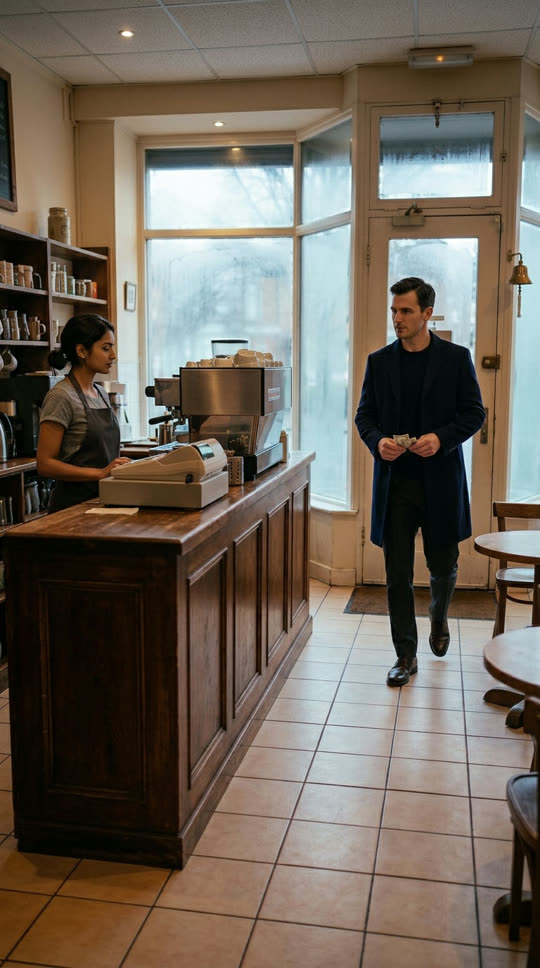
INT. CORNER CAFÉ — COUNTER — CONTINUOUS
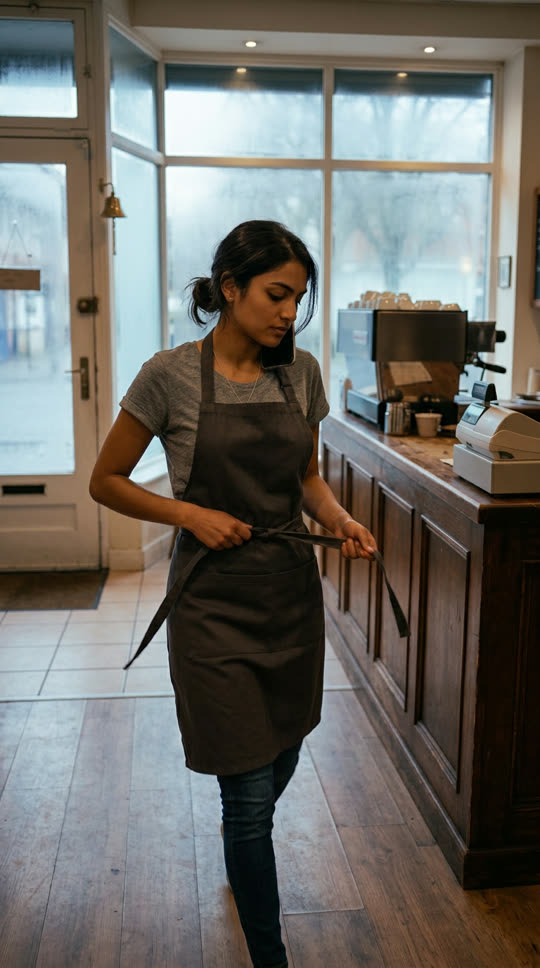
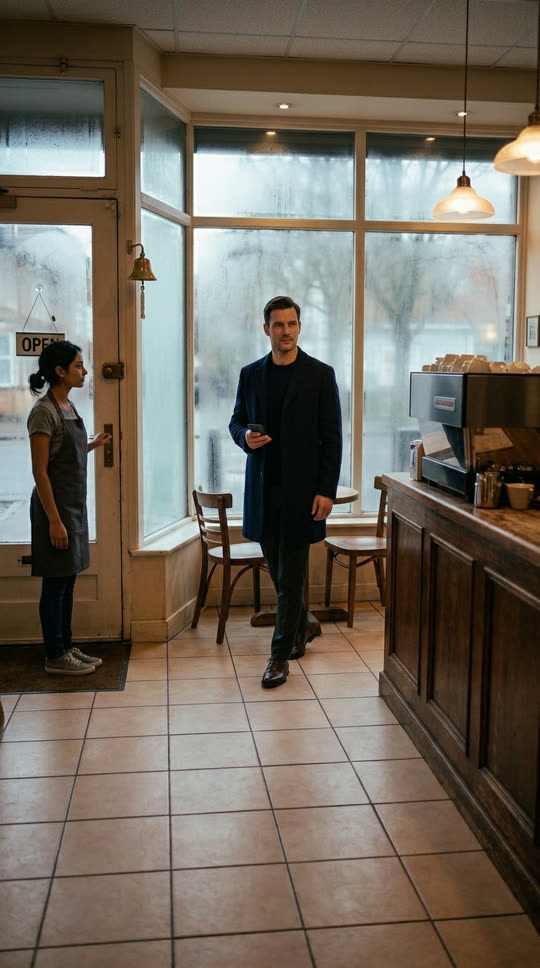
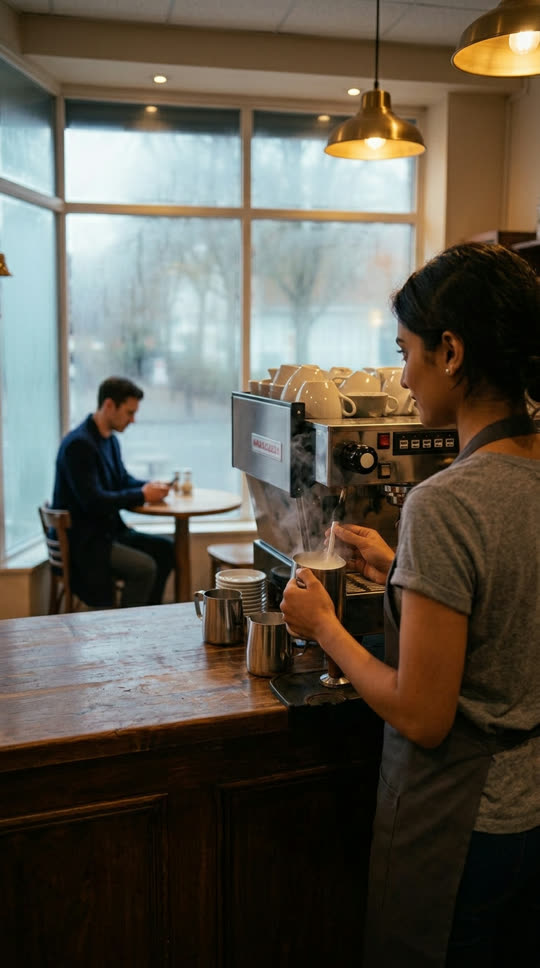
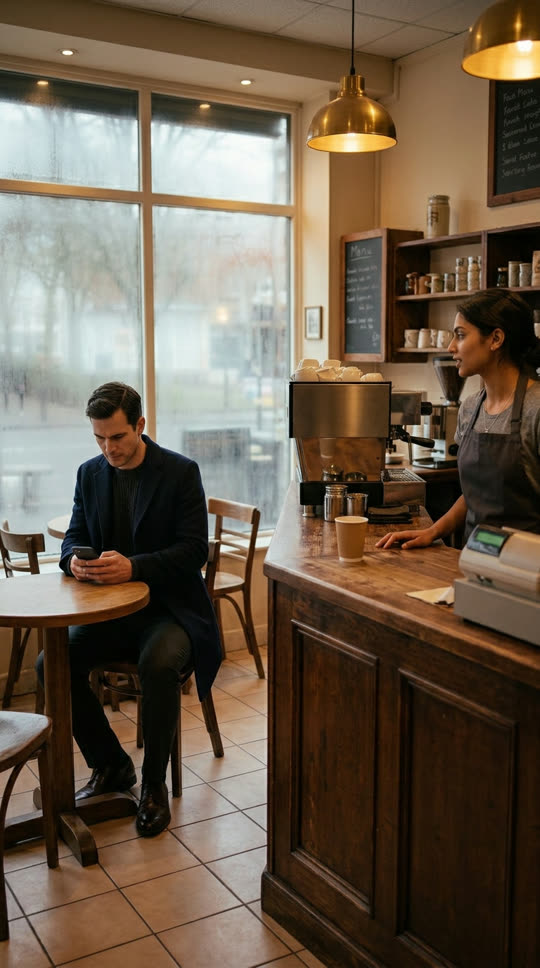
Maya steams milk, glancing at him over the machine.
MAYA
Flat white. Same as every day. Groundbreaking.
ETHAN
You remembered.
From the AI writer
A tight dawn scene that ends on her seeing his name.
Create AI short dramas from a one-line idea or your own script. Write the episode with AI, plan every shot, keep your characters recognizable and finish a vertical drama with dialogue and subtitles.
“A barista realizes the regular who never tips is the billionaire who just bought her café.”
From the first line of the script to a finished episode. The AI drama generator drafts each step, and you decide what stays.
Maya steams milk, glancing at him over the machine.
Flat white. Same as every day. Groundbreaking.
You remembered.
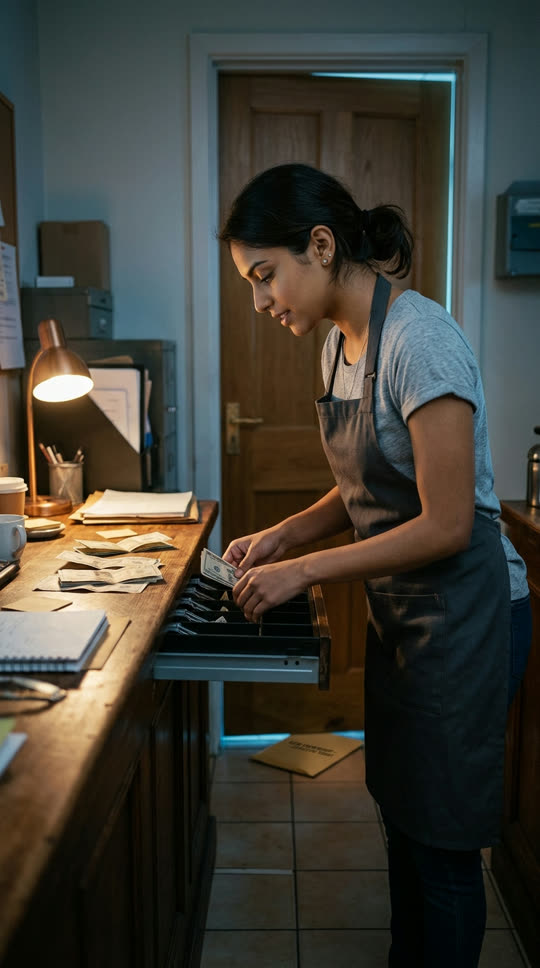
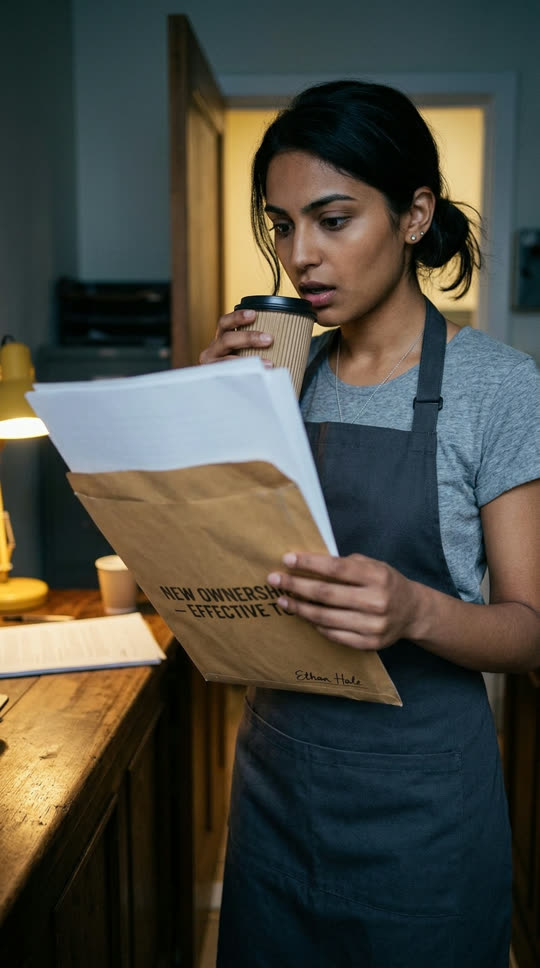
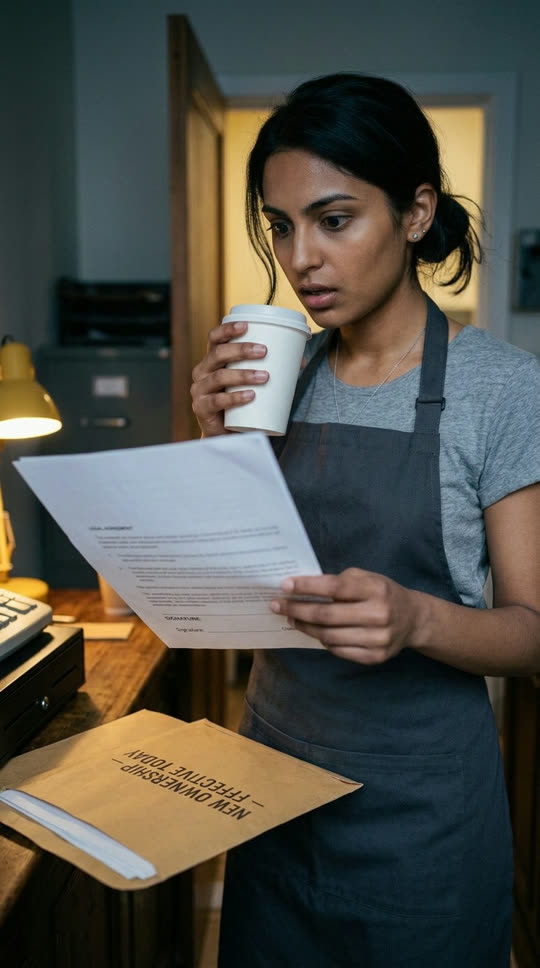
A tight dawn scene that ends on her seeing his name.

Type a premise or paste an episode script. The creative conversation helps you sharpen the hook, the conflict and the dialogue before anything is filmed.
AI breaks the screenplay into scenes and shots, suggests the characters, places and props they need, and sets a visual style you can change.
Create a storyboard image for each shot, then bring it into motion with the video model you choose. Compare versions and keep the take you like.
Add voices, music and sound, generate captions from speech and export the episode as MP4 with SRT or VTT subtitles.
Give each character, location and prop a reference image and attach it to the shots that need it. The continuity plan shows how one shot leads into the next, so faces, outfits and places stay recognizable across the episode.
Planning the next episode? Add the same character images to the new project. Results still need review, and you can replace a reference or regenerate a take at any time.
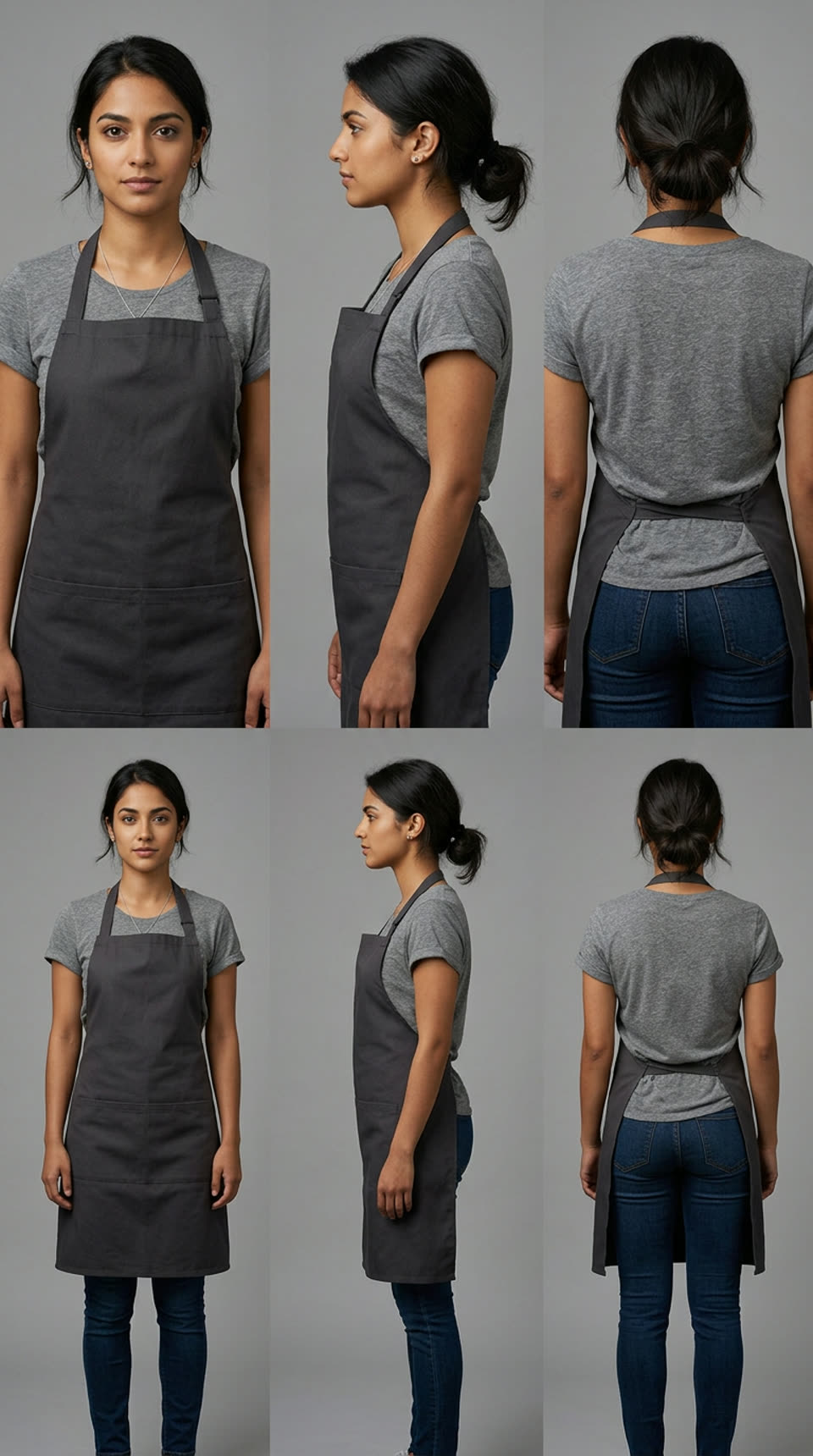
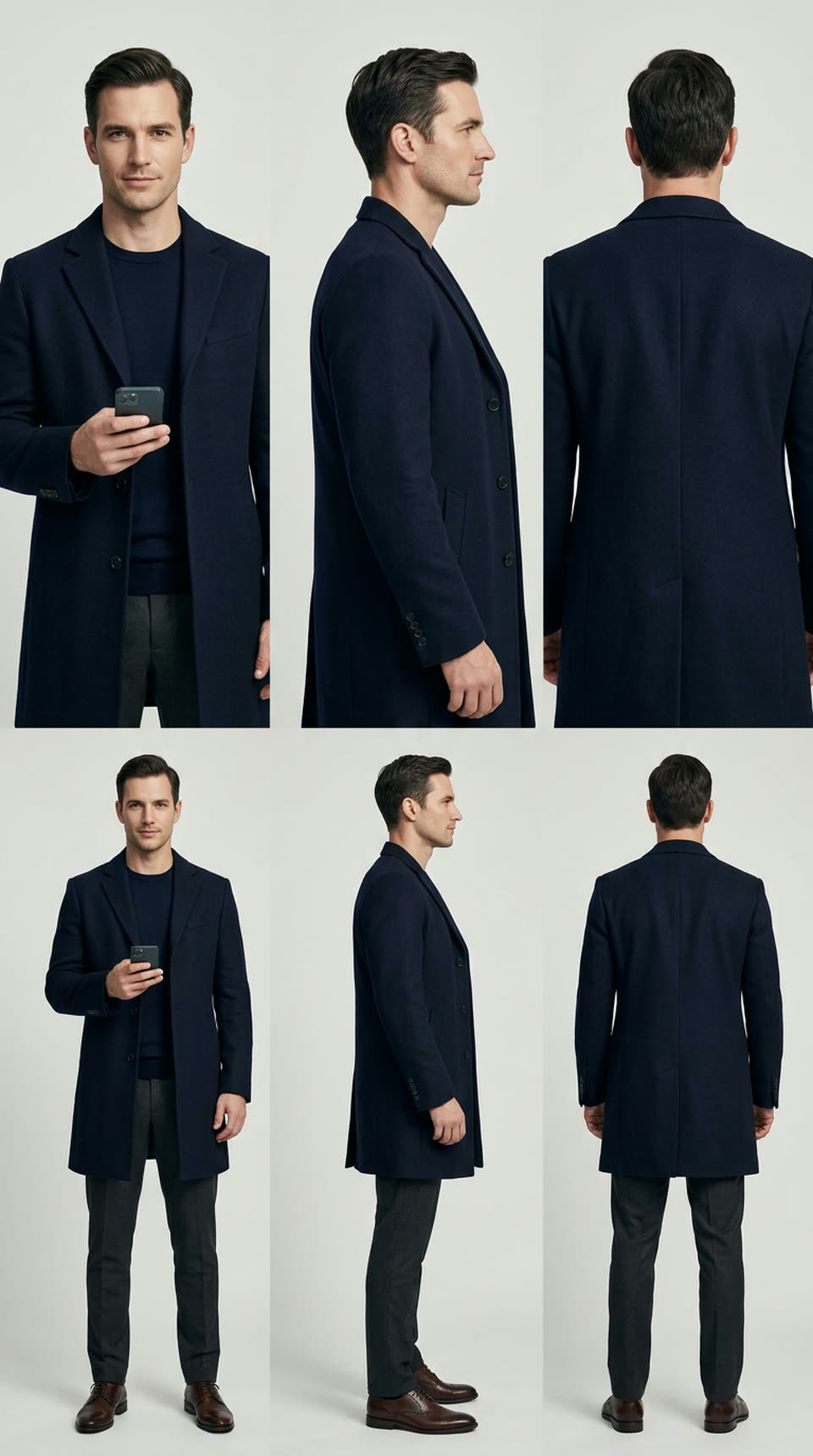
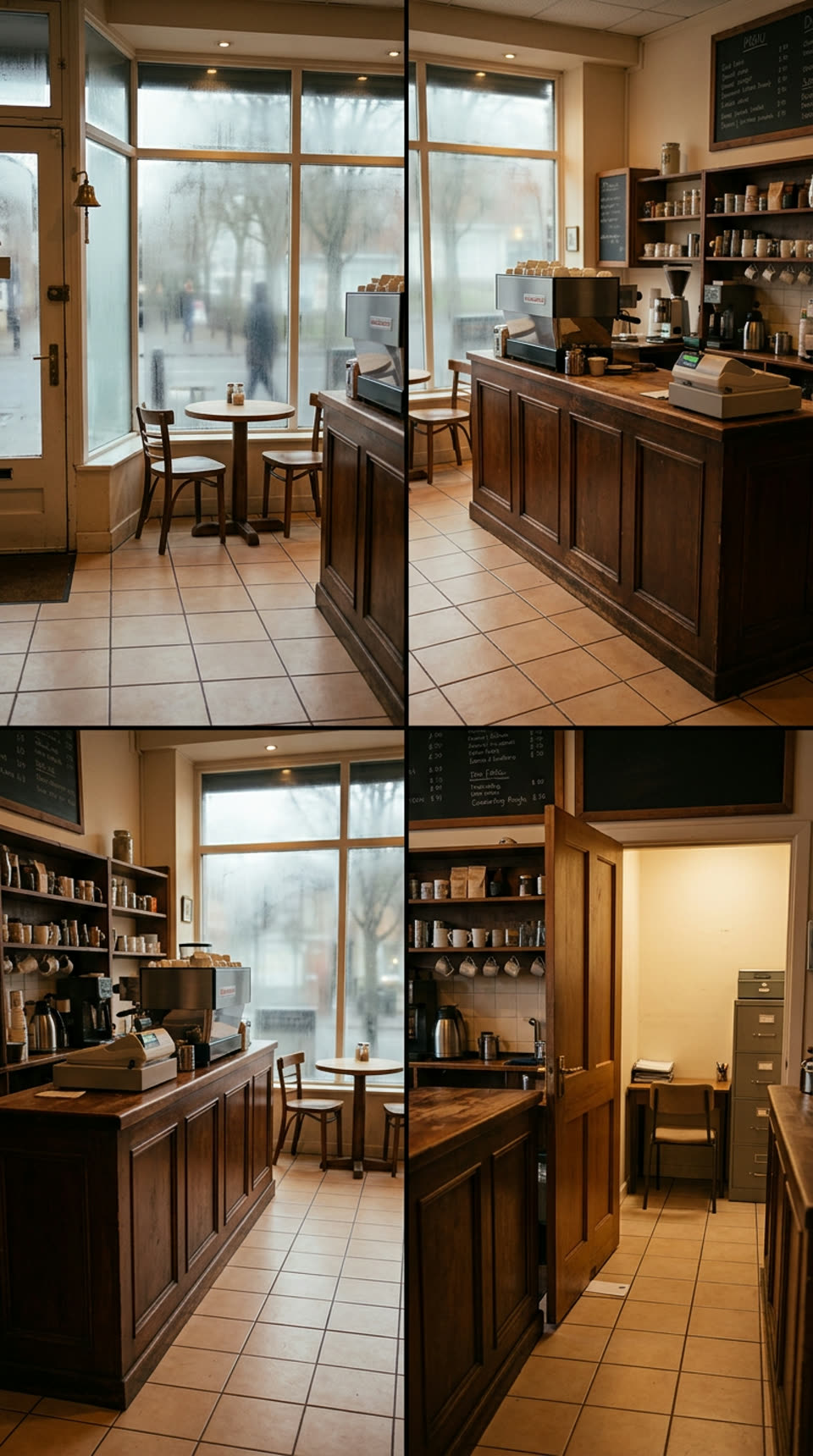
Set the framing, movement and emotion for each shot. Generate a still, bring it into motion and compare versions until the moment lands.
Keep image and video versions, choose your take or bring in your own media.
“Hard to forget the only guy
who’s never once tipped.”
Set the project to 9:16 and write for the phone screen: a hook in the first seconds, short scenes and a line worth waiting for at the end.
Create dialogue and voiceover, then layer music, sound effects and ambience. Turn speech into captions, import SRT or VTT files, or write and time subtitles yourself.
Short dramas live on a strong premise. Start from one of these, or bend it into your own story.
A barista realizes the regular who never tips is the billionaire who just bought her café.
Use this ideaFired on her wedding day, a junior lawyer returns five years later as the opposing counsel.
Use this ideaA billionaire goes undercover as an intern and is assigned to the one employee who can’t stand him.
Use this ideaA girl who can hear every lie falls for the one boy whose words make no sound.
Use this ideaA night-shift nurse gets a text from a patient who died an hour ago.
Use this ideaTwo roommates fake a relationship to win an apartment contest, then the judges move in next door.
Use this ideaChoose the model shot by shot. Each one offers different shot lengths and output options.
The longest single shots. Useful when a line of dialogue needs time to land.
Output up to 4K for close-ups and scenes you want to show in detail.
Higher resolutions for the scenes that go into the finished episode.
The faster Seedance variant for drafting scenes before you commit.
Arrange shots, trim the pauses and set the rhythm. Bring title cards, transitions, captions and audio together, with the whole episode in view.
Sign in to save the script, references and media with the project. Return to any scene when the next twist comes to you.
Export up to 10 minutes and 100 clips as MP4, with subtitles as SRT or VTT. Save the video to Assets to use it again.
Send the sequence, trim ranges, frame, audio and captions to Editing Studio. Your original drama project stays yours.
Explore Editing StudioKnowing the limits up front saves time on your first episode.
Each episode is its own project. To keep a cast across episodes, add the same character images to each new project.
You review the script, the storyboard and every shot. The generator speeds up each step, but the decisions stay yours.
A shot can drift from its reference. Regenerate it, replace the reference or upload your own media for that shot.
Each project uses one aspect ratio. Choose 9:16 for vertical platforms before you generate shots.
An AI drama generator helps you write a short drama and turn it into video. On SuperVids it starts from an idea or a script, breaks the story into shots, generates each shot with the video model you choose and lets you add dialogue, music and subtitles before you export the episode.
A micro drama, also called a short drama or vertical drama, is a series told in very short vertical episodes that are watched on a phone. Each episode opens with a hook, keeps its scenes short, lets the dialogue carry the story and usually ends on a cliffhanger.
Paste your story or script into the AI drama generator, or describe the premise in a sentence. Develop it into a screenplay with dialogue through the creative conversation, then generate a storyboard plan and create the shots one by one.
Most creators combine a script, reference images for each character, a video model for the shots and an editor for voices, music and subtitles. The AI drama generator keeps these steps in one project, so the script, references, shots and sound stay together.
Within an episode, attach character references to the shots that need them and review the continuity plan. For the next episode, add the same character images to the new project. Results still need review, and you can regenerate any take that drifts.
You can export up to 10 minutes and 100 clips from one project. A single shot runs from 2 to 30 seconds depending on the video model, so a typical one- to three-minute episode fits comfortably.
Yes. Paste or import your script, edit the scenes and dialogue before you generate the storyboard, and keep revising it as the episode develops.
You can open the AI drama generator and explore a sample project without an account. Sign in to save projects and use AI writing and generation. See the pricing page for current plans and credits.