01Make an entrance
Studio steps
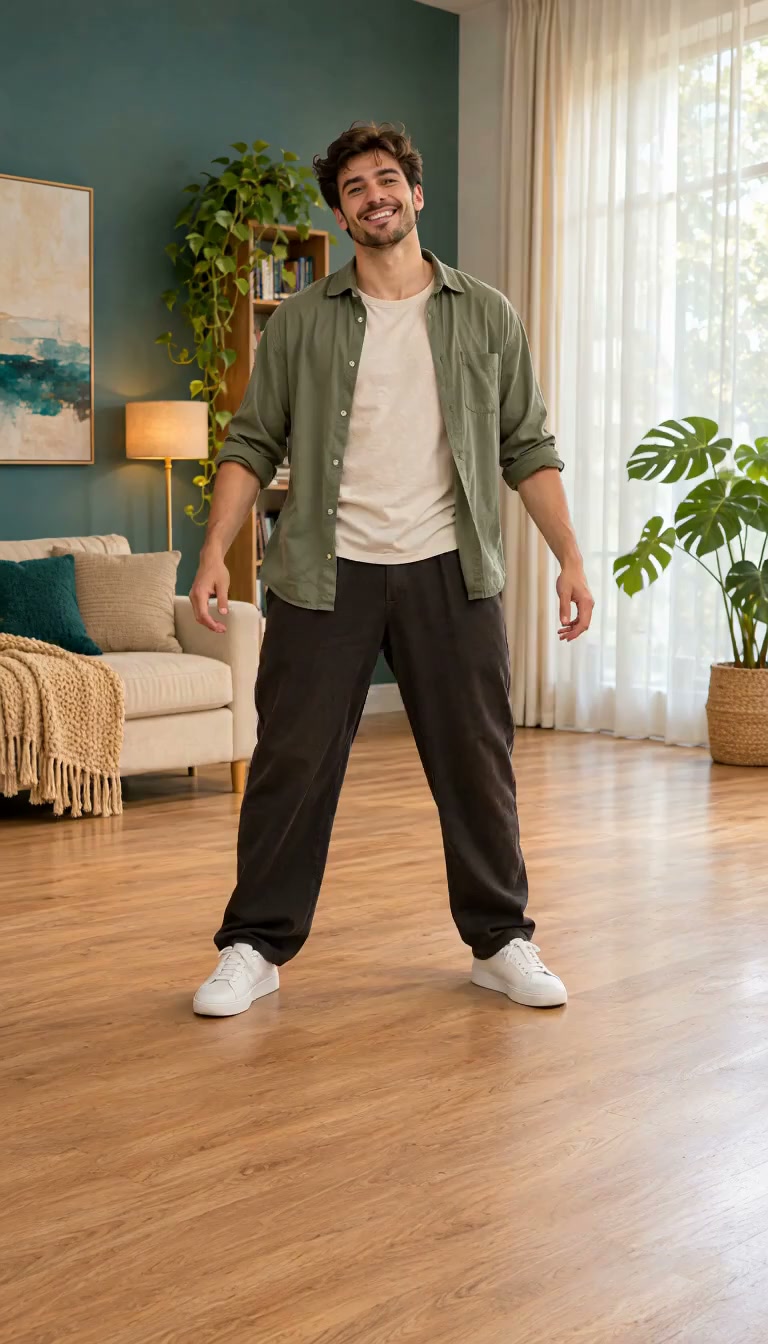
Energetic steps and a confident pose, with room for the whole performance.
Turn a person’s photo into a dance video with the AI dance video generator. Choose a movement style, preview the result and keep creating.
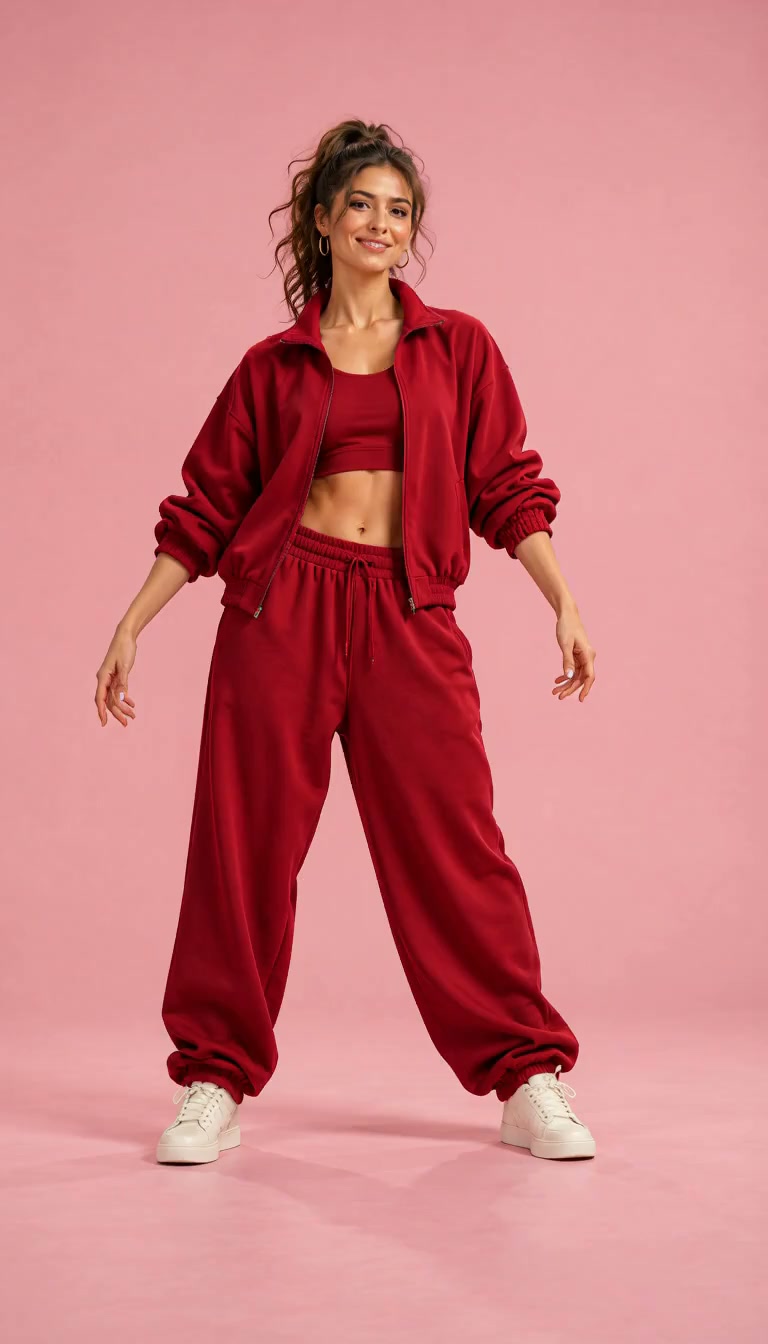 Still frame
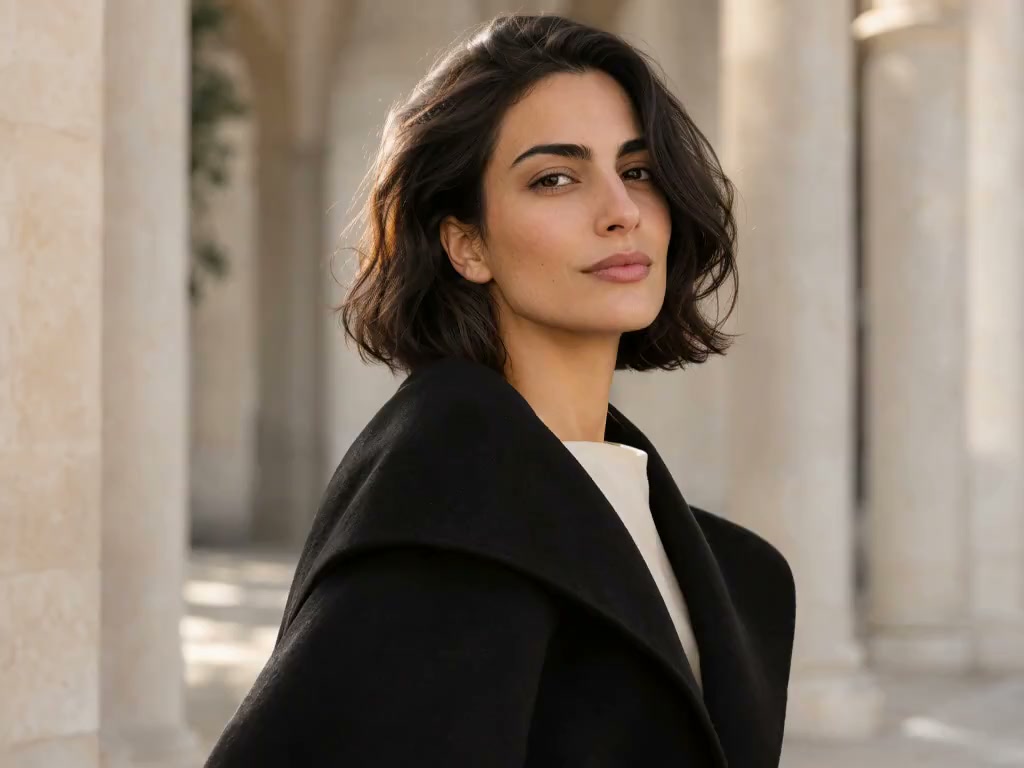
A confident entrance, a playful groove, or expressive hand movements. Explore AI dance video examples and choose a direction that fits your portrait.
Energetic steps and a confident pose, with room for the whole performance.
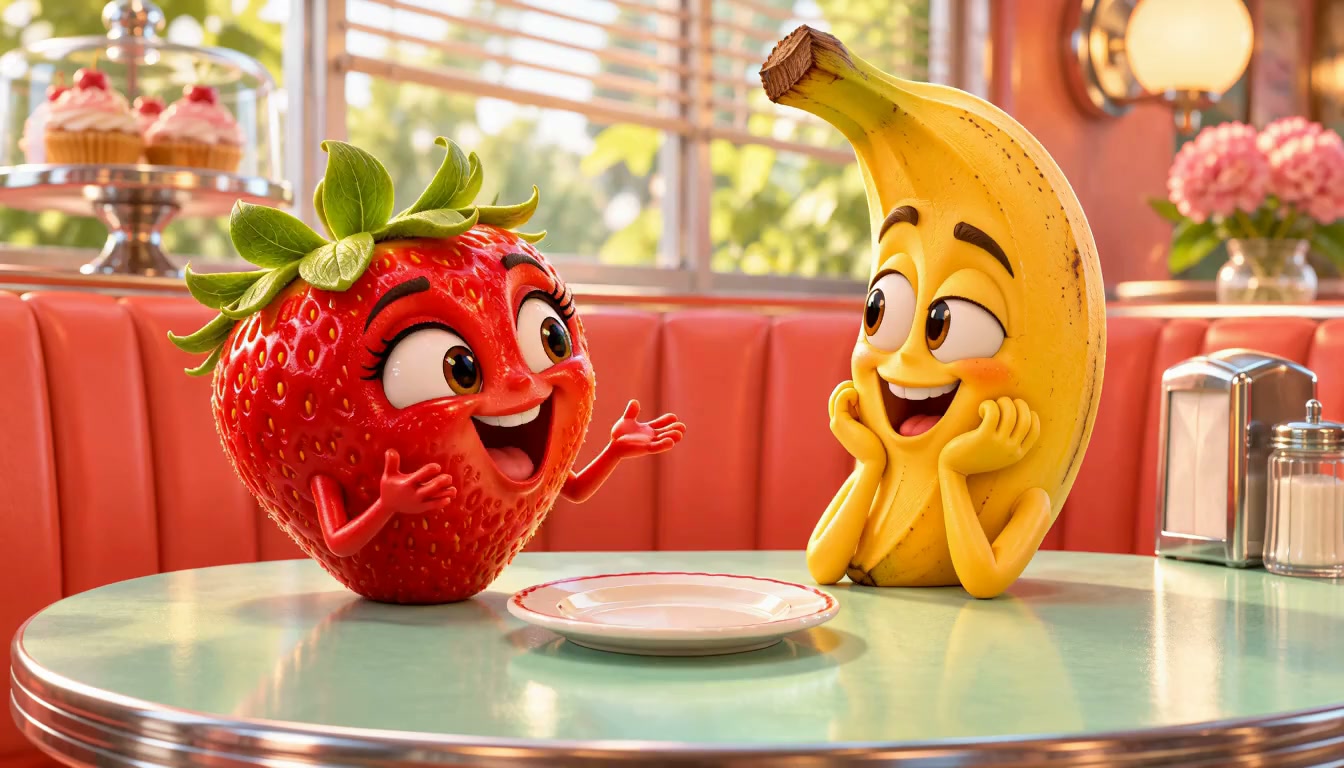
Turn an everyday setting into the stage for a playful, expressive routine.
Hand movements and expressive poses give a short clip its own character.
Go from photo to dance video with the AI dance generator online. Keep the input simple and review the whole movement.
Choose one person with a visible face and body. Leave a little space around the pose so the movement stays in frame.
Pick a preset direction that suits the person’s pose and personality, from a relaxed groove to more energetic steps.
Watch from start to finish. Keep a take with clear expressions and footwork, then download the completed clip for further editing.
A new entrance for a social clip. A playful personal meme. A different mood for a creative concept. Let the movement carry one simple idea.
Still frame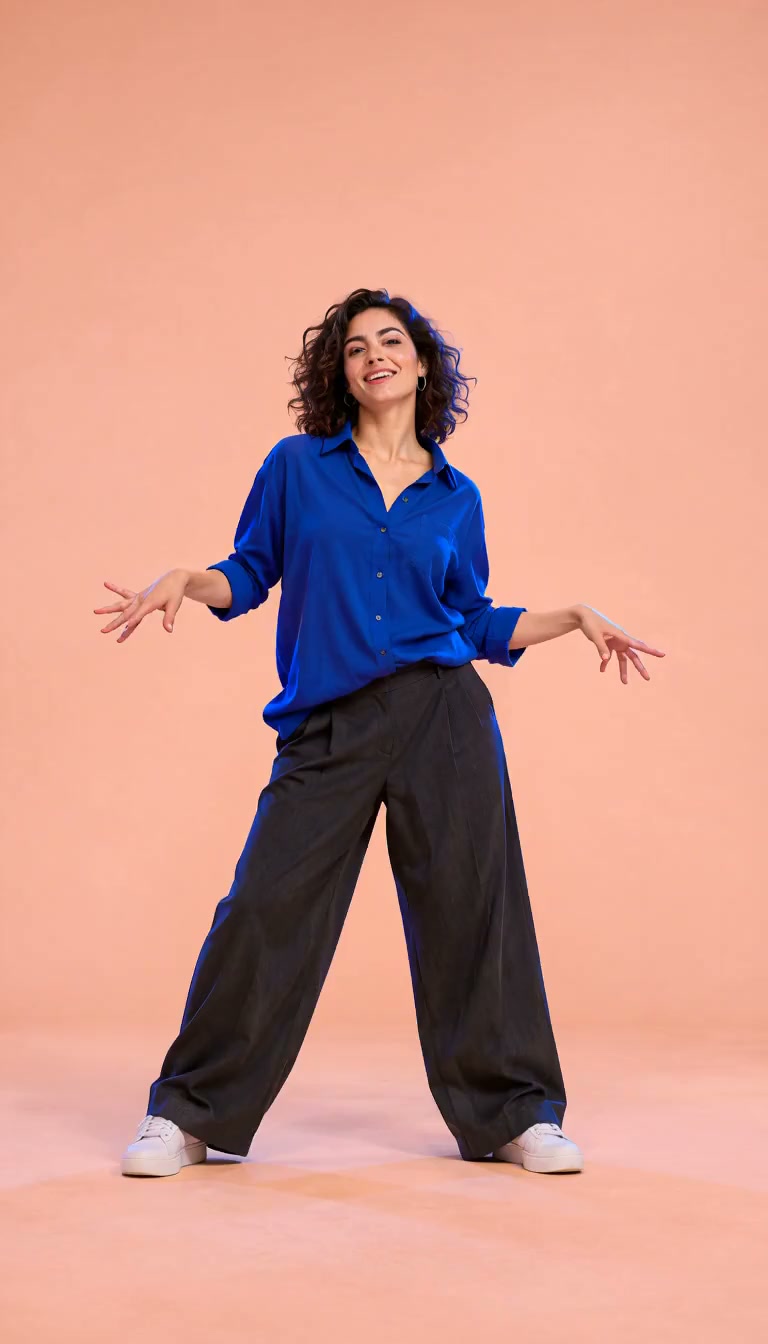 Still frame
To make a photo dance, start with a pose the model can read. A visible face and separate limbs give the movement a clearer starting point.
Once you have a take you like, trim the opening, add your own music, or give the clip a caption. Editing Studio is the optional next step for those finishing choices.
Edit in Editing Studio An optional next step after reviewing your clip.Review the face, hands, feet, and edges of the frame before editing. Music is separate from the movement template; use a track you have permission to share.
Your photo, the movement, and what happens after the first take.
It turns a person’s photo into a short dance clip guided by a movement style. Start with one clear subject, choose the dance direction, and review the generated performance.
Use a clear photo, choose a preset movement style, and generate a clip. Watch the face, hands, feet, and framing before keeping a take. You do not need to film yourself performing the dance for this preset workflow.
Use a well-lit, front-facing photo of one person, with the face and body easy to see. Full-body framing gives footwork more room. Avoid cropped hands, covered faces, overlapping subjects, and complicated poses.
The preset workflow starts with a photo and a movement style, so a detailed prompt is not needed. Choose a dance direction that fits the pose and energy of the person in your picture.
This page covers dance styles for a wider range of portraits. Baby Dance AI focuses on baby photos, baby dance templates, and photo guidance for that specific use case.
The AI dance generator focuses on people and dance movement. Image to Video is the broader option for subject movement, camera motion, landscapes, and product shots described with a motion prompt.
Generation requires a verified account and enough credits for the selected template. Upload an authorized photo, choose a dance template and check the cost shown in the form before generating.
This workflow is built around preset movement styles. Custom motion-video uploads and exact synchronization to a song are not included in the template choices. You can add music you have permission to use as a separate editing step.
A short dance clip can become a social post or a personal meme. Review the full result, then adjust the cut, framing, captions, and music for the platform you use. Only use photos and sound you have permission to share.
The photo guides the subject’s appearance, but AI animation can change details during movement. Check expressions, fingers, feet, and fast turns. An exact likeness or a perfect first result is not guaranteed.