Reimagine the extraordinary
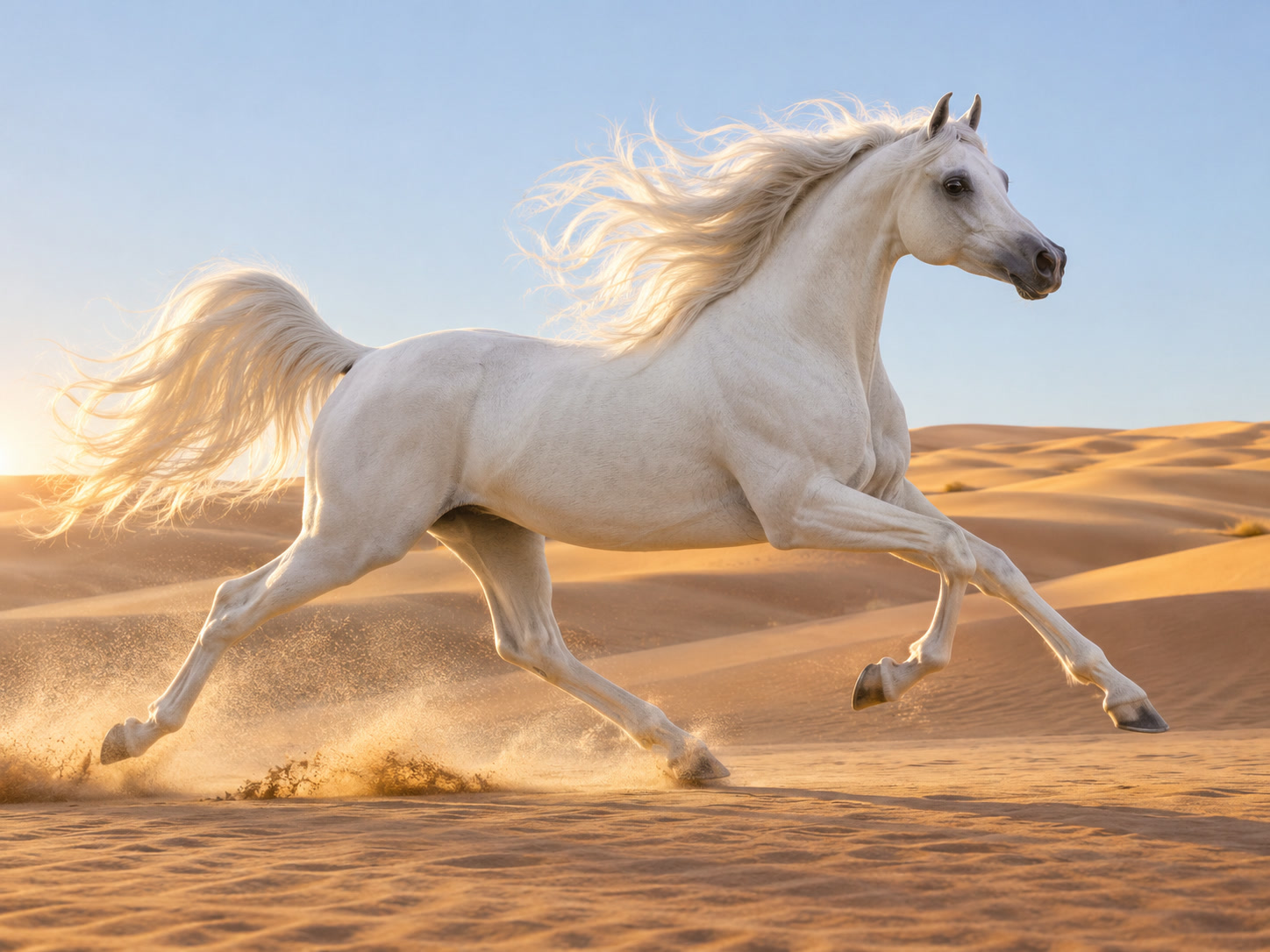
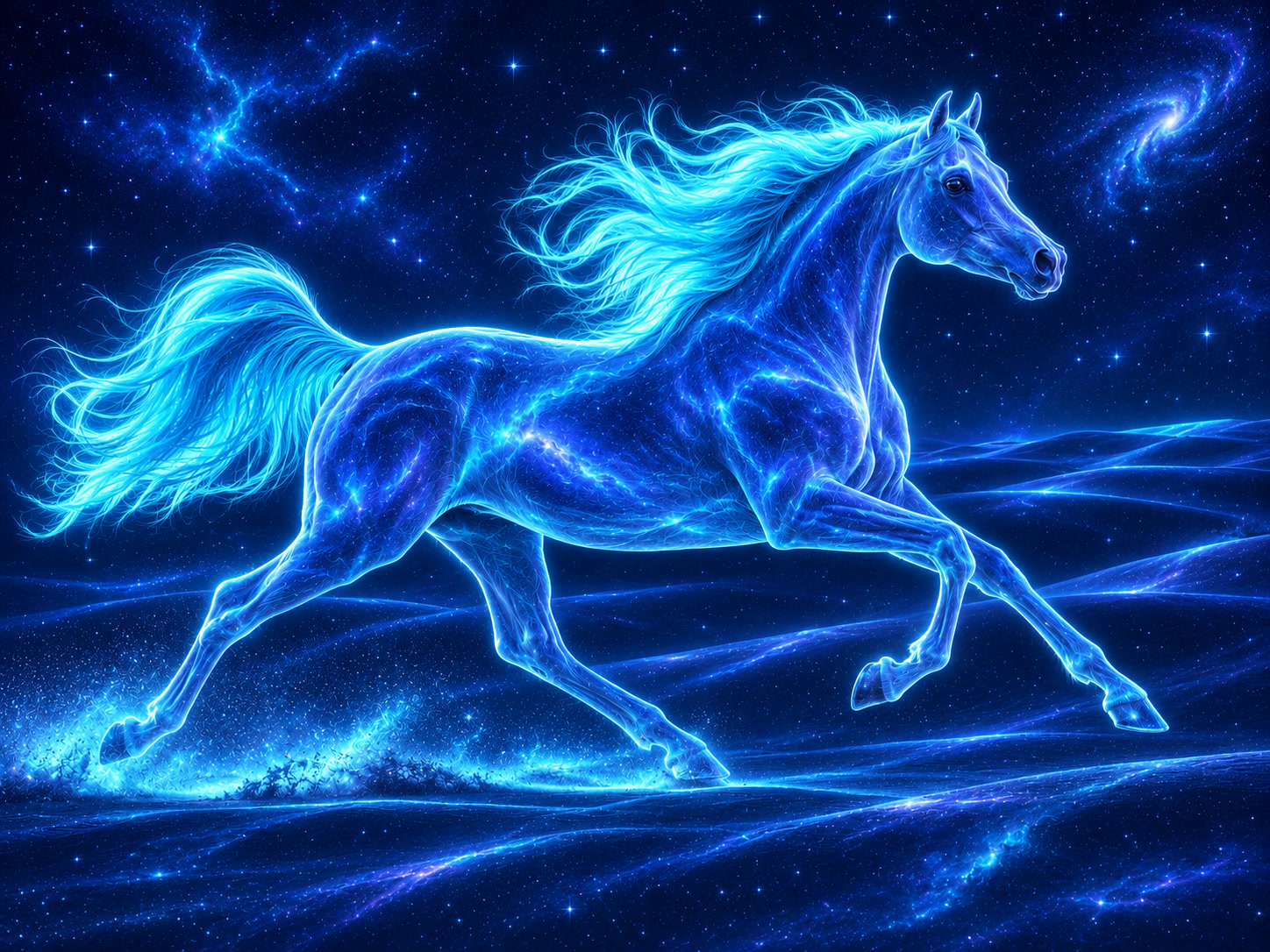
Keep the horse’s running pose and flowing mane. Reimagine it in luminous blue starlight, surrounded by drifting nebulae.
Reimagine the extraordinary
EXAMPLE PROMPTKeep the horse’s running pose and flowing mane. Reimagine it in luminous blue starlight, surrounded by drifting nebulae.
Start with a reference image, then describe what you want to keep and what you want to change. Generate a new image guided by your photo and prompt.
An AI image generator from image starts with what you already have. Explore a new style, transform the scene or take a subject somewhere unexpected.
Keep the horse’s running pose and flowing mane. Reimagine it in luminous blue starlight, surrounded by drifting nebulae.
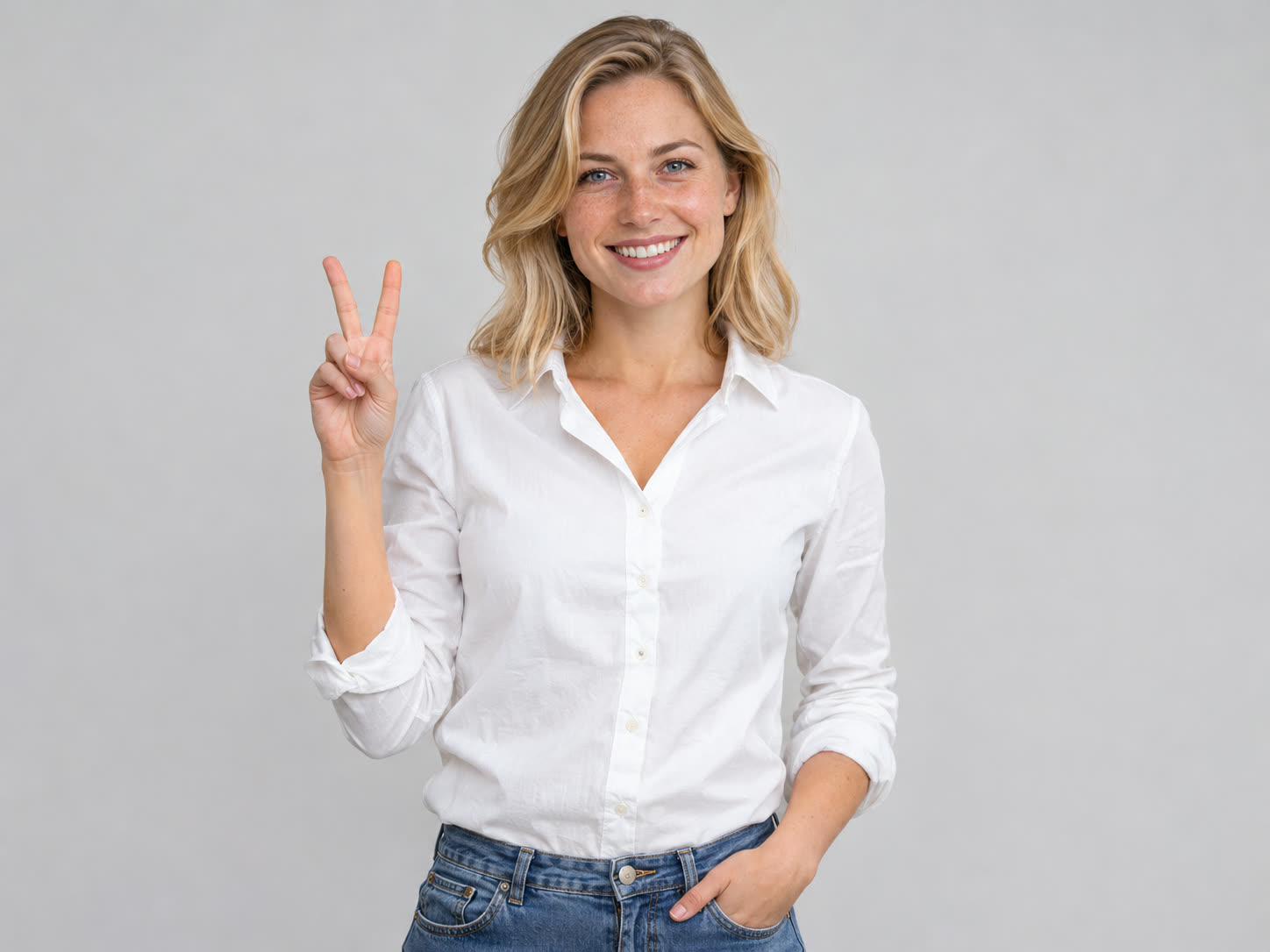
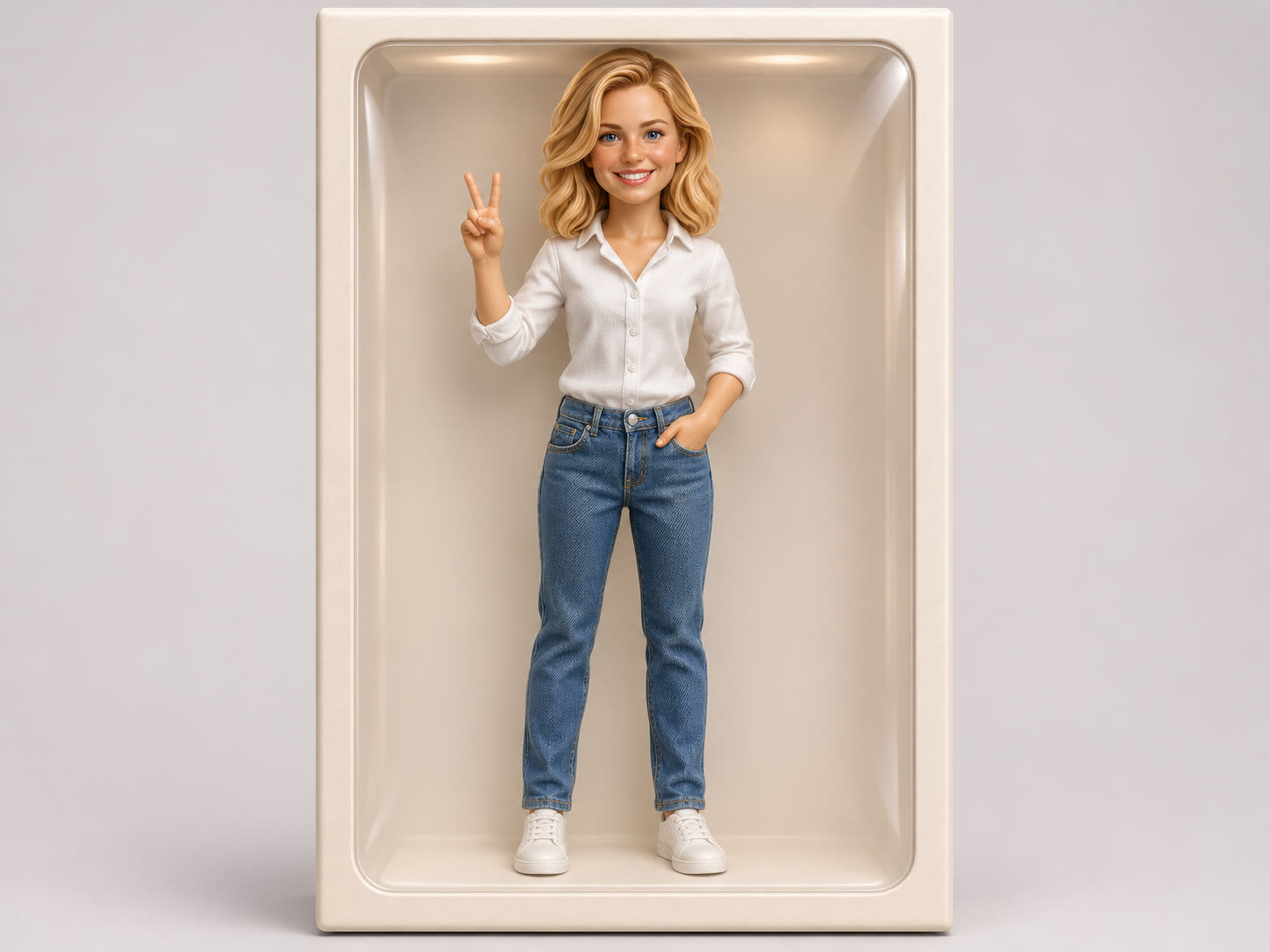
Use the blonde hair, white shirt and peace-sign pose as a reference. Reimagine her as a collectible doll in a softly lit display box.
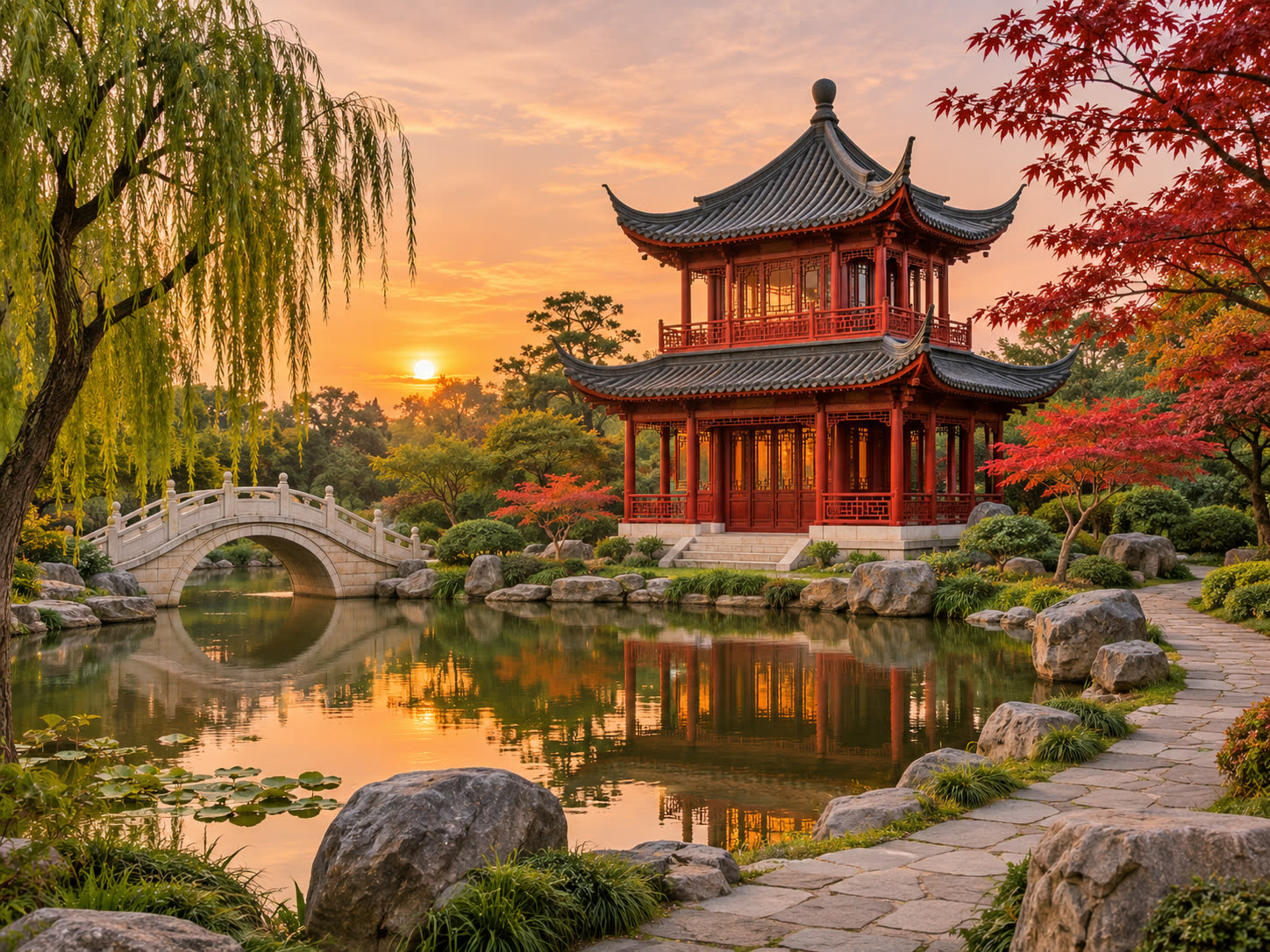
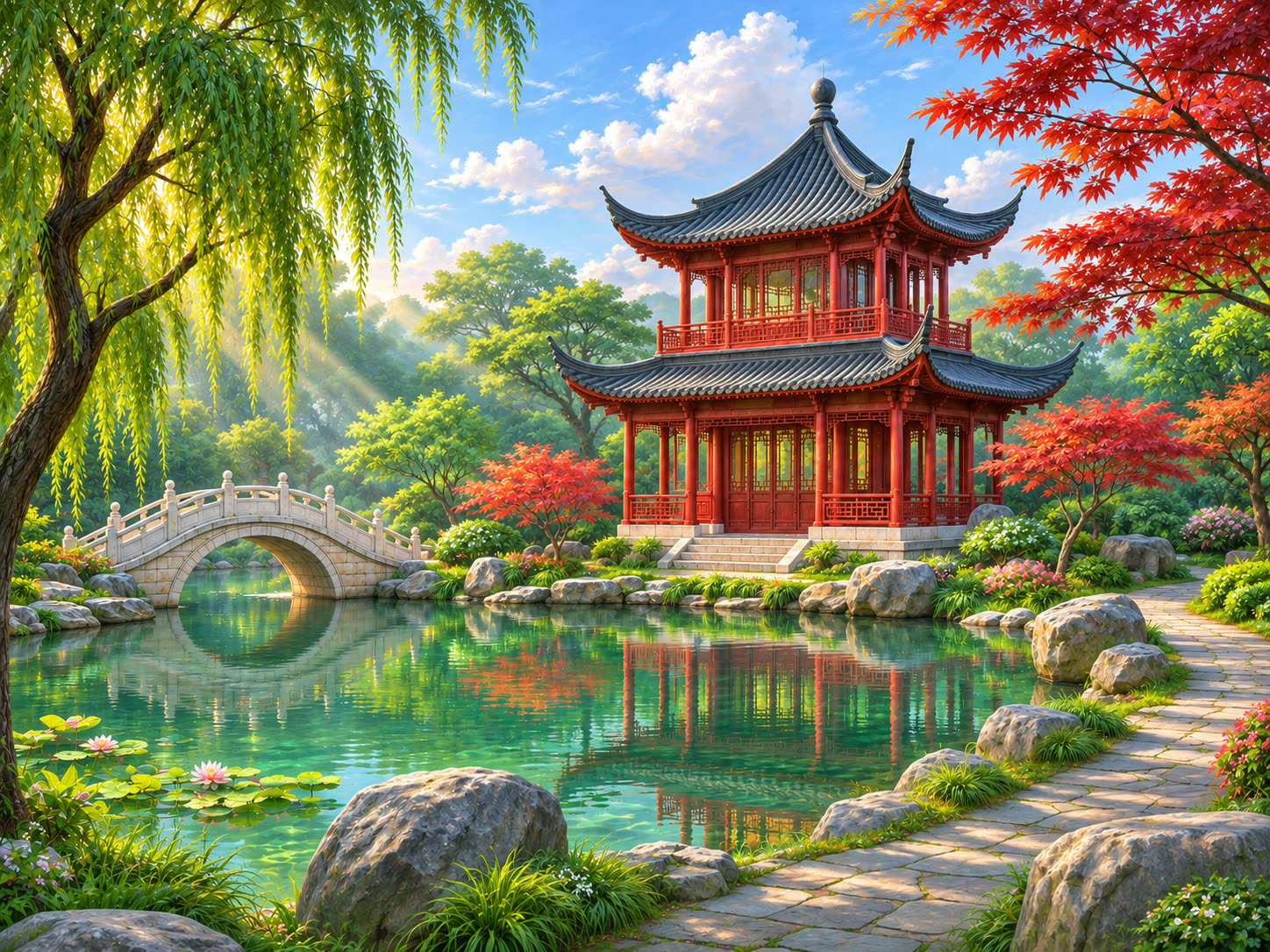
Use the garden, water and pagoda as a visual starting point. Explore a richly detailed game-world style with lush greenery and bright daylight.
Your reference supplies the visual starting point. Your words tell the model which details matter and what you want to reimagine.
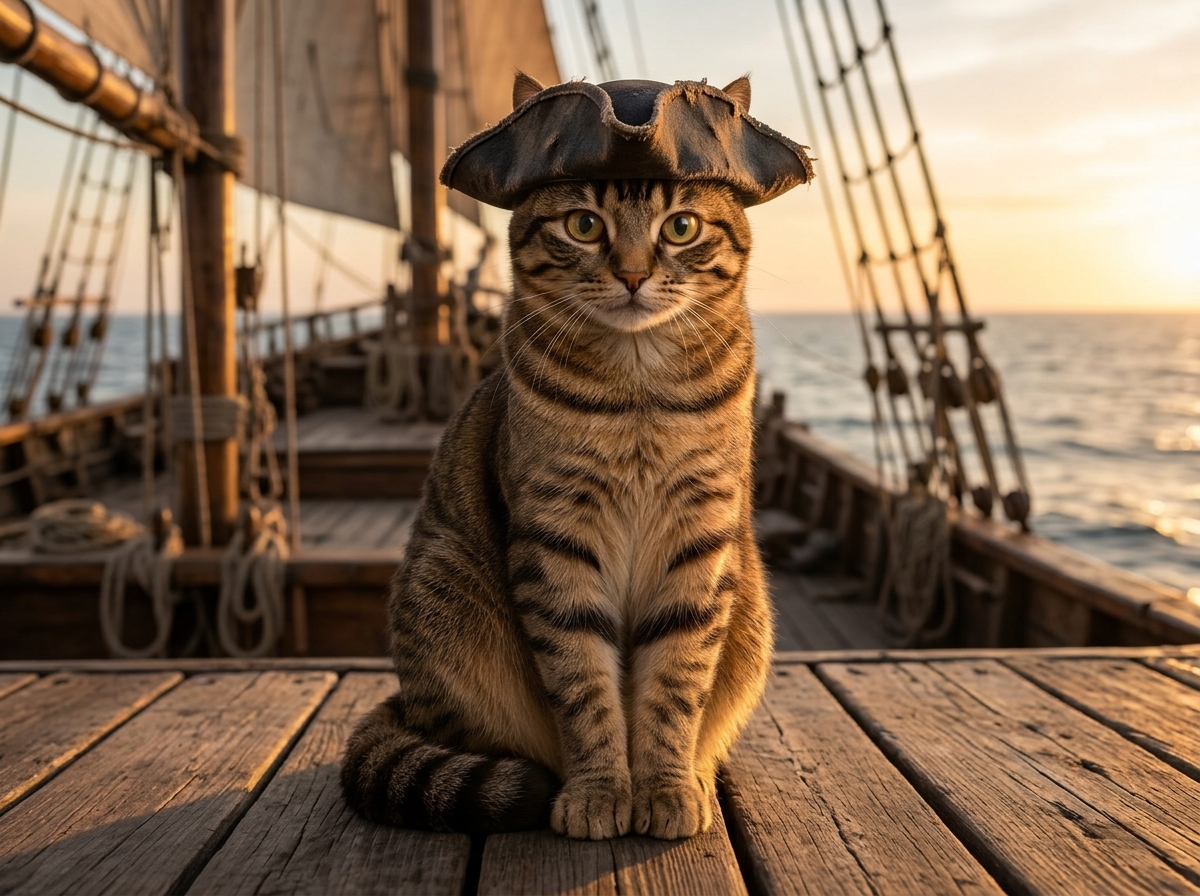
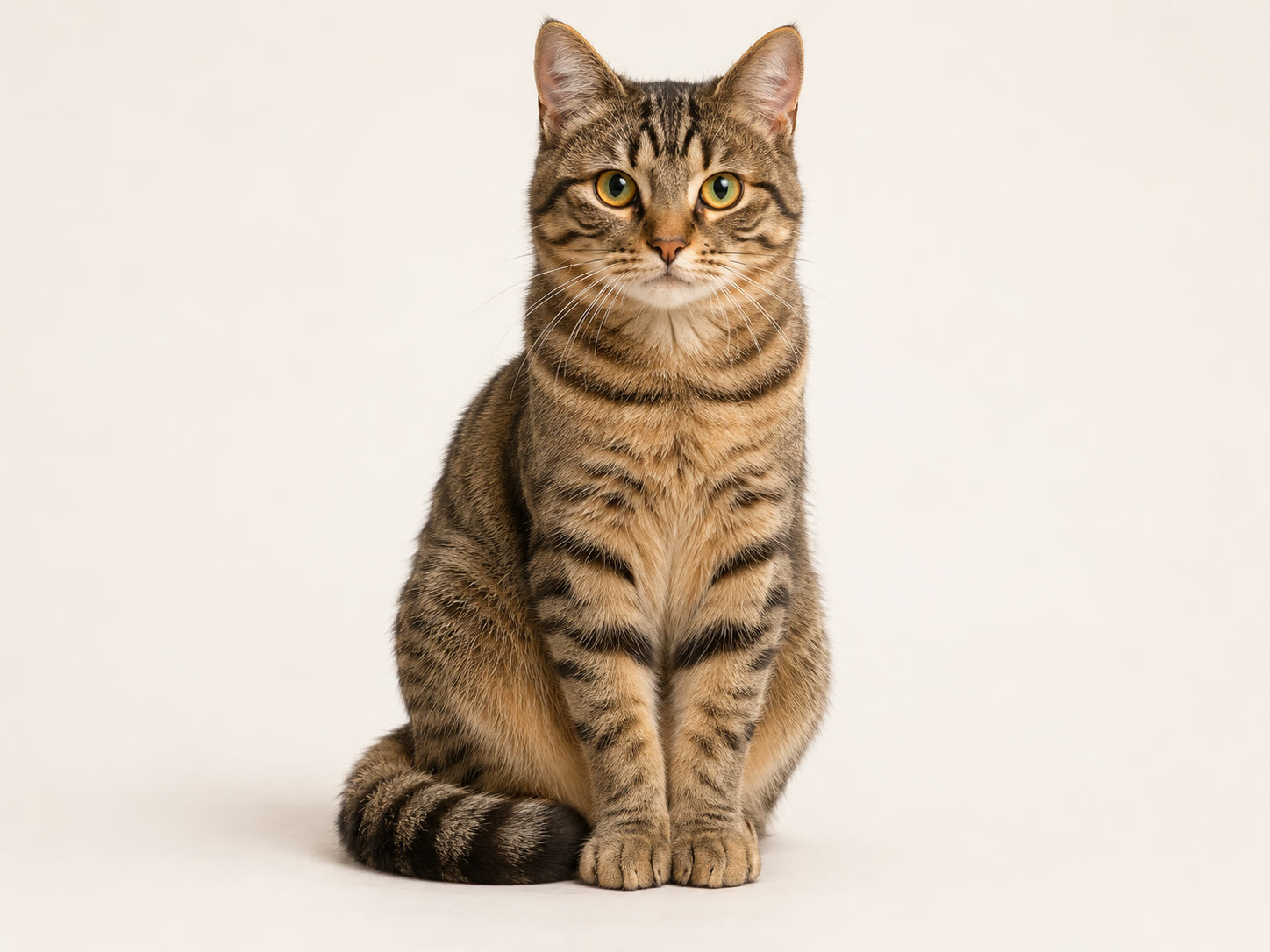 The reference
The tabby markings, round eyes and recognizable face.
A pirate hat, a wooden ship and warm cinematic light.
Reference guidance is not an exact lock. Check the subject and small details in every result.
Choose one clear image with the subject fully in frame and evenly lit. A plain background makes it easier for the model to tell what the subject is.
Write what should stay the same and what should change. Then pick the available settings for your project before you generate.
Compare the result with your reference. If something drifted, adjust one part of the prompt and generate again, then download the version that fits your project.
Use image to image AI to explore a campaign, a character or an entire world. Let a reference keep the idea grounded as you try something new.
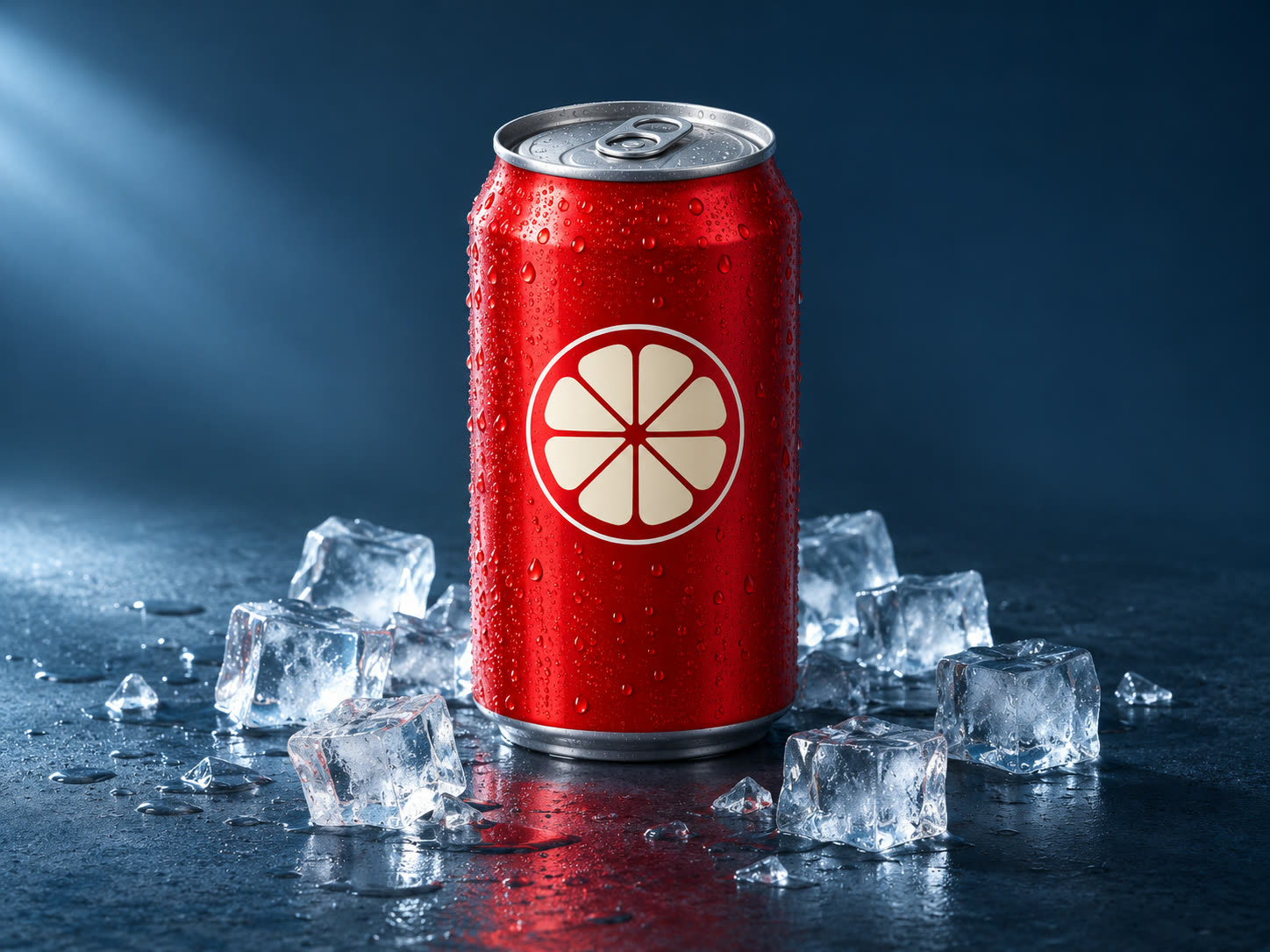
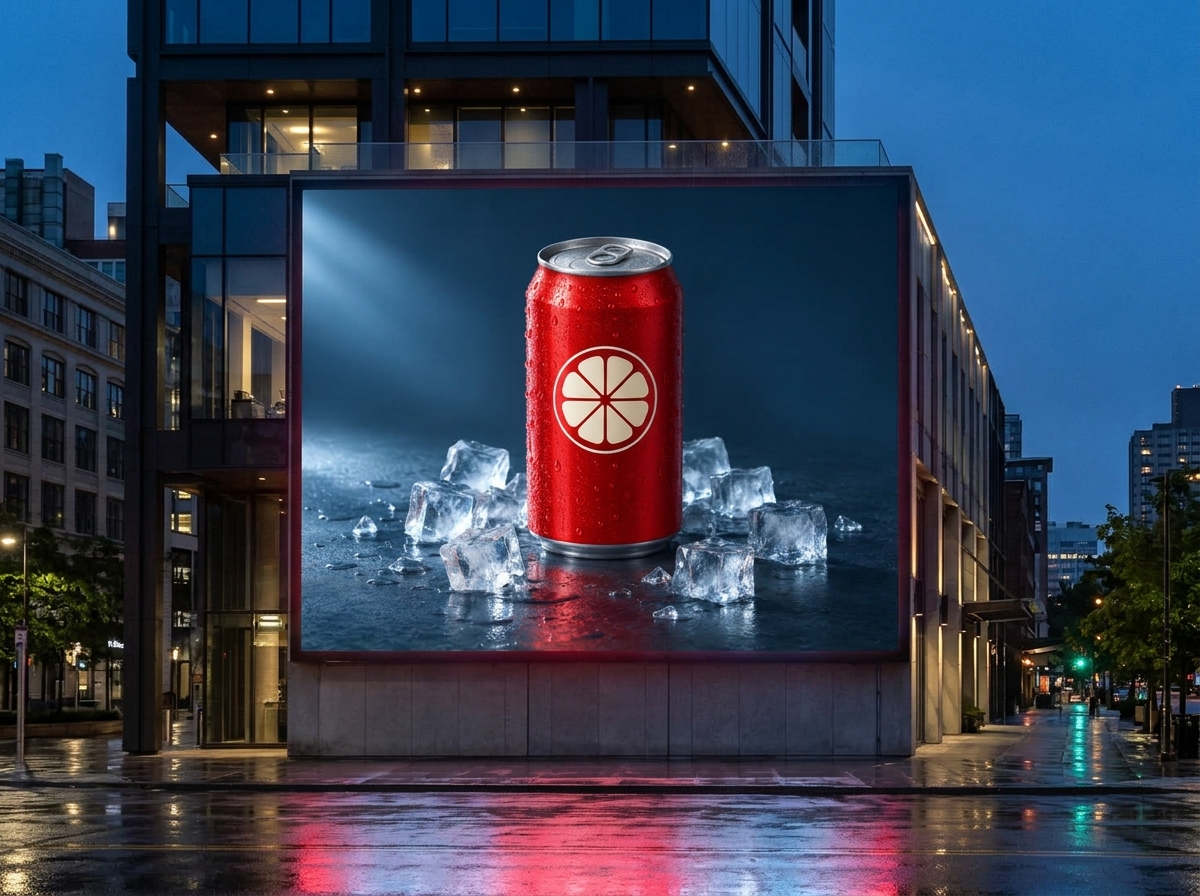
Use a product visual as a reference for a new scene or campaign concept. Check branding and product details in every variation.
Explore another medium, mood or character treatment using the look and pose in your reference photo.
Use a recognizable subject as the starting point for a different costume, setting or visual story.
Guide the model with an existing composition, then explore new light, textures and environments.
A useful img2img prompt explains how to use your photo. Start with a clear subject and separate the details to preserve from the changes to explore.
Clear subject · Visible details · Room around the edgesKeep the horse’s running pose and flowing mane.
Change its appearance into luminous blue starlight.
Use a cosmic setting with drifting nebulae.
Reference input support and available settings depend on the selected model.
Give your still a little motion. Build a sequence in the AI Drama Generator, then shape the final cut in Editing Studio.
Use one credit balance for images, video and audio. The form shows the cost before generation; see Pricing for plans and refund details.
Explore pricingImages, stories and video — with plan details in one place.
View plans and credit packsFind your starting point and get more from your next image.
It is a tool that creates a new image from two inputs: a picture you upload and a text prompt. The reference image guides the subject, composition, or style, and the prompt describes what should change. You may also see it called an AI reference image generator.
Text-to-image starts from words alone, so the model invents every visual detail. Image-to-image AI also starts from a picture, which gives you more control over what the subject looks like or how the scene is arranged.
Yes. Img2img is a common short name for image-to-image generation: using an existing image, together with a prompt, as the starting point for a new one.
That is a common way to use it. Say clearly which parts of the subject to keep and what the new background or style should be. Check the result closely, because some details may still change.
The model reinterprets your image rather than copying it. Busy backgrounds, cropped subjects, or a prompt that asks for too many changes at once can all pull the result away from the reference. Try a clearer image or fewer changes per attempt.