Create image
0/20,000

Start with a visual brief

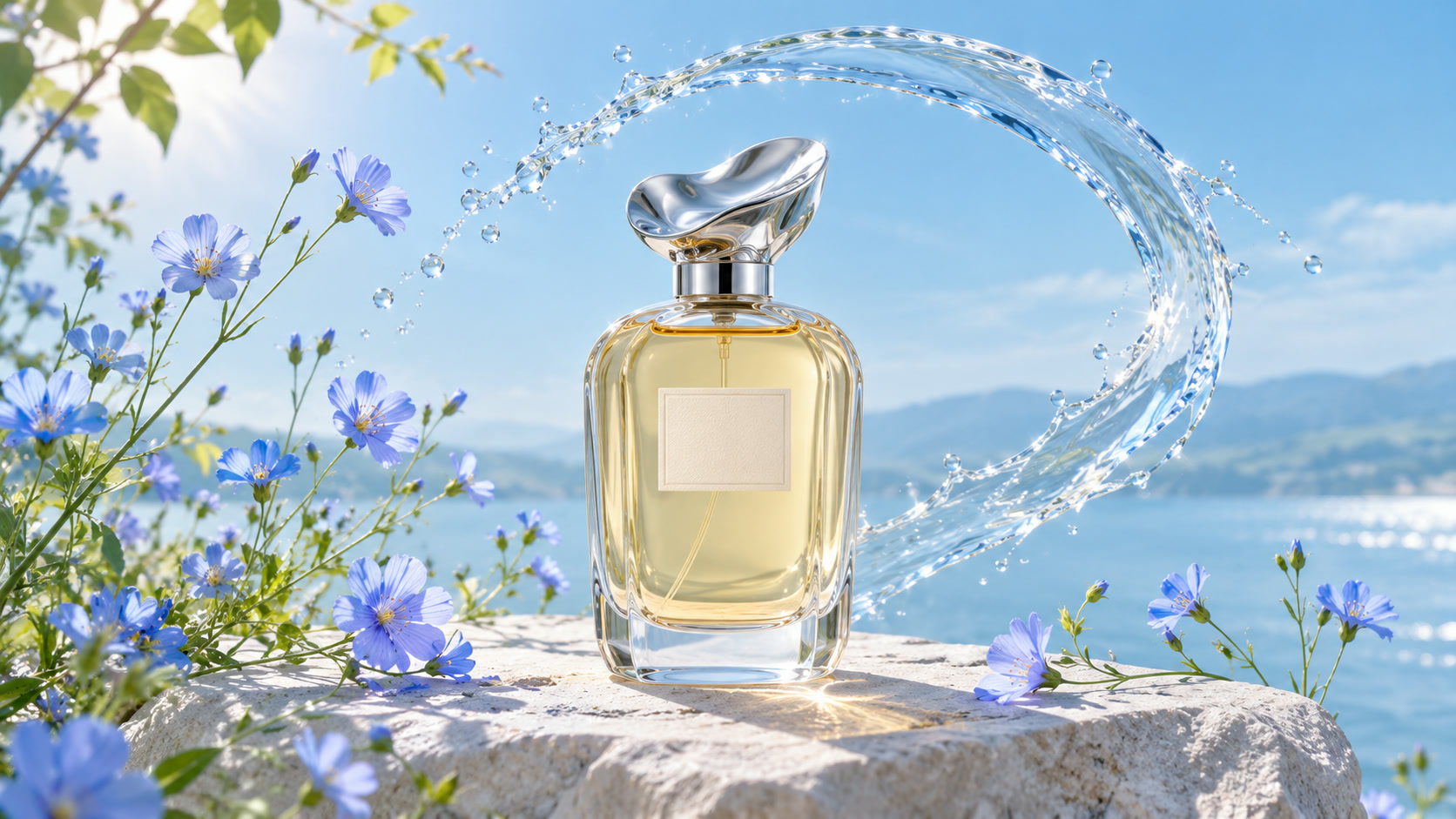
Perfume bottle among blue flowers and splashing water
VISUAL REFERENCE · PROMPT IDEAAn editorial photograph of a clear perfume bottle among blue wildflowers, soft daylight, detailed glass reflections. Place the bottle in the lower right with clean negative space in the upper left. No lettering.
GPT Image 2 AI Image Generator

Turn a written visual brief into an image with GPT Image 2. Describe the subject, layout and exact details you need, then review the result before refining the next version.

Prompt Ideas for GPT Image 2

Use these visual references to plan your own image. Select a prompt to edit it in the workbench. The reference images illustrate creative directions and are not verified outputs from this model.

Perfume bottle among blue flowers and splashing water

An editorial product image

Set the product, lighting and negative space.

View prompt

An editorial photograph of a clear perfume bottle among blue wildflowers, soft daylight, detailed glass reflections. Place the bottle in the lower right with clean negative space in the upper left. No lettering.

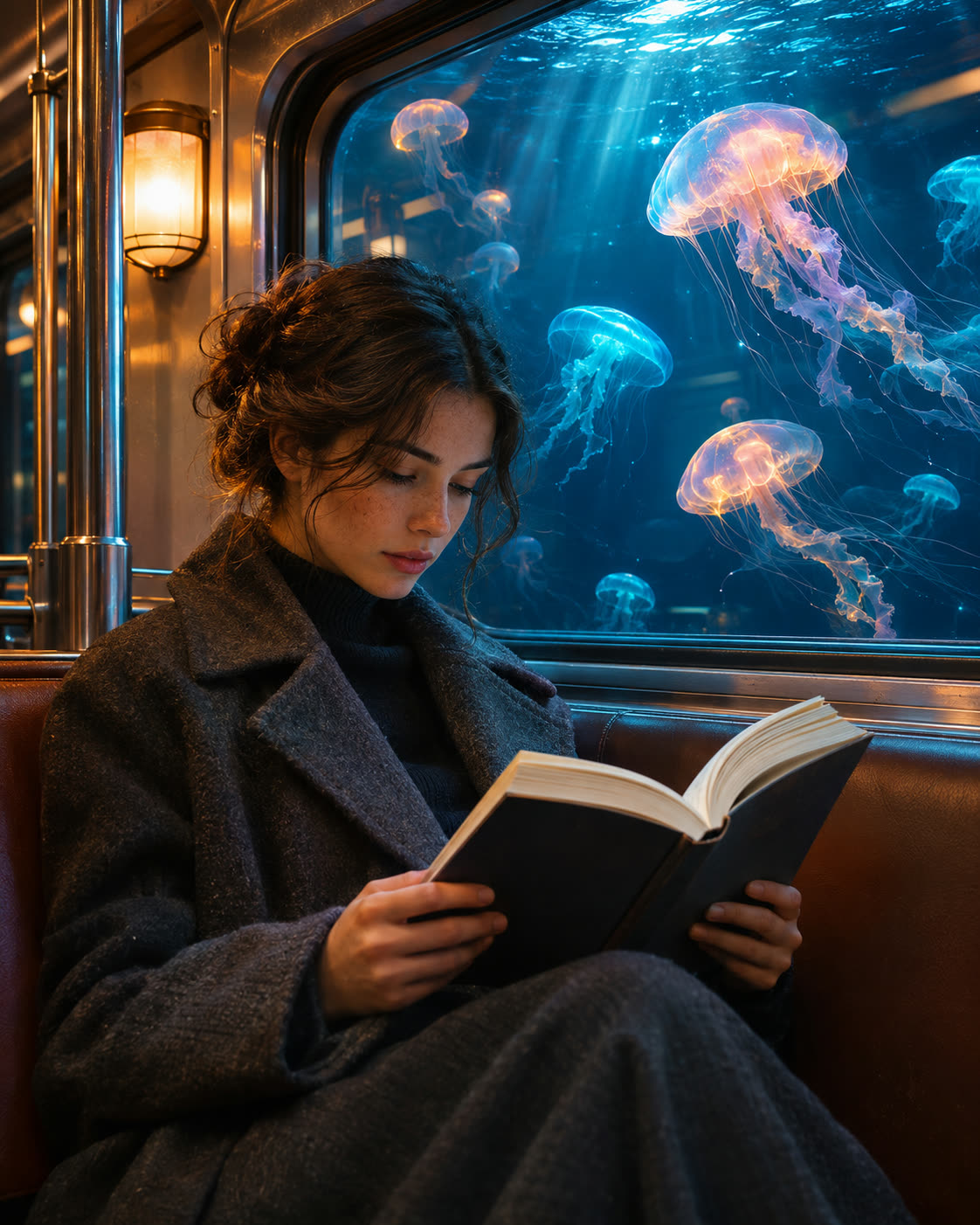
Subway passenger reading beside a window full of glowing jellyfish

An imagined city scene

Combine a believable setting with one unusual idea.

View prompt

A quiet subway passenger beside a window filled with softly glowing jellyfish, cinematic teal light, realistic fabric and glass textures, carefully composed editorial illustration.

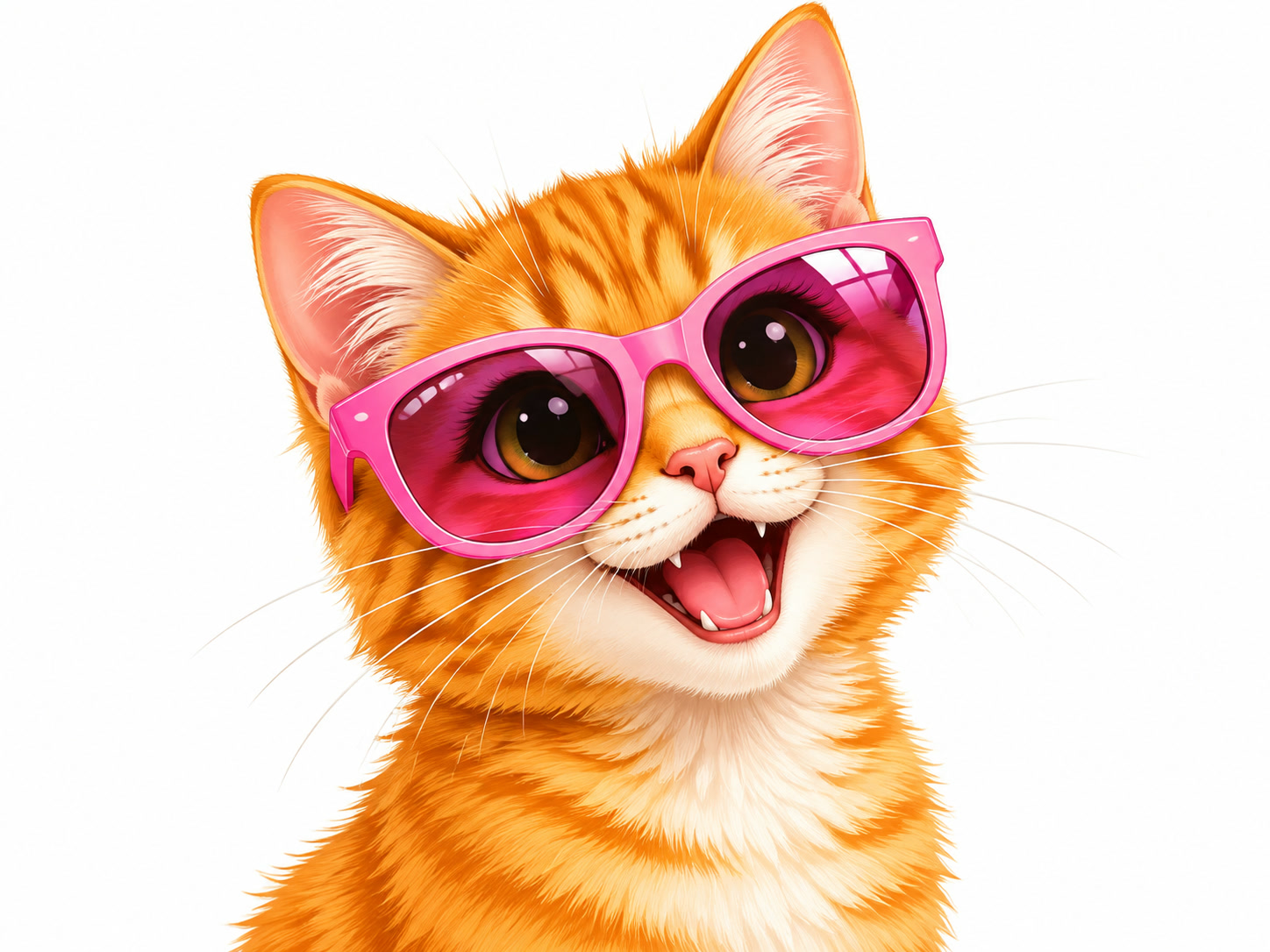
An illustrated orange cat wearing oversized pink sunglasses

A character concept

Define a consistent silhouette and visual style.

View prompt

A friendly orange cat wearing oversized pink sunglasses, clean three-quarter character portrait, expressive eyes, bright pastel palette, polished illustrated style, simple background.

How to Create with GPT Image 2

GPT Image 2 is already selected. Start with your idea, then review the settings before generating.

  1. Write your visual brief

    Describe the subject, composition, materials and lighting. Put essential wording in quotation marks.

  2. Choose your frame

    Choose an aspect ratio for the intended composition. Refine the prompt around the details that matter.

  3. Generate and review

    Select Generate. Find the result in My Creations, inspect the details and download the completed file.

GPT Image 2 Settings and Creative Direction

Generate one PNG from a text prompt up to 20,000 characters. The default resolution is 1K, with 2K and 4K also selectable. Available aspect ratios depend on resolution. At 1K, choose Auto, Opaque, or Transparent for the background.

01

Write the layout as well as the subject

Specify where the subject sits, where empty space belongs and what should draw attention first. This makes a product or campaign brief more precise.

02

Quote essential text

Put a short headline in quotation marks and describe its placement. Check every letter in the result; generated typography still needs review.

03

Refine one requirement at a time

Keep the main brief stable and change lighting, composition or style separately. This helps you understand which revision improves the result.

View plans and credits ↗

GPT Image 2 Questions

How do I use GPT Image 2 on SuperVids?

This page opens Text to Image with GPT Image 2 selected. Write your image prompt and choose an aspect ratio. Select Generate to create. Completed results appear in My Creations.

What settings are available for GPT Image 2?

Generate one PNG from a text prompt up to 20,000 characters. The default resolution is 1K, with 2K and 4K also selectable. Available aspect ratios depend on resolution. At 1K, choose Auto, Opaque, or Transparent for the background.

Can I upload a photo to edit with GPT Image 2 here?

This page is the text-to-image workflow. Its input is a written prompt. The Image to Image tool has its own model selector and available editing workflow.

Can I generate transparent PNGs?

Choose 1K, then set Background to Transparent in Image settings. The background control is available at 1K.

When are credits charged for GPT Image 2 generations?

Credits are reserved while the request is processed and charged on success. Failed requests release their reserved credits.

Can I switch models without retyping my prompt?

Yes. Choose another model in the selector to keep working with your prompt. Check the available settings for the selected model before you generate.