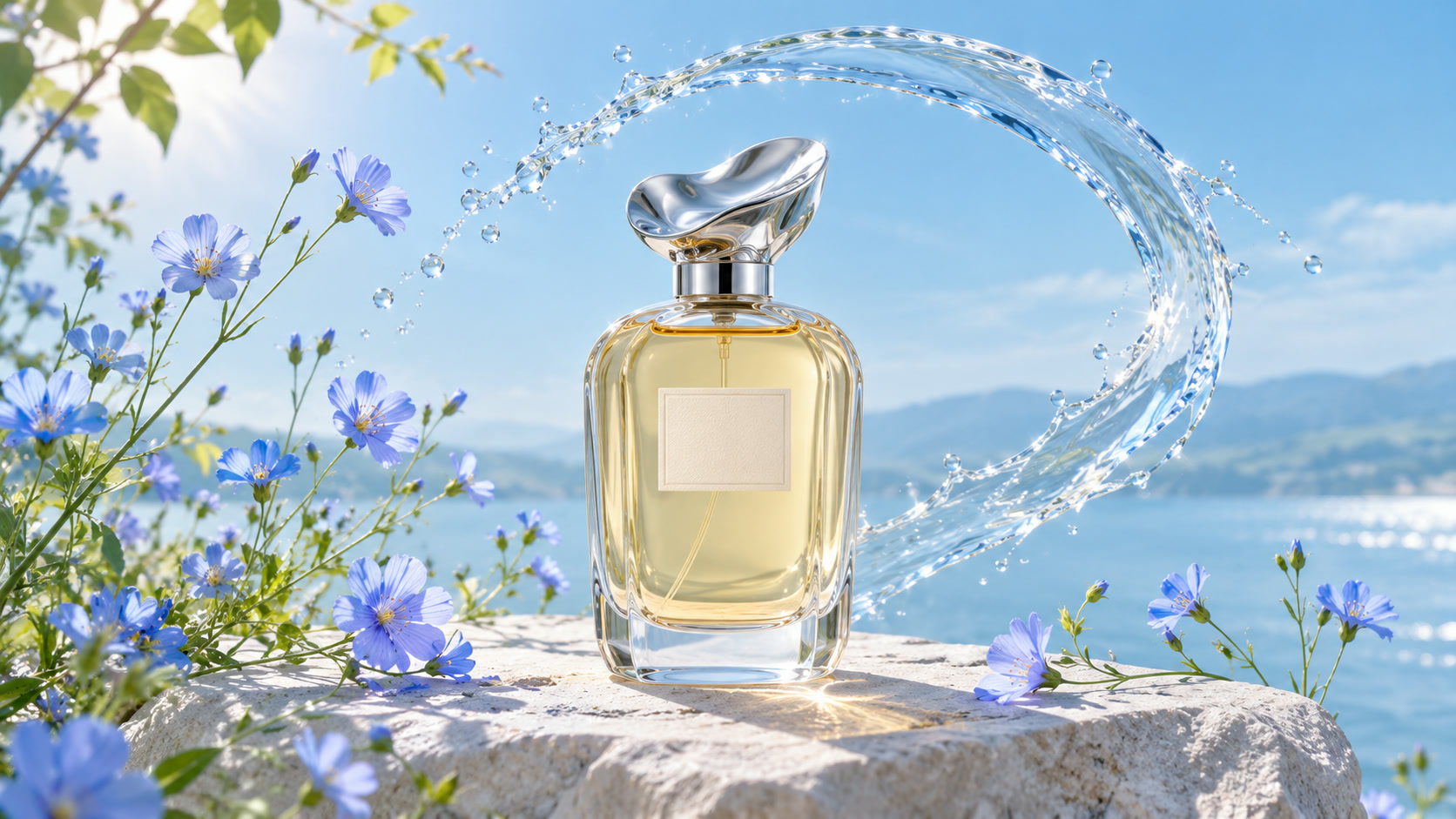
 Product photography
EXAMPLE PROMPT
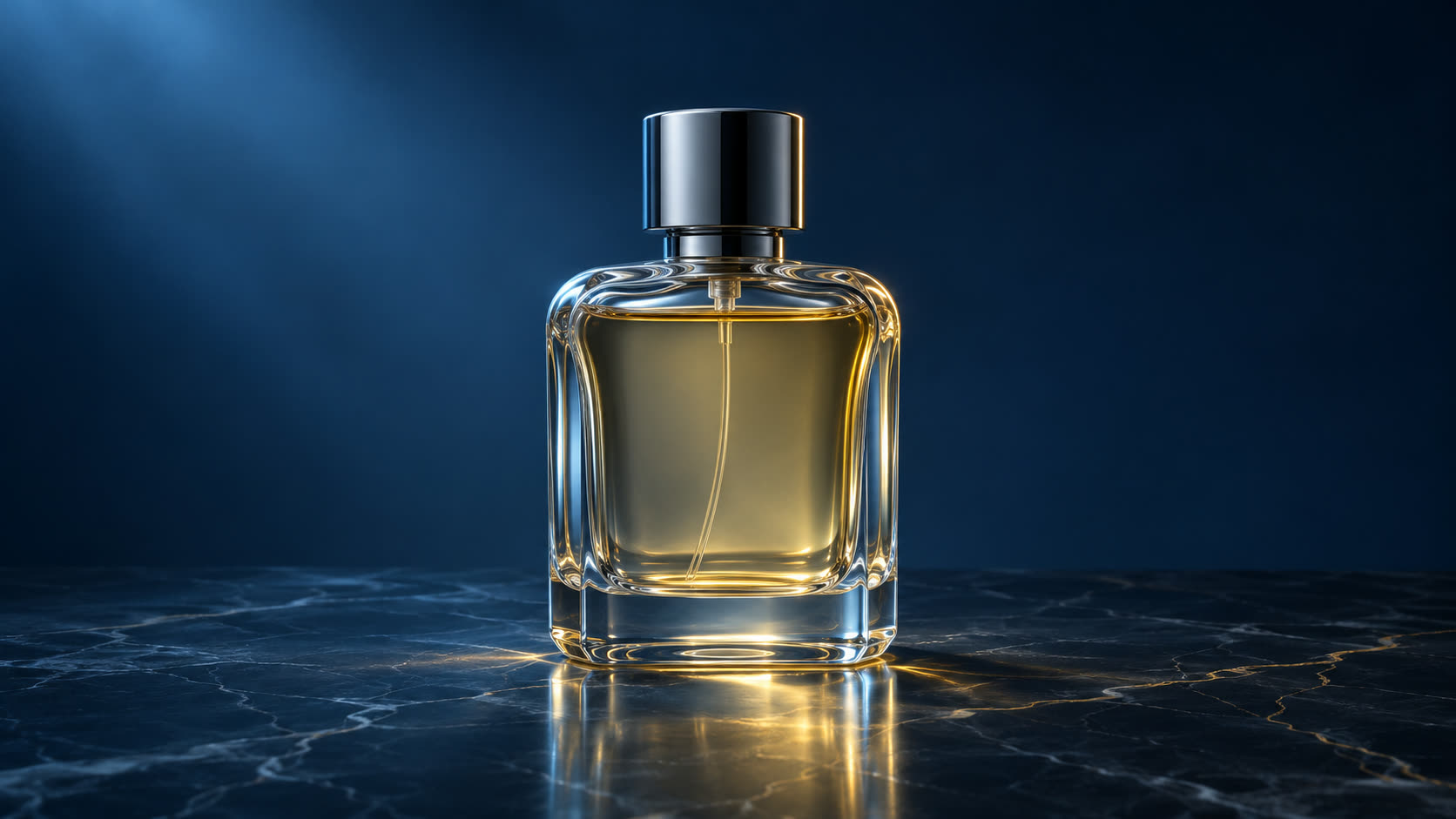
A glass perfume bottle nestled among blue wildflowers, a splash of clear water, soft natural light and a fresh botanical mood. Close-up product photography.
Product photography
EXAMPLE PROMPTA glass perfume bottle nestled among blue wildflowers, a splash of clear water, soft natural light and a fresh botanical mood. Close-up product photography.
Turn your imagination into a picture with text to image AI. Describe the subject, set the mood and explore a new visual direction — one prompt at a time.
Explore an image generator from text through complete example prompts. Start with a subject, find a mood and make the idea your own.
Product photographyA glass perfume bottle nestled among blue wildflowers, a splash of clear water, soft natural light and a fresh botanical mood. Close-up product photography.
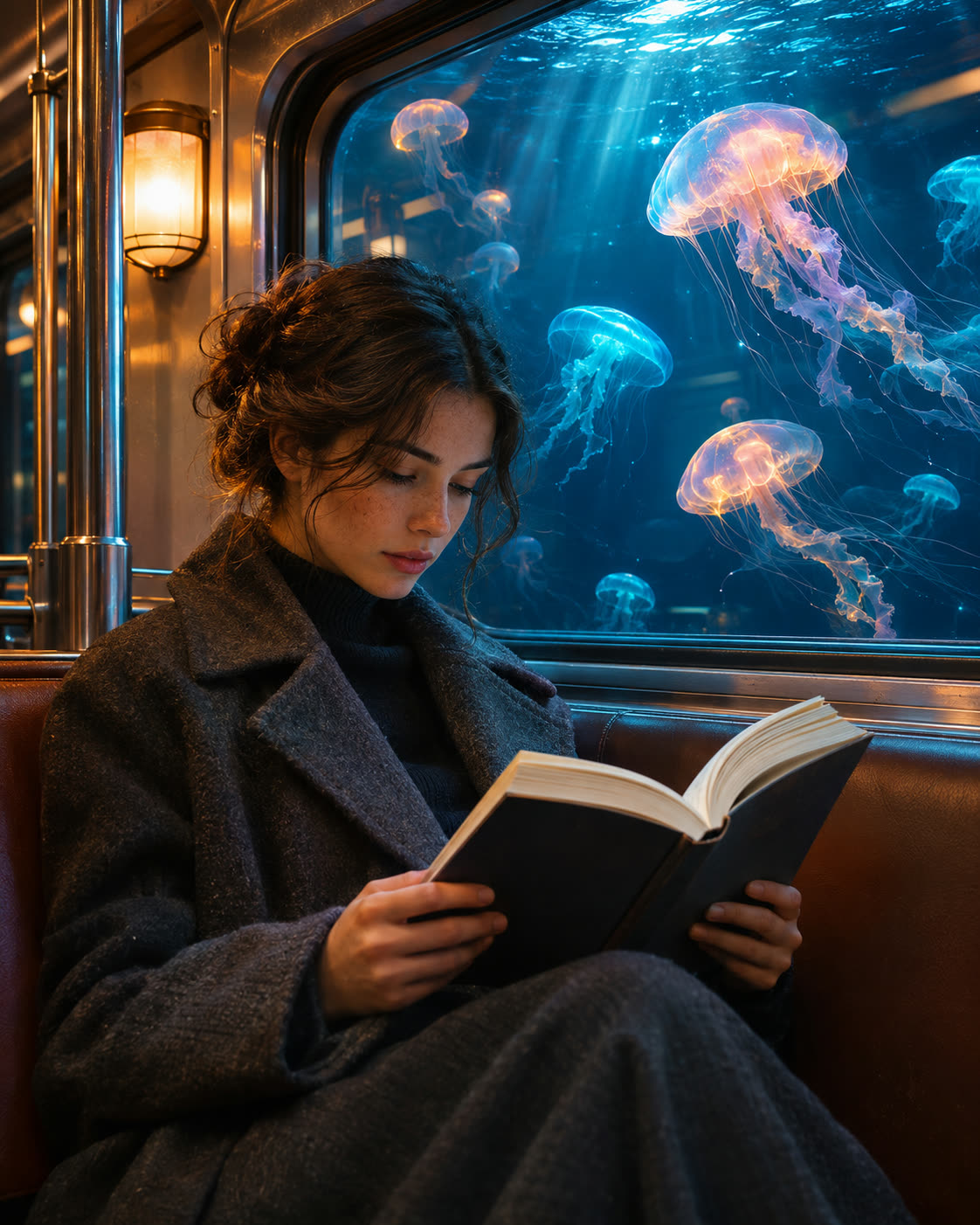 An unexpected scene
A passenger reading on a quiet subway train. Outside the window, glowing jellyfish drift through a deep blue underwater world. Warm interior lights, cinematic composition.
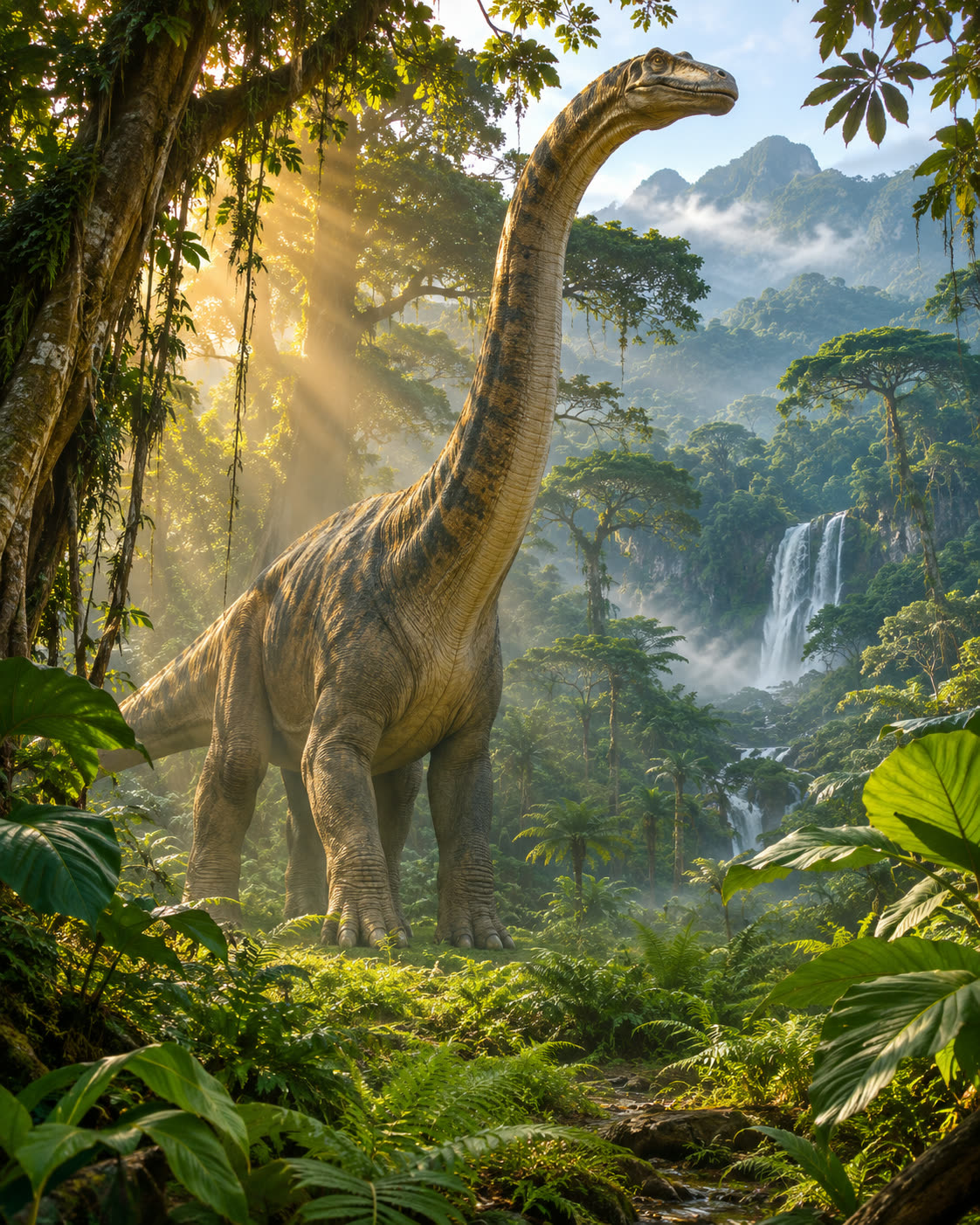 Cinematic worlds
A dinosaur emerging from dense tropical foliage, golden sunlight filtering through tall trees, mist in the air and richly detailed textures. A wide cinematic frame.
Describe the main subject and what is happening. Add a setting, visual style, lighting, or camera angle when those details matter.
Submit your prompt to create an image. Compare the result with your description and identify what you want to keep or change.
Edit your prompt to adjust the scene, then generate another version. Download the result when it matches what you need.
Use the text to picture generator to explore a specific scene. Describe what matters, then refine one detail at a time.
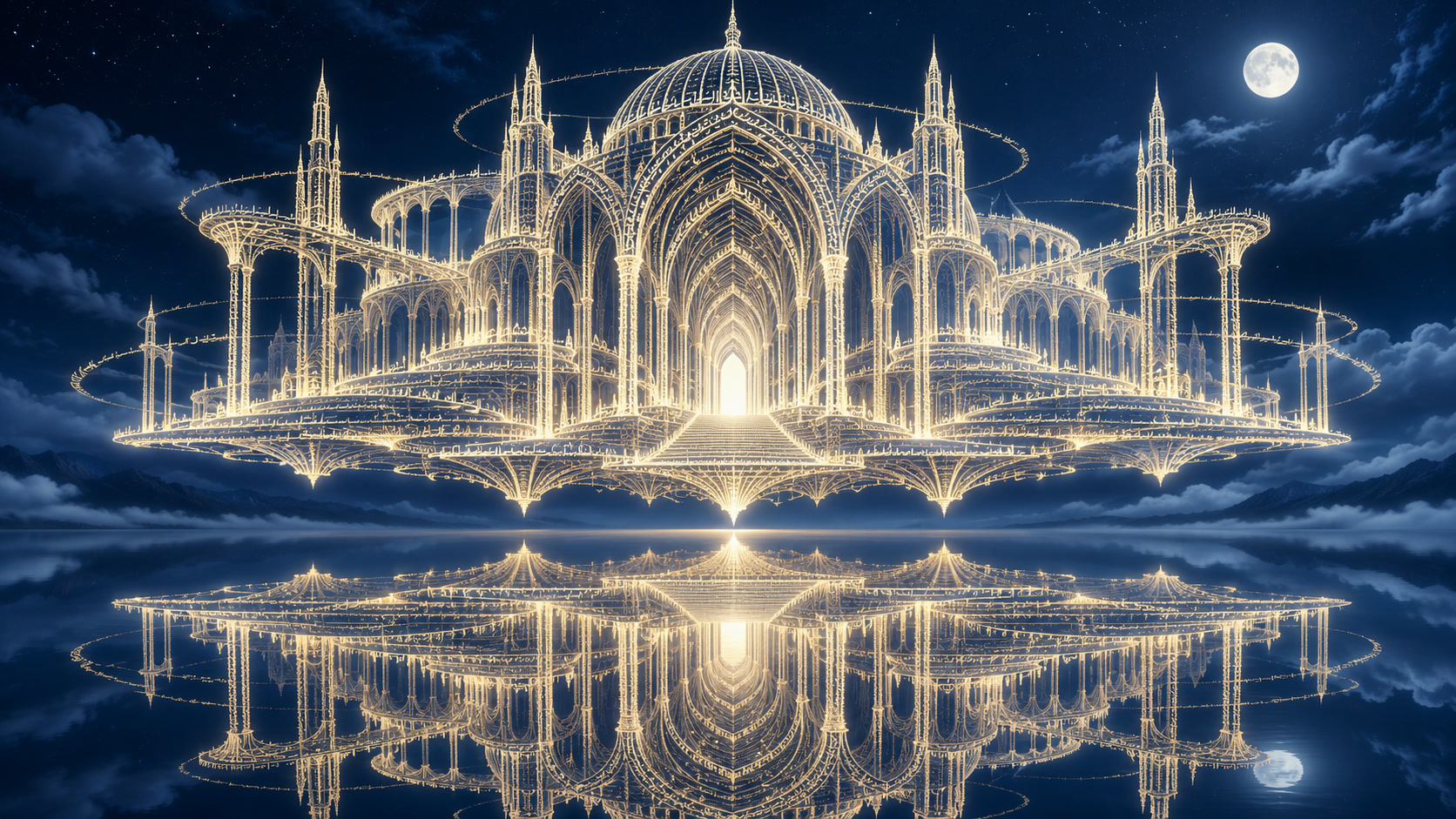
“A building made of words.”
A building made of glowing text rising above a still mountain lake at night, clouds drifting around its walls, golden letters against blue starlight, a wide cinematic composition with reflections on the water.
A change in style changes the entire feeling. Add photography, illustration, materials or lighting to your prompt to explore another direction.
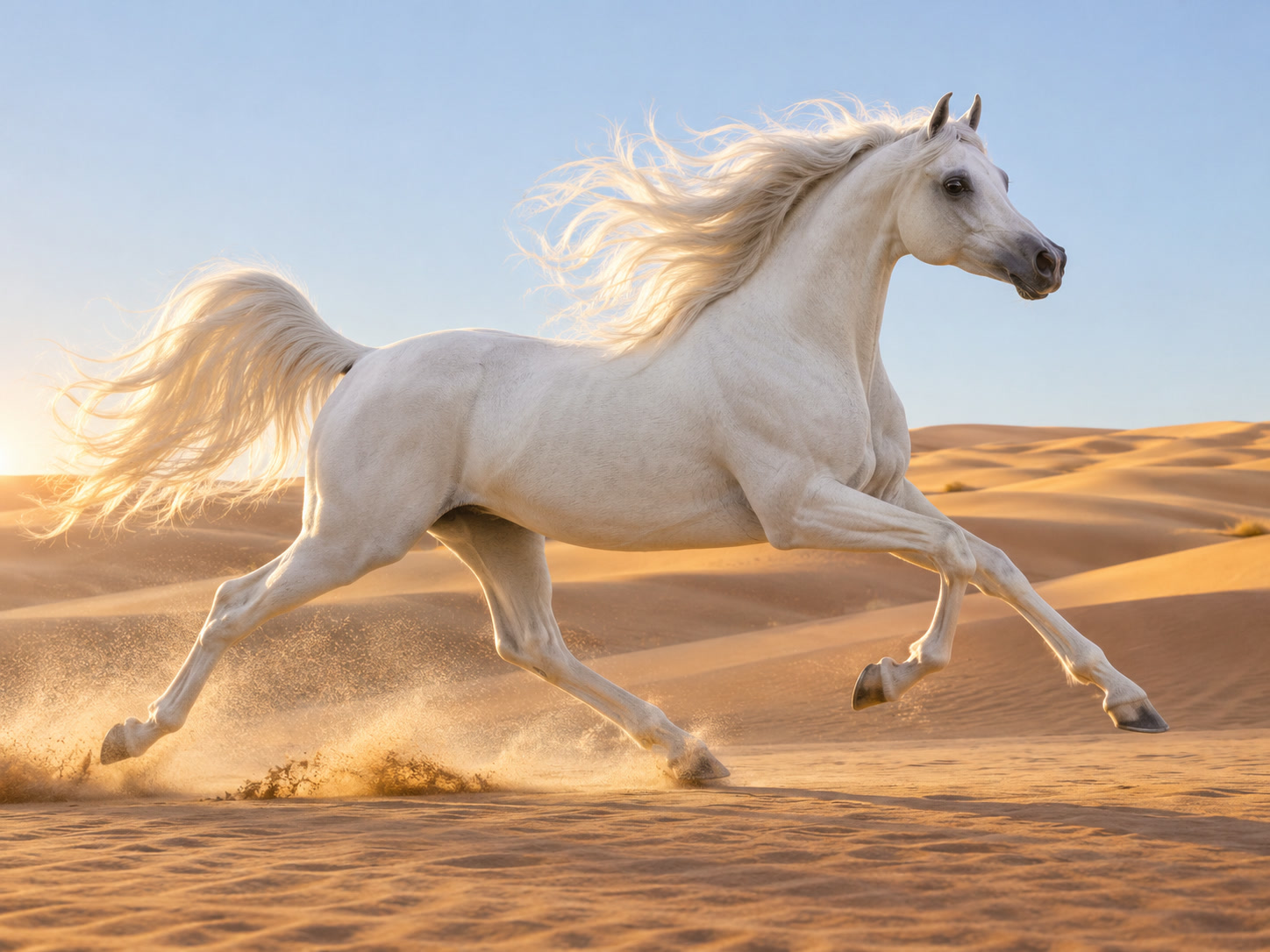
Natural textures. Warm sunlight. A quiet desert palette.
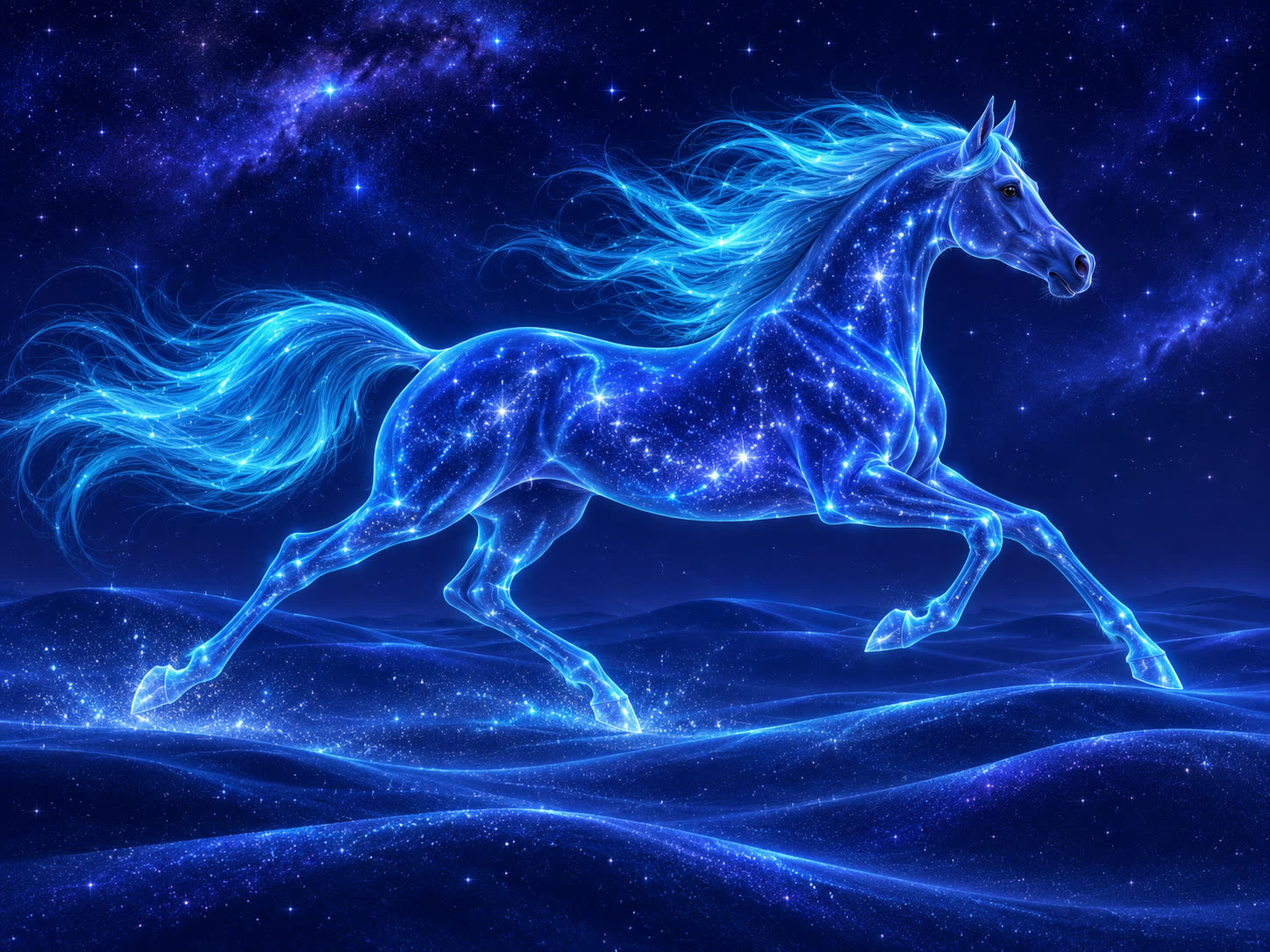
Stellar textures. Electric blue light. A world of imagination.
From a first concept to the visual direction for an entire project. Make room for the way you create.
Explore product settings, campaign concepts and art direction before bringing your final assets together.
Explore your idea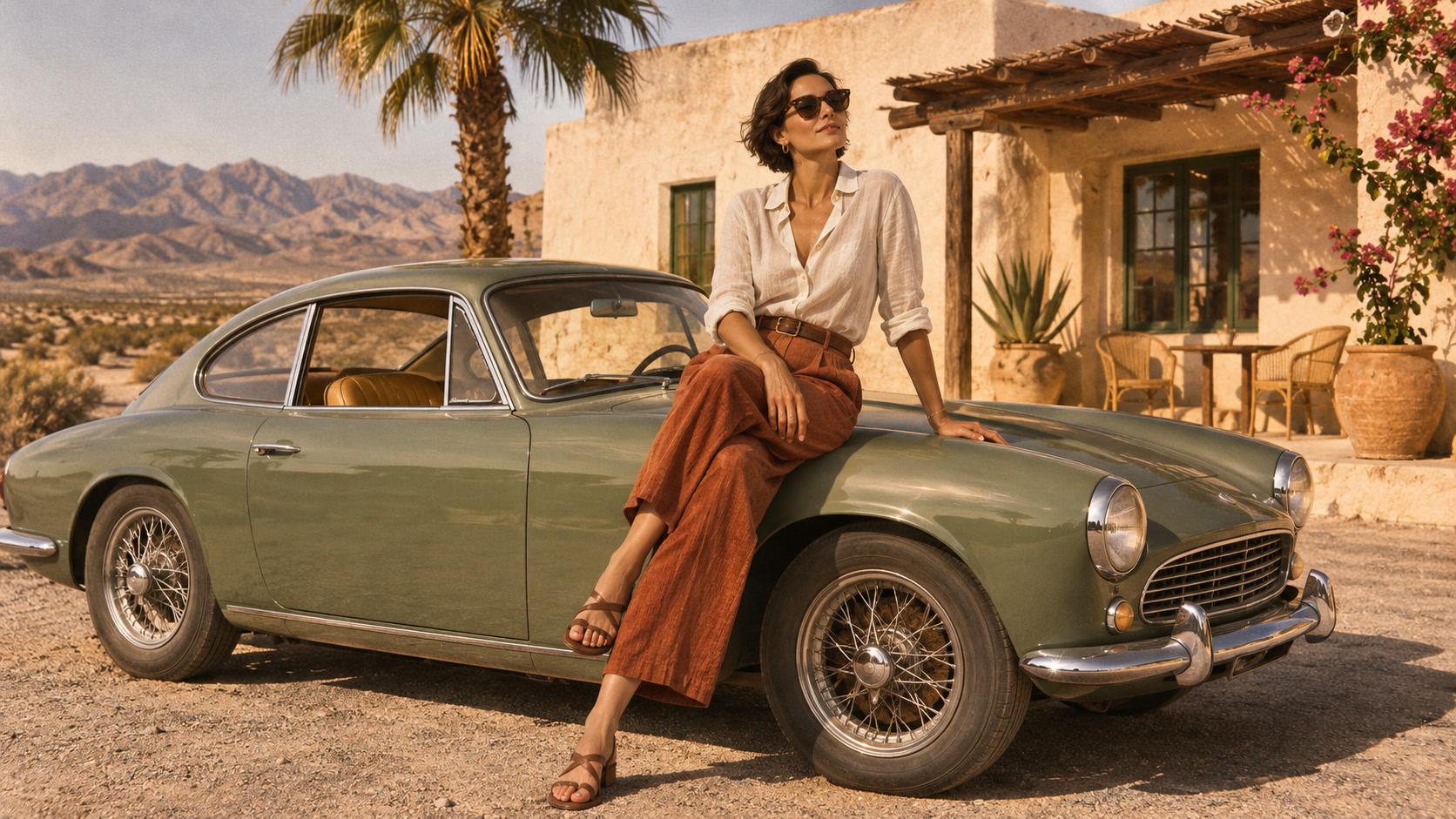
Shape a distinctive mood for your next post, editorial story or thumbnail. Leave space for the message you want to add.
Explore your ideaExplore a character, an atmosphere or an impossible place. Give your creative direction a visual starting point.
Explore your idea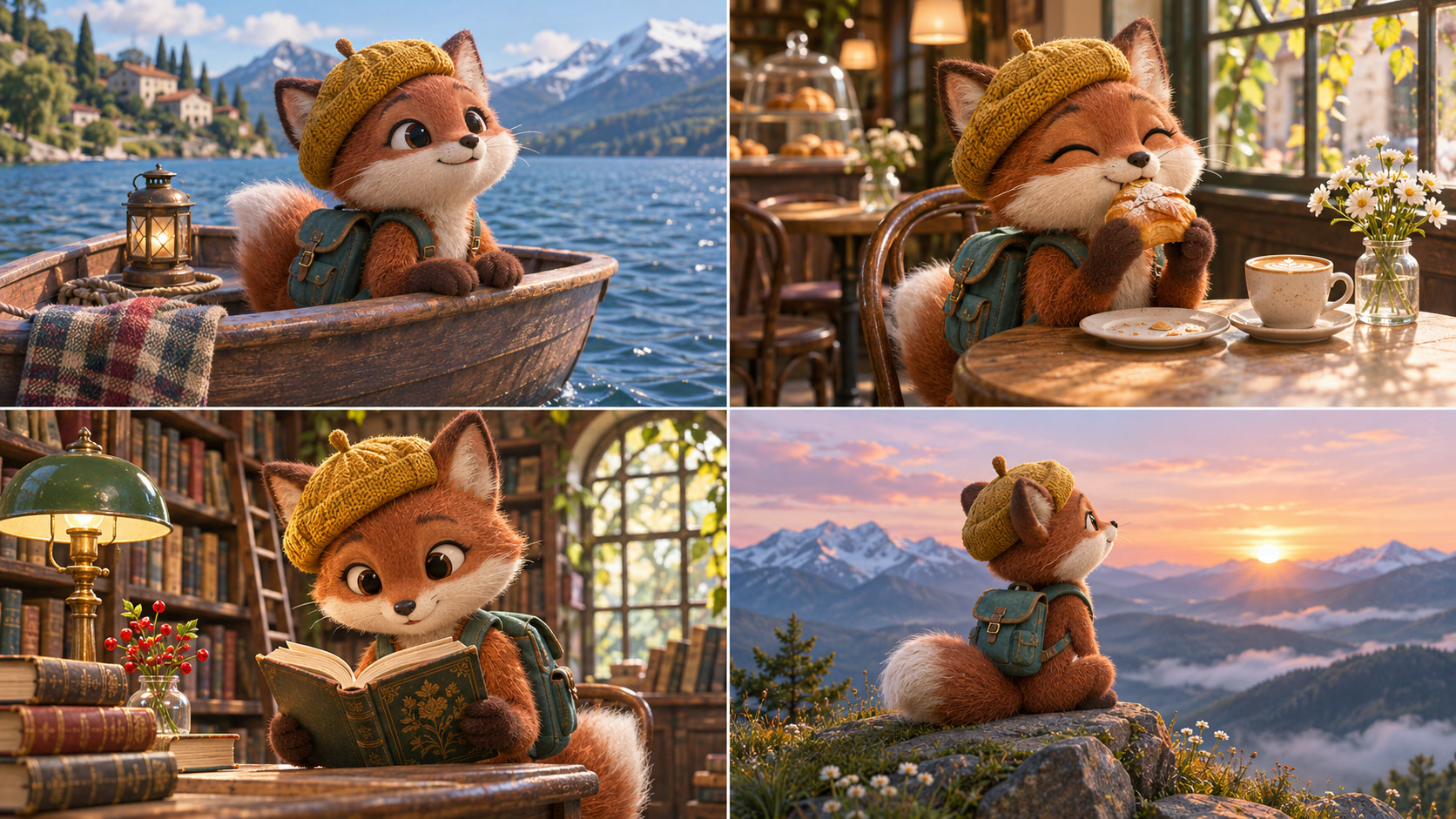
Turn scene ideas into visual references. Plan the mood and framing before developing your shots in the AI Drama Generator.
Explore your ideaGive your still a little motion. Build a sequence in the AI Drama Generator, then shape the final cut in Editing Studio.
Use one credit balance for images, video and audio. The form shows the cost before generation; see Pricing for plans and refund details.
Explore pricingImages, stories and video — with plan details in one place.
View plans and credit packsFind your starting point and get more from your next image.
A words to image generator uses an AI model to create a new image from a written description. Your prompt describes the subject, scene, and visual details you want the model to interpret.
In AI image generation, these phrases describe the same basic task: creating an image from a text prompt. This is different from placing typed words on a background and saving them as an image.
Start with the main subject and action. Add the setting, style, lighting, and composition that matter to your idea. Specific visual details are usually more useful than broad requests such as “make it beautiful.”
AI models interpret prompts rather than follow them perfectly. Details can be missed, combined, or changed. Try removing conflicting instructions and adjusting one part of your description at a time.
Text rendering varies by model and prompt. Check spelling and placement carefully. For exact headlines, labels, or legal wording, adding text afterward in a design editor may give you more control.