Product photography
A fresh perspective
View prompt
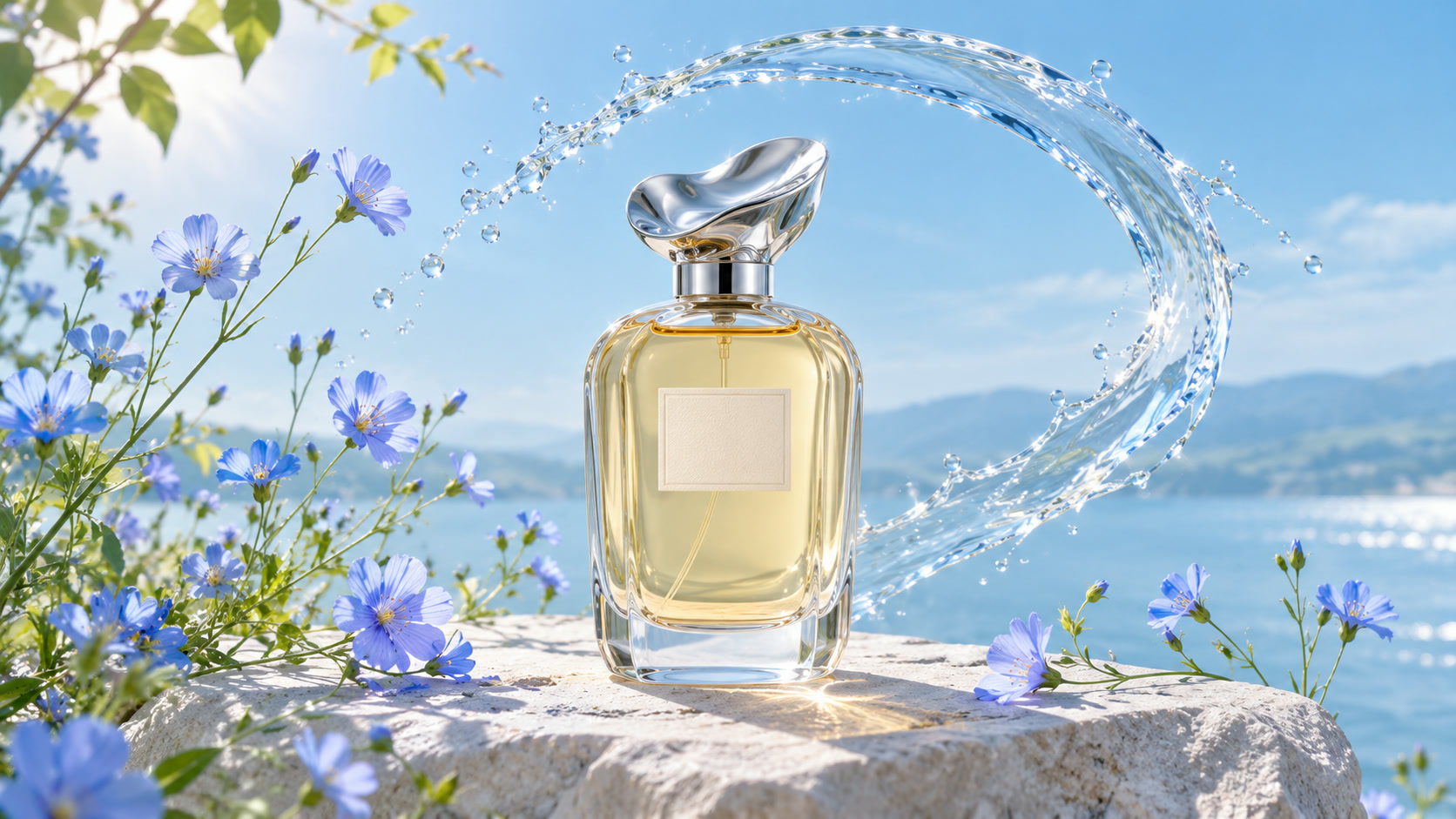
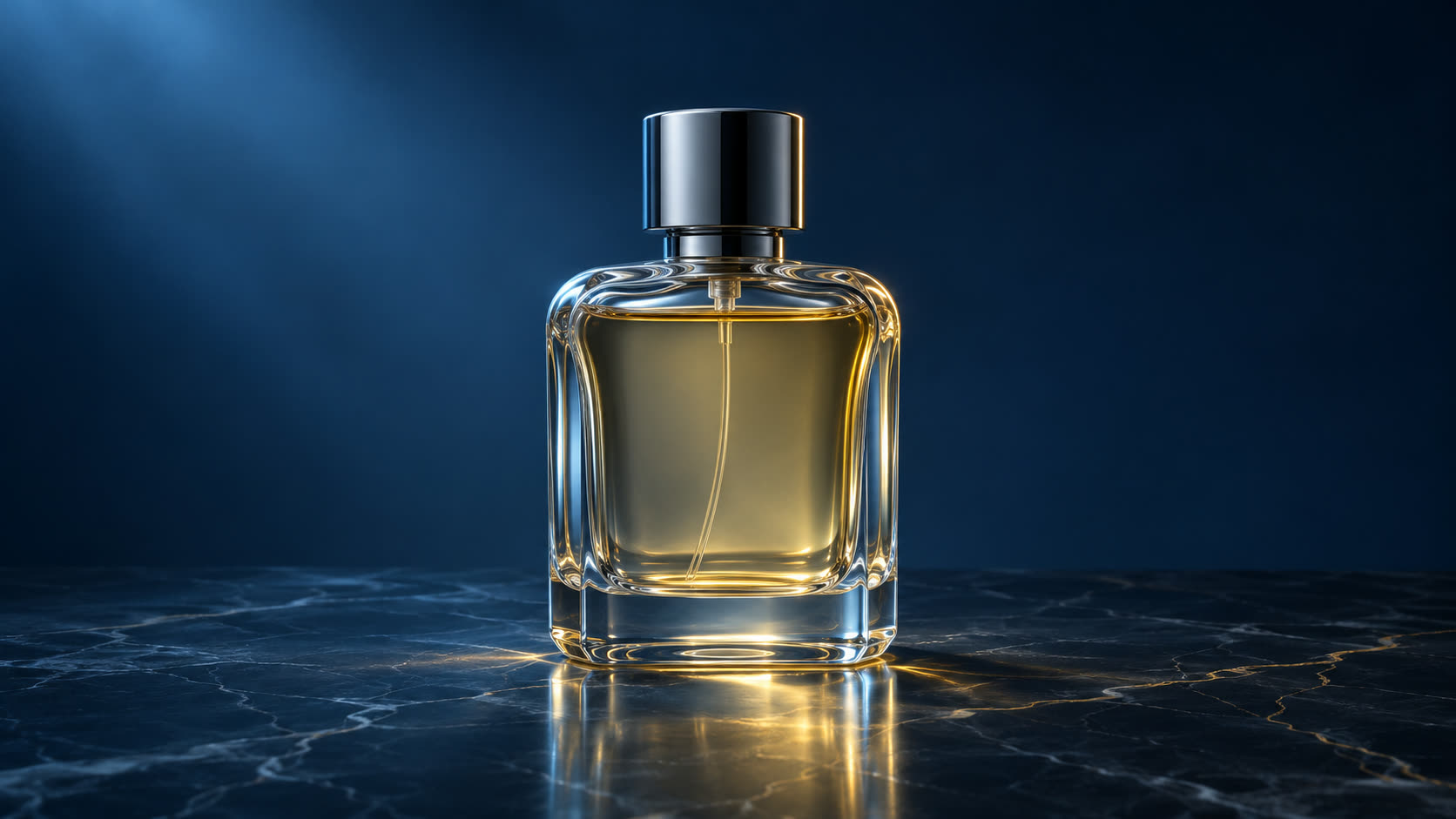
A glass perfume bottle among blue wildflowers, a splash of water, bright natural light, fresh botanical product photography.
A fresh perspective
EXAMPLE PROMPTA glass perfume bottle among blue wildflowers, a splash of water, bright natural light, fresh botanical product photography.
Explore the SuperVids AI picture maker. Start with words or a reference image, and discover Nano Banana, GPT Image and Seedream in one creative studio.
An AI picture generator for the worlds, products and stories you want to create. Find a direction that feels like yours.
A glass perfume bottle among blue wildflowers, a splash of water, bright natural light, fresh botanical product photography.
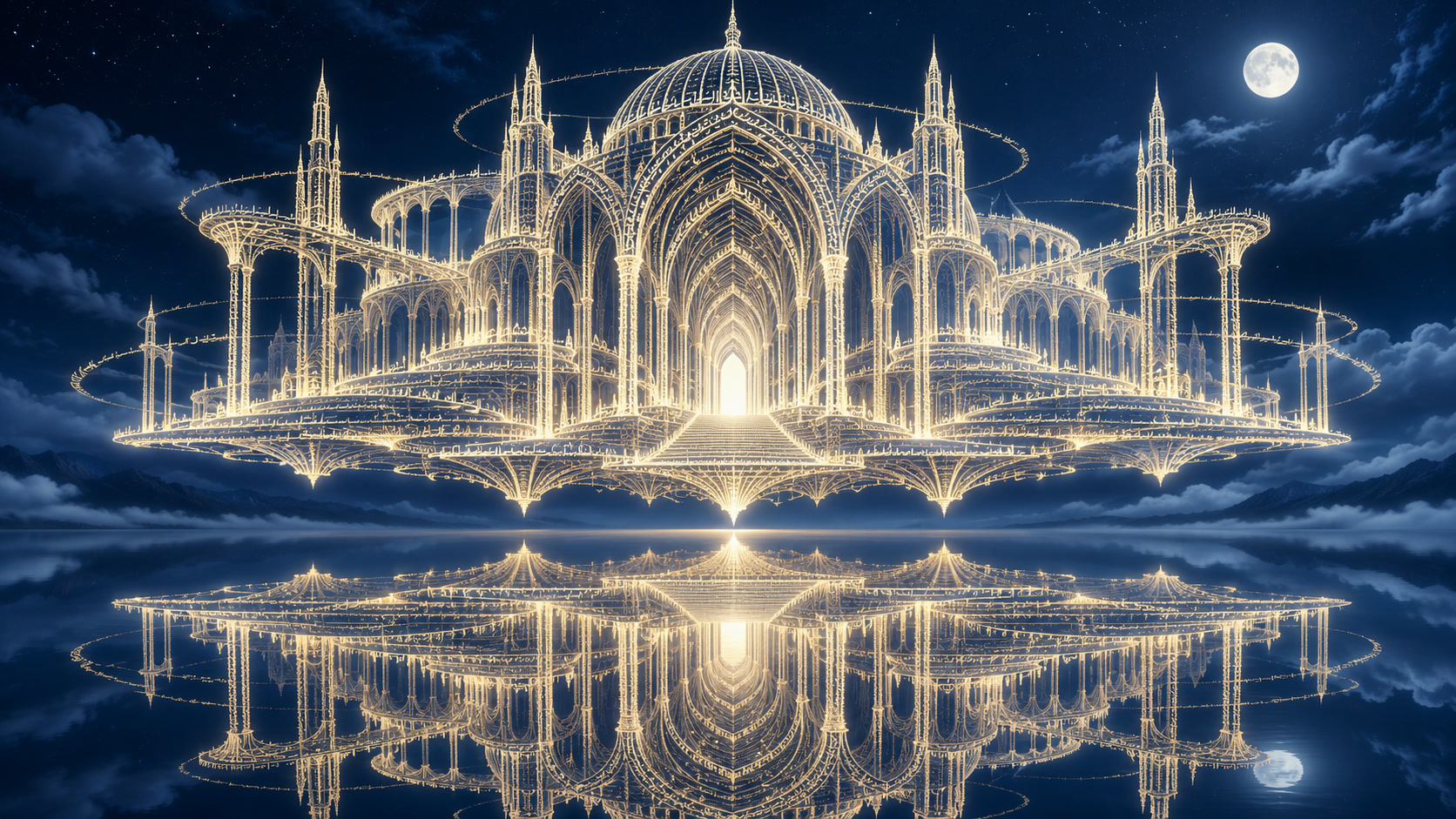
A monumental building formed from glowing lines of text, floating above a still lake at night, drifting clouds and blue starlight, a wide cinematic composition.
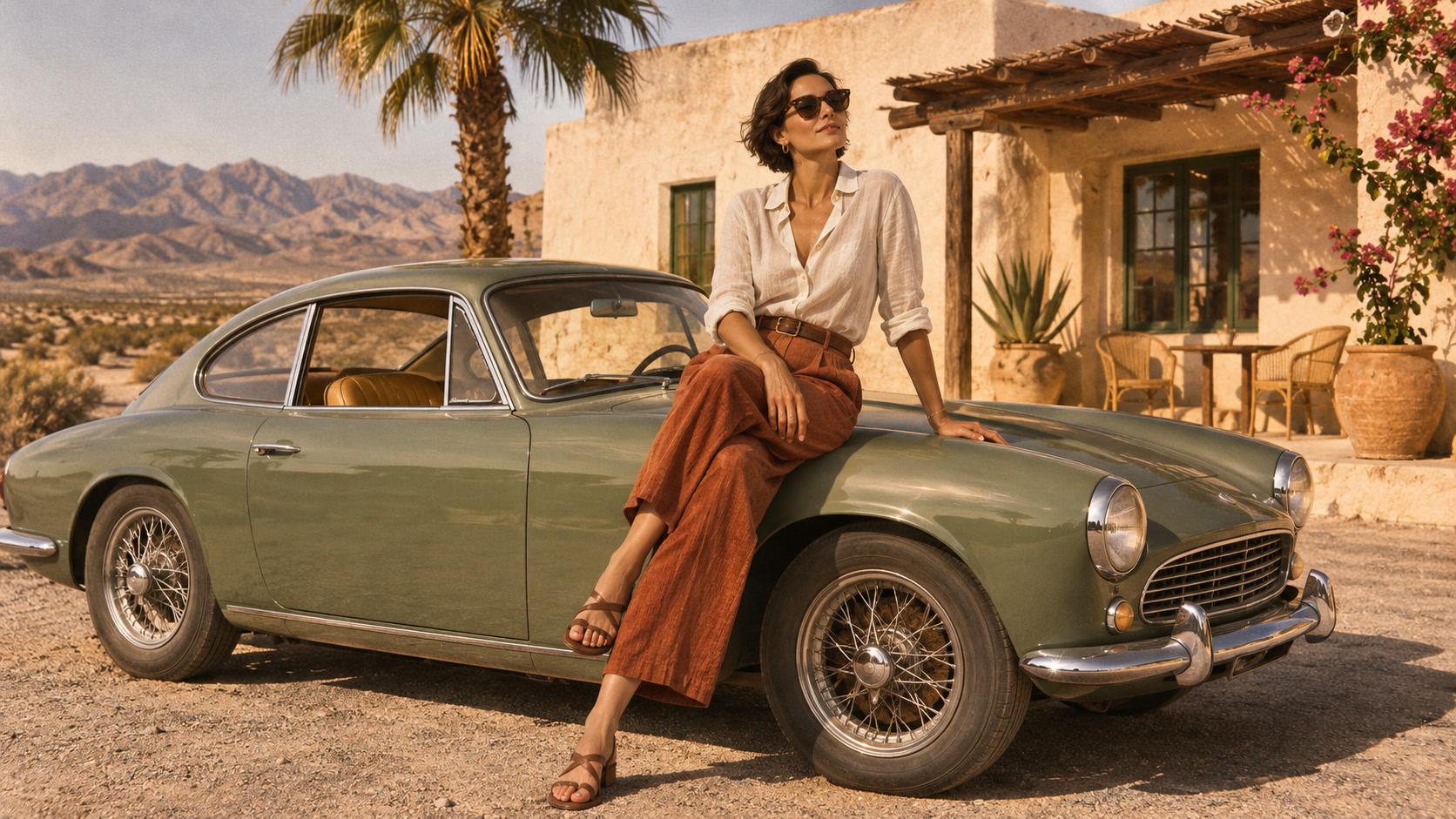
A sunlit fashion editorial at a roadside stop, a woman sitting on a vintage car, warm film tones and relaxed summer styling.
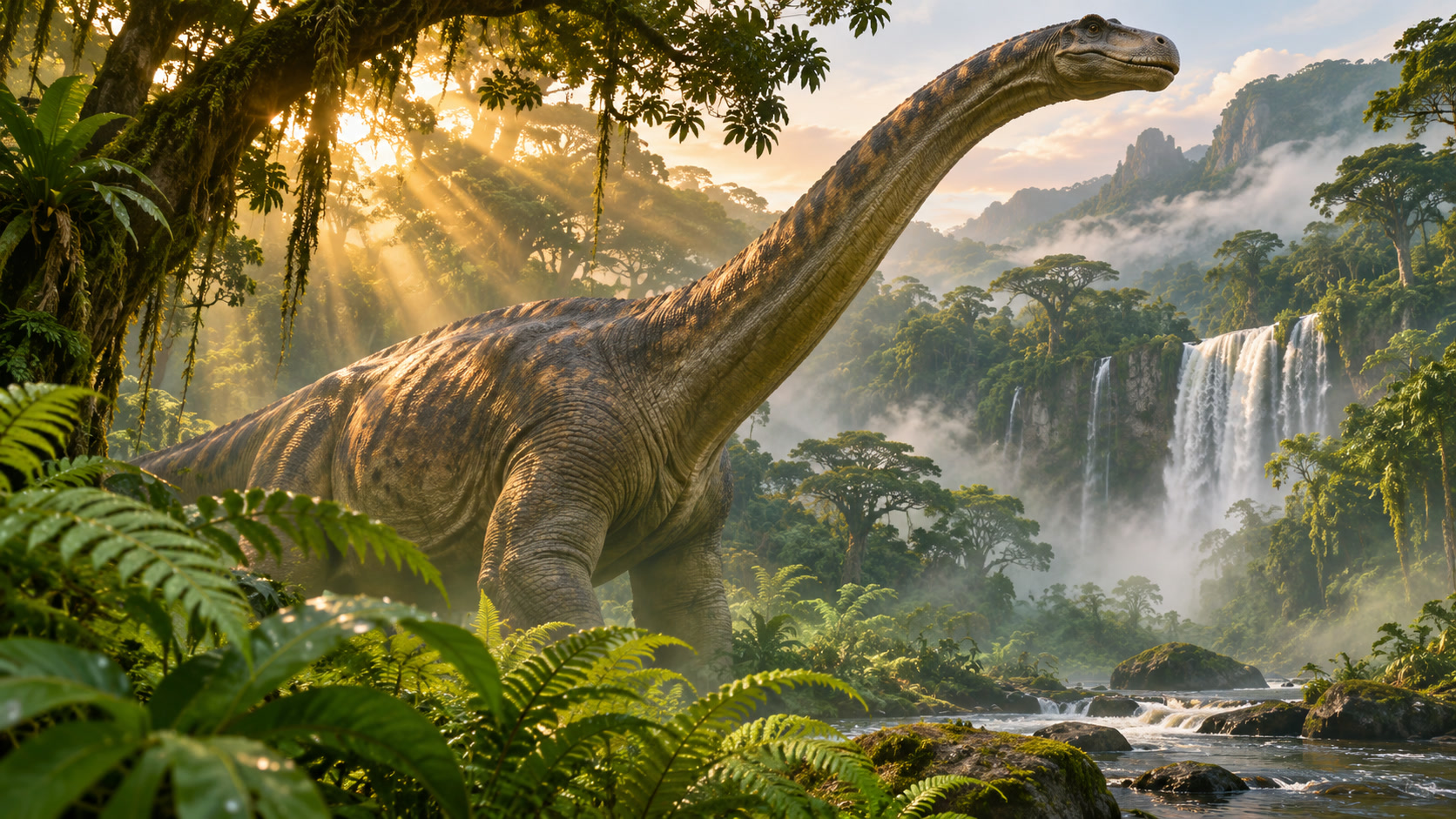
A dinosaur emerging through lush tropical foliage, golden morning light through the canopy, detailed natural textures and a cinematic wide frame.
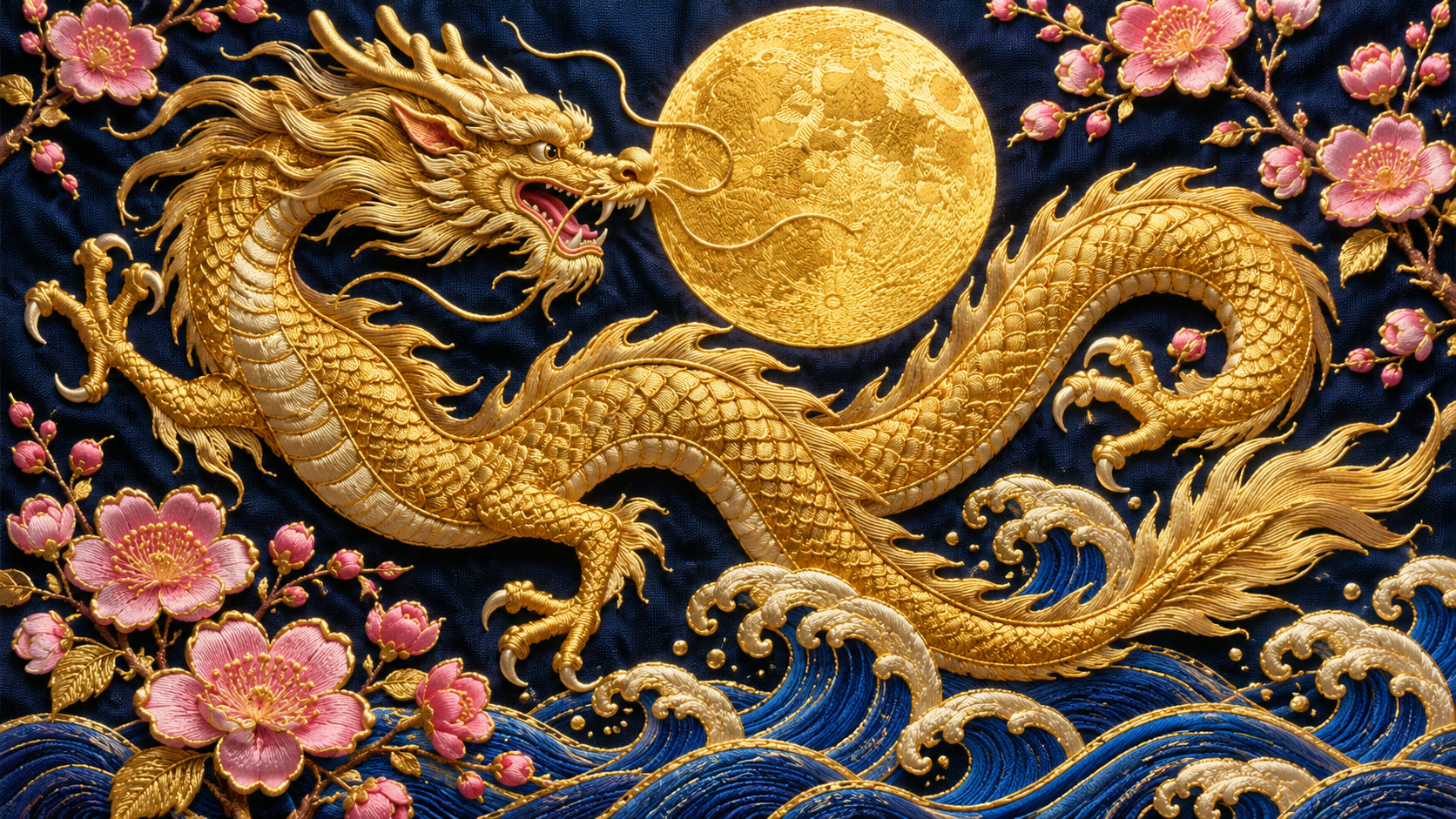
A golden dragon among blossoms and rolling waves, intricate embroidery textures, a deep blue background and a luminous gold moon.
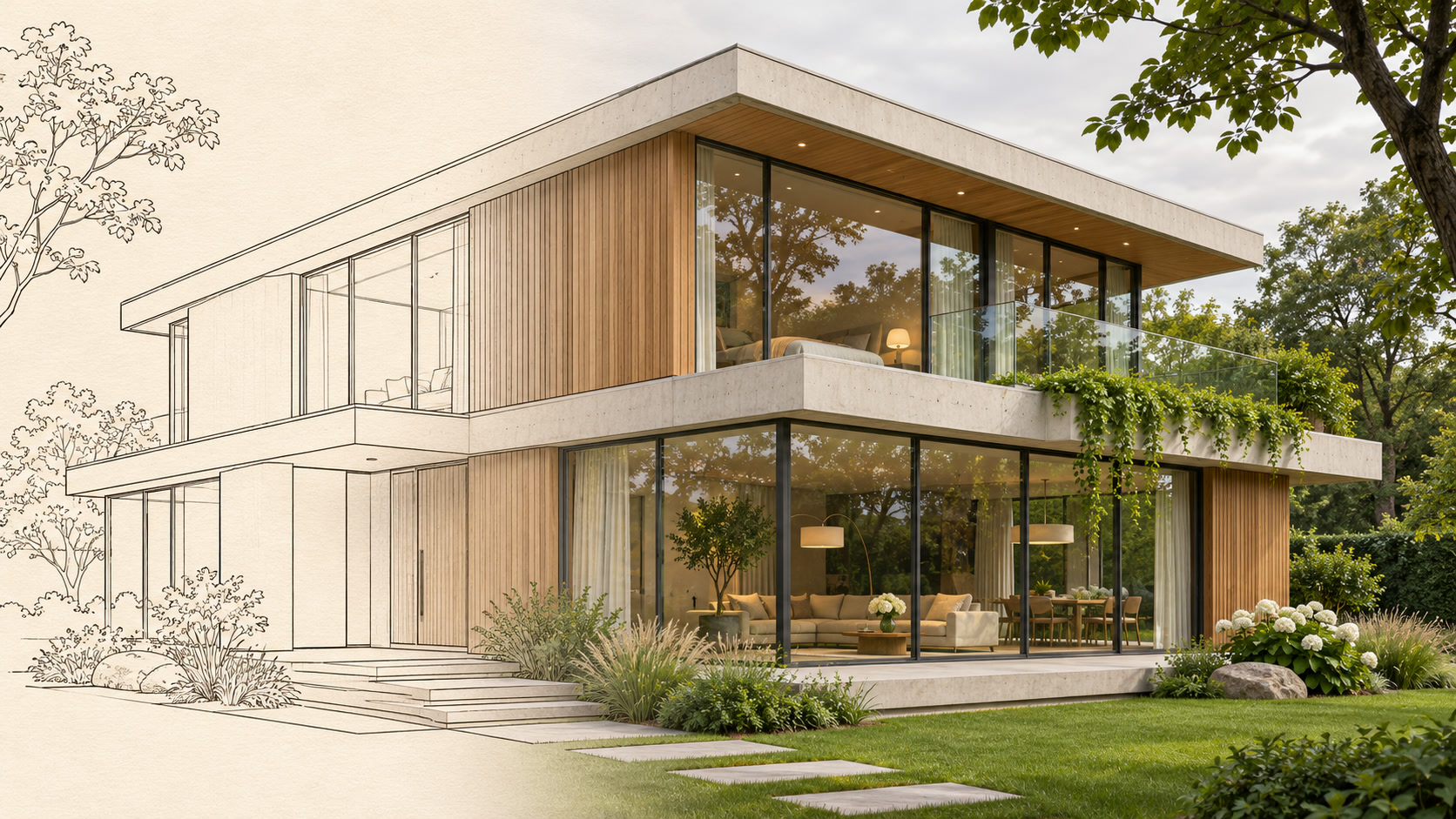
A modern glass and concrete house, part architectural drawing and part realistic render, crisp lines, green trees and soft overcast light.
Start a picture from a written description, or use a photo to guide a new direction. Choose the image creation tool that fits your starting point.
Explore Nano Banana, GPT Image, Seedream and Kling Image in one creative studio. Start with your idea, then find the model that fits.
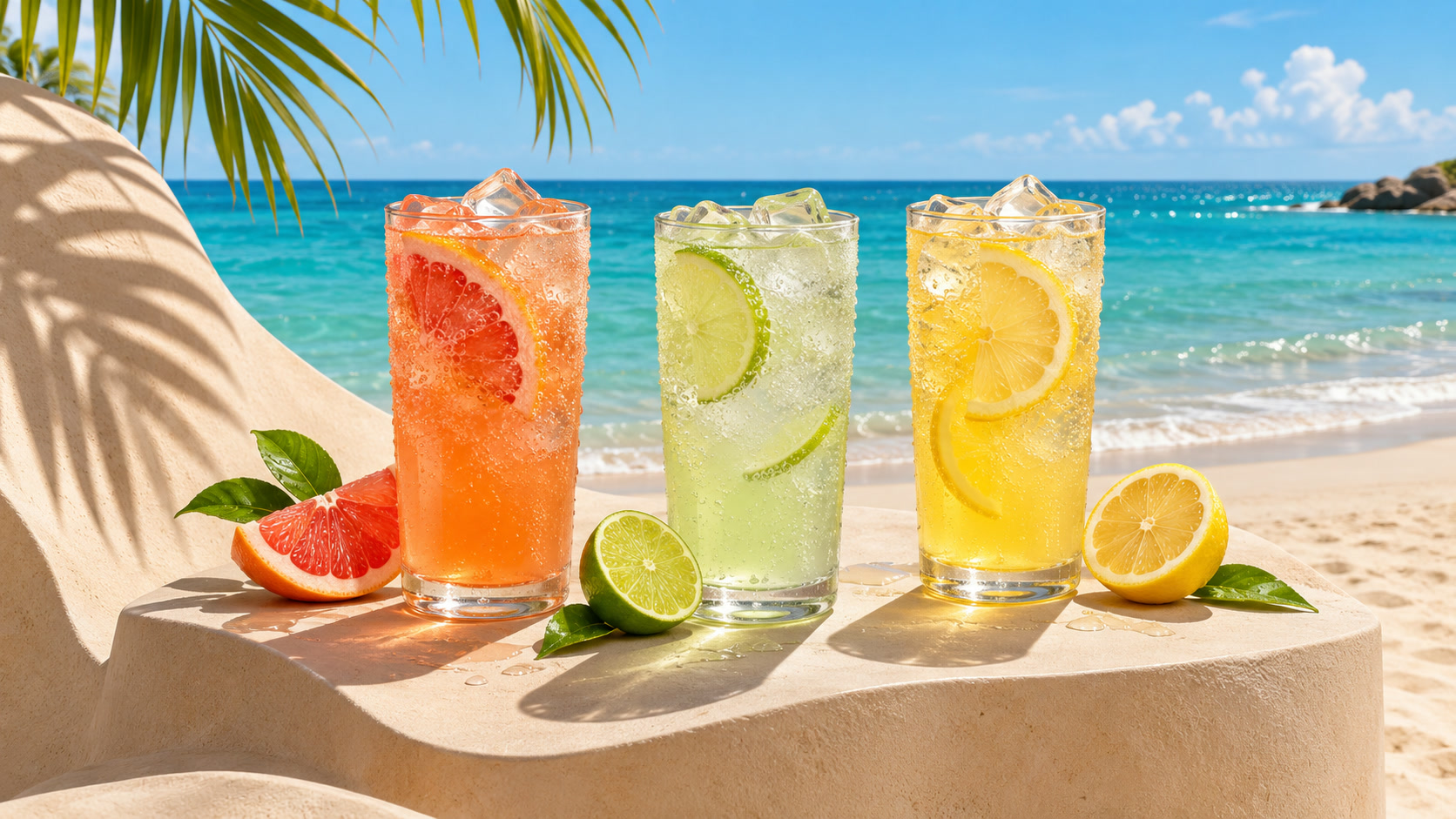
Explore a fresh visual direction for your next idea.
Explore the model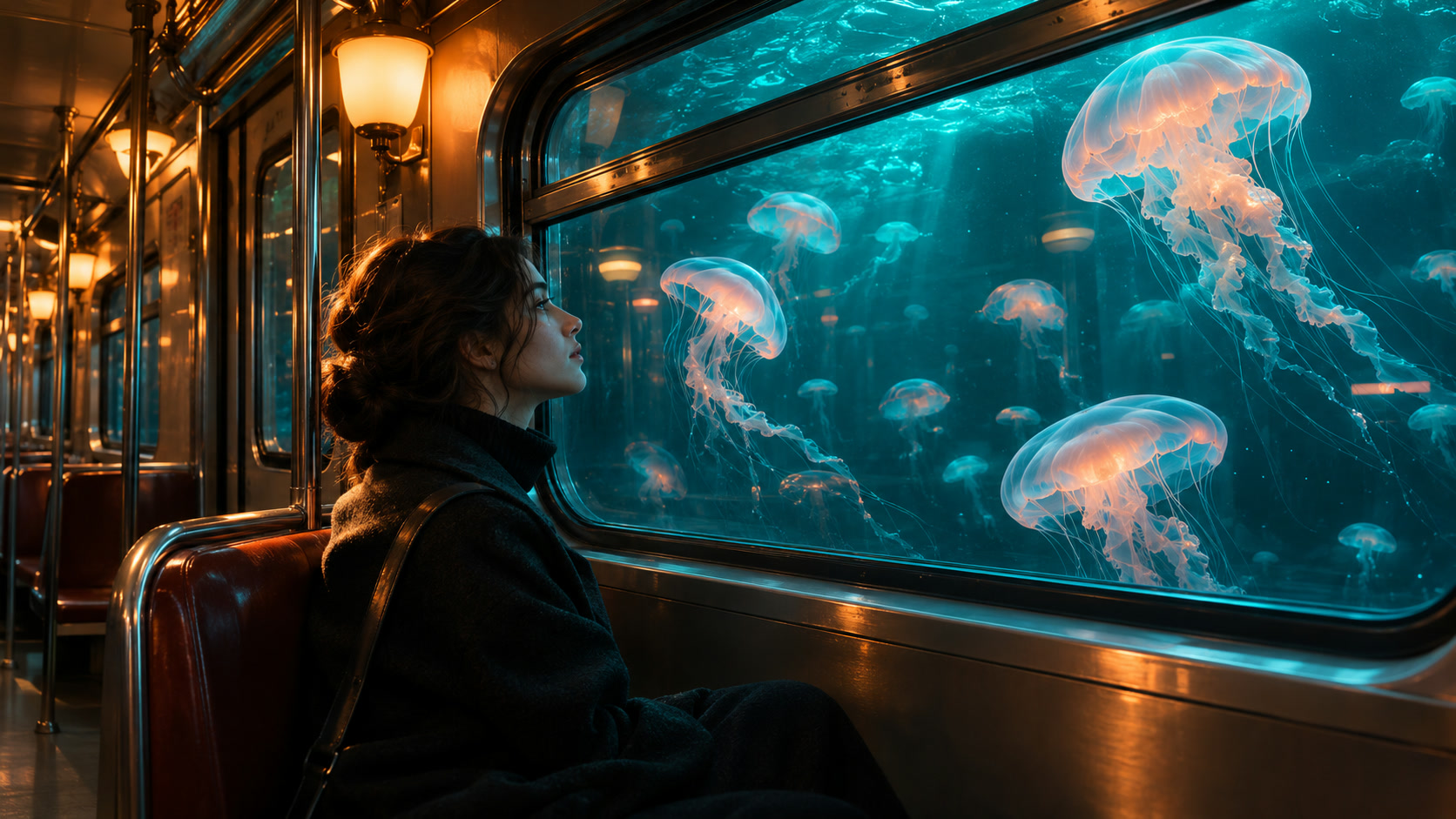
Bring a detailed creative brief into the picture.
Explore the modelDiscover another way to imagine your scene.
Explore the model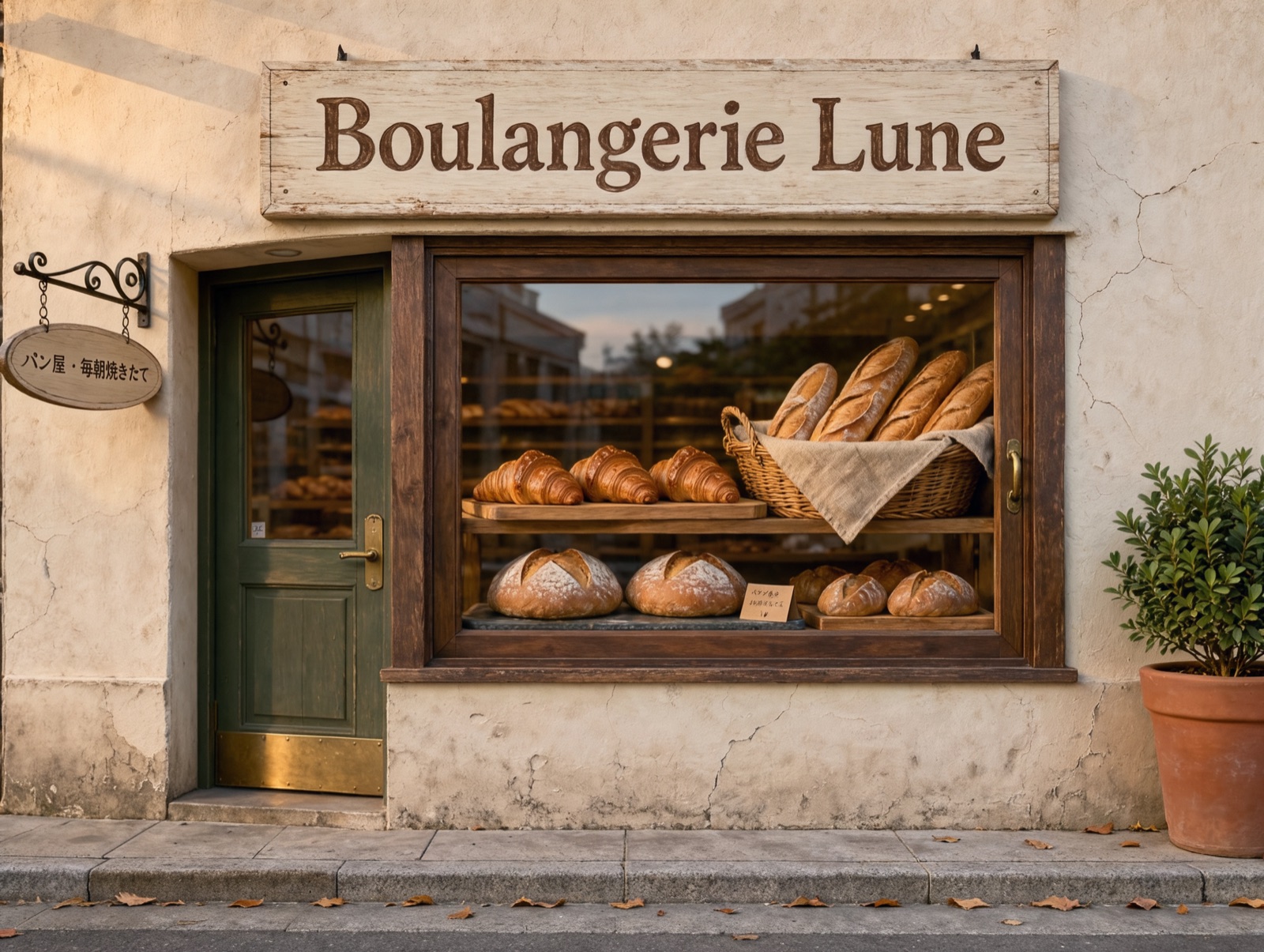
Put clear text on posters, signs and product labels.
Explore the modelFrom a first concept to the visual direction for an entire project. Make room for the way you create.
Explore product settings, campaign concepts and art direction before bringing your final assets together.
Explore your ideaShape a distinctive mood for your next post, editorial story or thumbnail. Leave space for the message you want to add.
Explore your ideaExplore a character, an atmosphere or an impossible place. Give your creative direction a visual starting point.
Explore your idea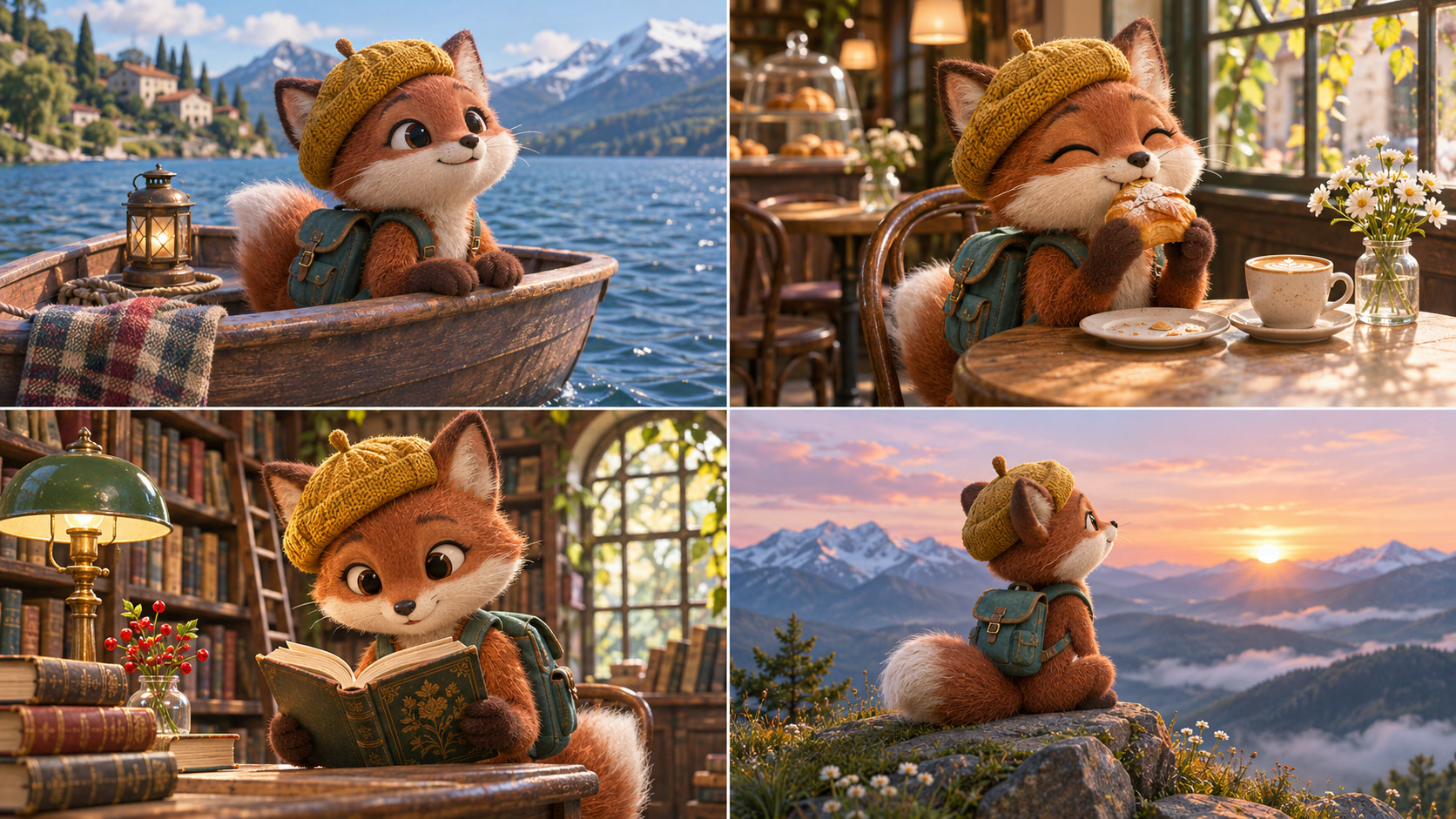
Turn scene ideas into visual references. Plan the mood and framing before developing your shots in the AI Drama Generator.
Explore your ideaStart with a written idea, or bring a reference photo to guide a new direction. Choose text to image or image to image for your project.
Describe the subject, setting and style. Choose a model and the available image format that fits the picture you have in mind.
Compare the image with your idea and refine the details. Take the visual into your next design, storyboard or video project.
Give your still a little motion. Build a sequence in the AI Drama Generator, then shape the final cut in Editing Studio.
Find your starting point and get more from your next image.
An AI picture maker uses a generative model to create images from instructions such as a text prompt. Some tools also accept reference images, but support varies by product.
The names often describe the same general task: creating a picture with AI. Compare the actual inputs, editing controls, output options, and usage terms rather than relying on the product name.
Sign in with a verified account to generate images. New accounts receive one-time welcome credits. The form shows the credit cost for the selected model and settings; see Pricing for plans and credit packs.
Yes. Choose Image to Image, upload a supported reference photo and describe what to keep or change. The photo is uploaded and processed by the selected model when you generate; check the file requirements shown in the form.
Commercial use depends on the tool and model terms, the source material, and any third-party rights involved. Review the applicable terms before publishing. Buying credits does not override model terms or third-party rights.
Describe the subject, setting, composition, and important constraints clearly. Inspect the output and change one relevant part of the prompt at a time.