An opening larger than lifeAudio sample
“Orchestral music with rising strings, deep brass, and slow drums for a castle reveal, building to one powerful final swell.”
Find the sound for your story
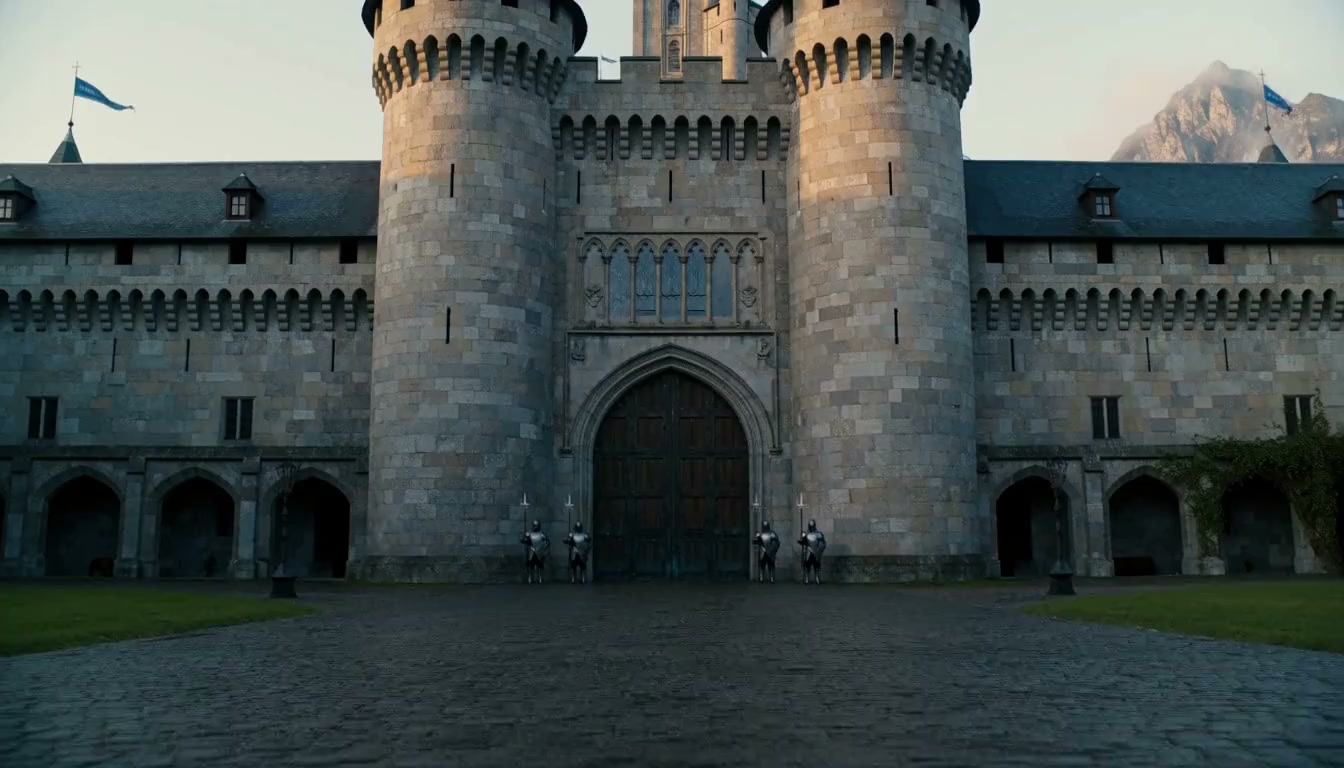
“Orchestral music with rising strings, deep brass, and slow drums for a castle reveal, building to one powerful final swell.”
Turn your ideas into music with AI. Describe the mood, genre, and instruments to create a soundtrack for your next video, story, or podcast.
Six musical directions to start from. Each pairs a mood and a few instruments with an example prompt you can adapt for your own project.
Cinematic“Orchestral music with rising strings, deep brass, and slow drums for a castle reveal, building to one powerful final swell.”
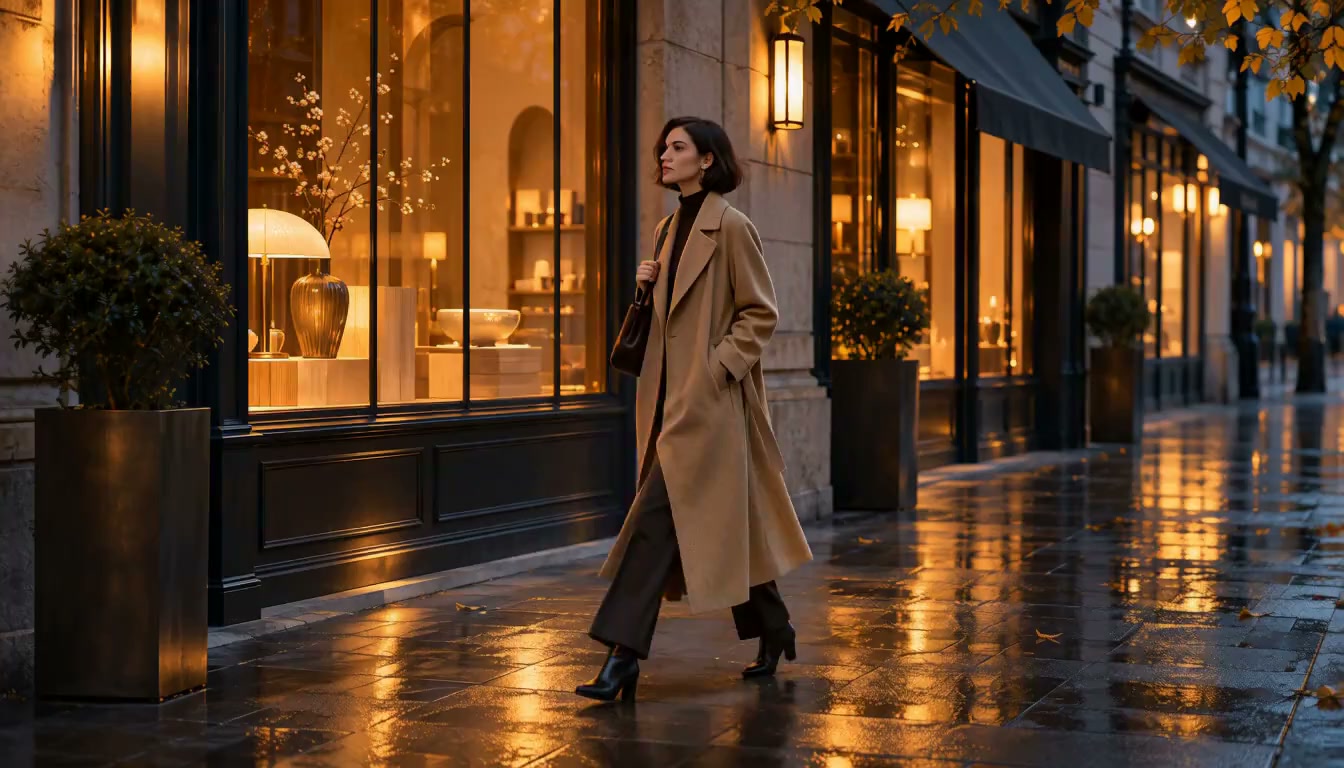 Lo-fi
“Mellow lo-fi with dusty piano chords, a lazy laid-back beat, and soft rain in the background. Calm and a little nostalgic.”
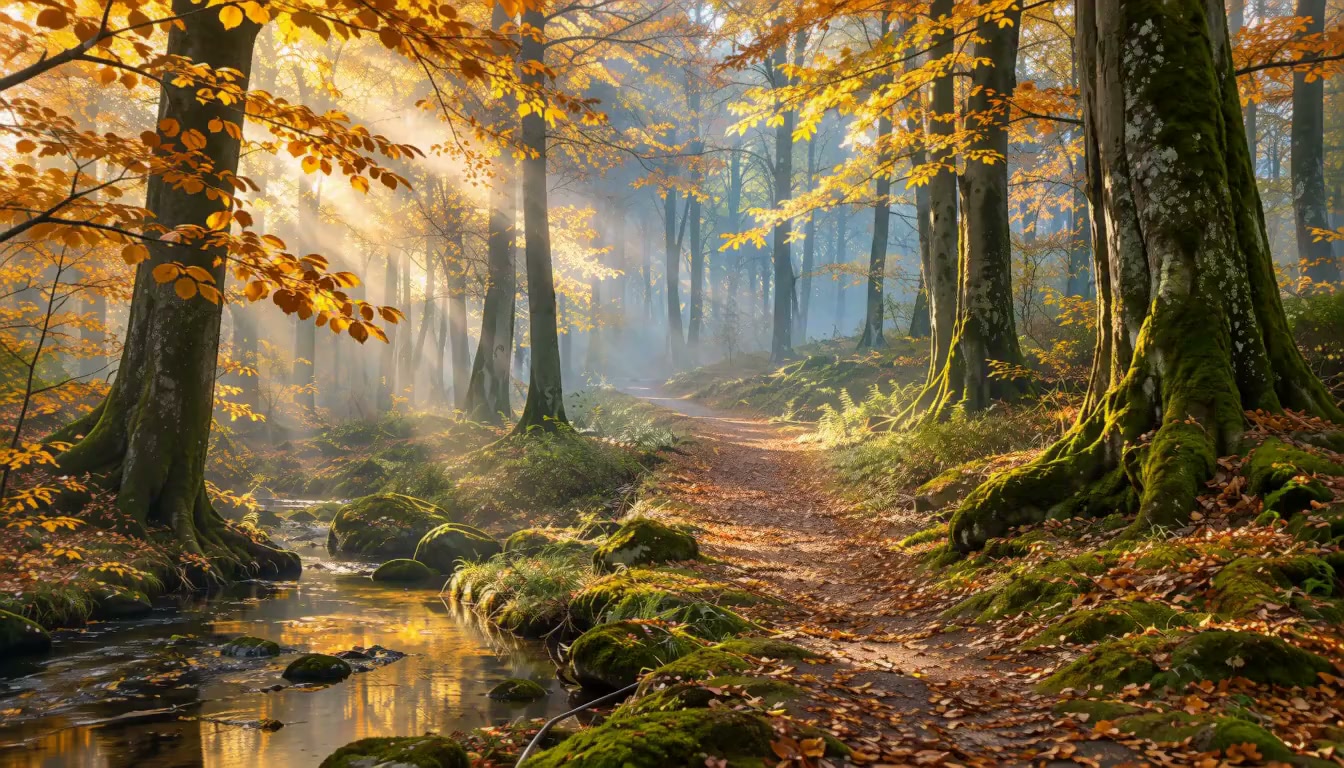 Acoustic
“Warm fingerpicked acoustic guitar with light hand percussion and a gentle whistled melody for an autumn walk.”
 Electronic
“Pulsing synthwave with a driving bassline, bright arpeggios, and steady electronic drums for a neon city drive.”
 Ambient
“Slow ambient pads with soft, shimmering textures and no percussion, for a calm and weightless underwater scene.”
 Upbeat
“A bright, upbeat pop instrumental with ukulele, handclaps, and glockenspiel for a playful, sunny short story.”
Using an AI music generator from text starts with a description, not an instrument. Describe it, choose the direction that fits, and give it a place in your video.
Dreamy lo-fi with soft keys and a slow, rainy-evening feel
Write a sentence or two about the music you hear in your head. Name a style, set a feeling, choose a few instruments, then add the pace and where the track will be used.
The AI music maker turns your prompt into music you can listen to. Keep the direction that fits, or rewrite one part of the prompt to hear another take.
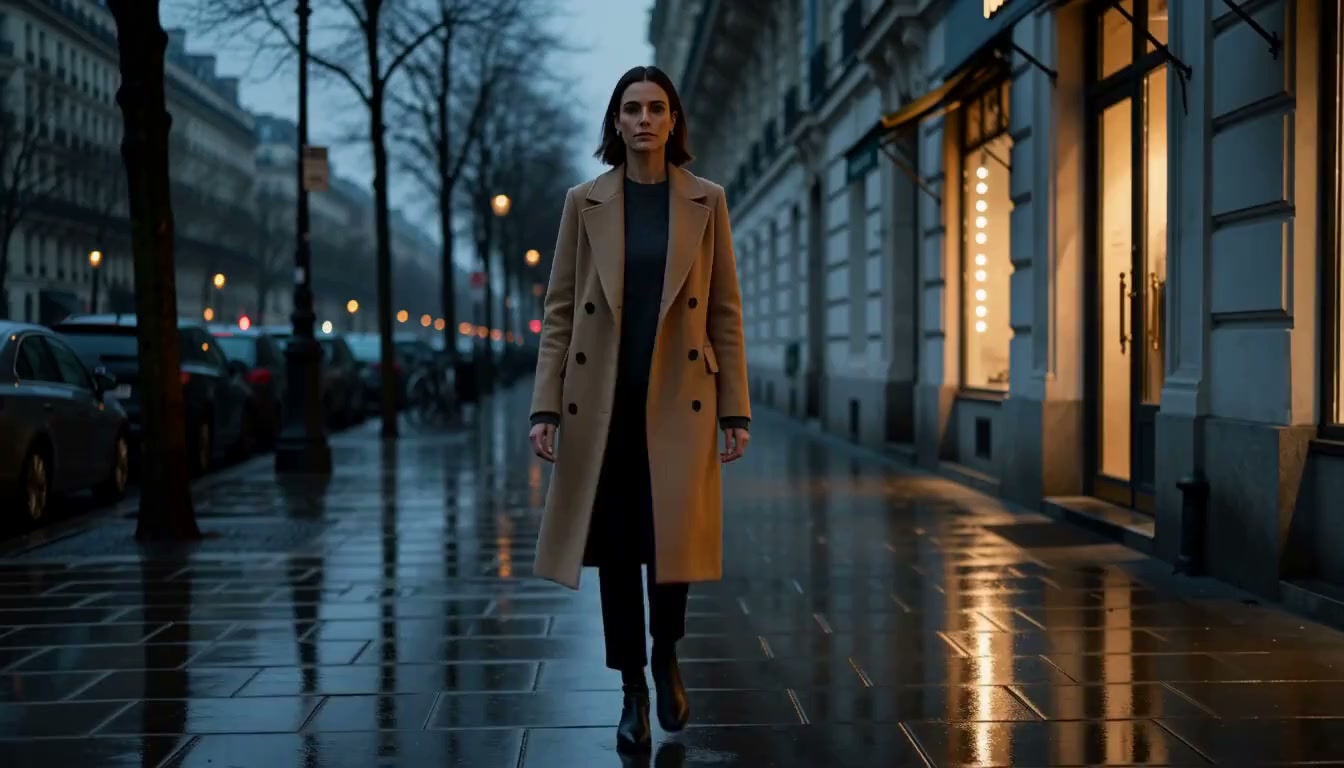
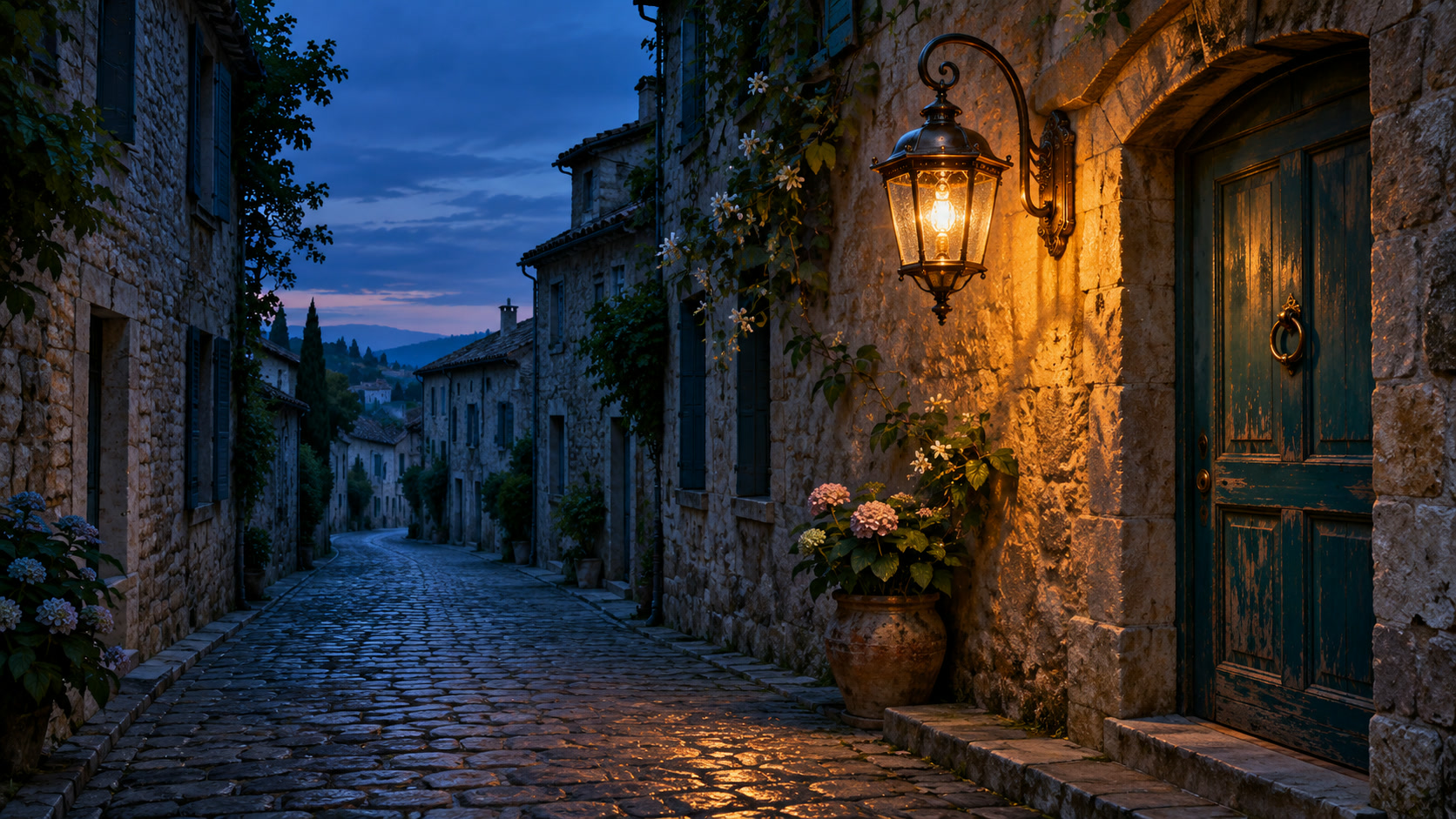
Place the music under your footage, trim it to the scene, and lower it beneath your voiceover so every word stays clear.
A prompt-to-music workflow starts with a short creative brief: what the music is, how it feels, what plays, how it moves, and where it will be heard.
“Gentle acoustic folk1 with a hopeful, unhurried2 feel: fingerpicked guitar and soft piano3, a relaxed tempo that slowly builds4, as background music for a travel video5.”
The style sets the palette. Start broad, or name a blend such as acoustic folk or cinematic electronic.
Two or three feeling words go a long way: hopeful, tense, dreamy, playful, reflective.
Pick a few lead sounds rather than a whole orchestra. Say “no vocals” when you want an instrumental.
Describe tempo and movement in plain words: slow and steady, relaxed, or gradually building.
Say where the music will be heard. A travel vlog, a product reveal, and a podcast intro each ask for something different.
Think of it as an AI instrumental generator for creators who tell stories on screen: background music that carries the mood of a scene and still leaves room for narration.

Ask for music without vocals, so lyrics never compete with your narration, dialogue, or on-screen text.
Request sparse arrangements, softer dynamics, and fewer lead melodies for the stretches where someone is speaking.
Describe how the track should open, settle, build, and end, so its arc can follow the beats of your video.
Different stories ask different things of a soundtrack. Here is what to describe for four common kinds of background music for videos and shows.
Follow the emotional turns of a scene: a sparse piano theme for a quiet moment, a slow string swell under the reveal, and an ending that lets the last shot breathe.

Keep energy steady across quick cuts, then step back while you talk to camera. Light grooves and simple chords work well under a speaking voice.

Match the rhythm of the reveal. Clean, modern sounds and light percussion for close-ups, with a lift at the moment the product appears in full.
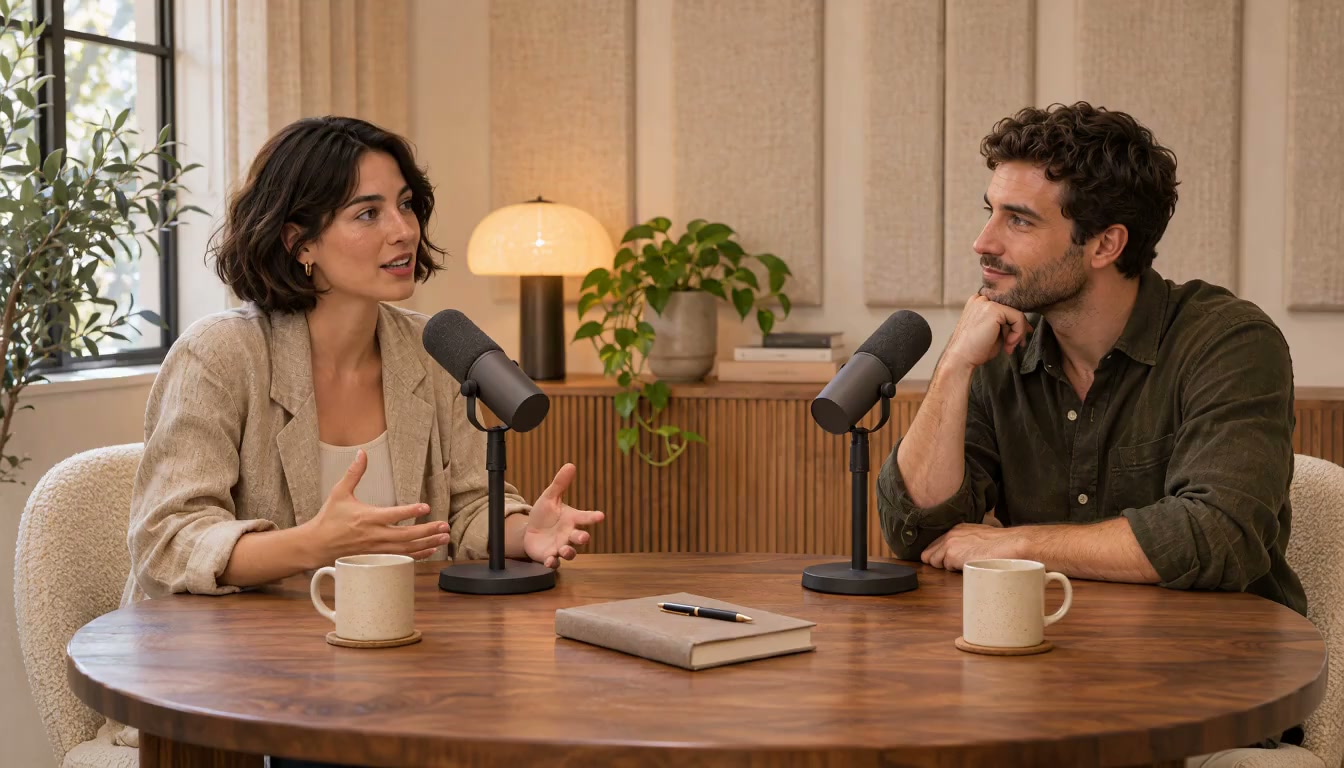
Give every episode a recognizable opening, then a softer close that sits under your final words. Short, distinctive, and never louder than the hosts.
From your first prompt to a soundtrack that fits the story.
An AI music generator creates original music from a written description. Instead of playing or programming each part, you describe the genre, mood, instruments, and pace you want, and the AI composes music in that direction.
It reads your prompt as a creative brief. Genre words set the style, mood words shape harmony and energy, and instrument names guide the sound palette. The more specific your description, the closer the result can be to what you imagine.
No. You can describe music the way you would describe a feeling or a scene: “calm piano for a rainy morning” is a complete prompt. Musical terms such as tempo or key are welcome, but never required.
Your prompt can name the instruments you want to hear, and adding “no vocals” or “instrumental” describes music without singing. Instrumental tracks are a natural fit for video, where music often plays beneath narration or dialogue.
Music sets the mood with melody, harmony, and rhythm. Sound effects recreate events and places, such as footsteps, rain, or a transition whoosh. Text to Speech reads your script aloud as narration. Together they make up the full soundtrack of a video.
That is what this page is built around. Describe the scene and the role the music plays, for example “a light, steady bed under a voiceover,” then combine the downloaded track with your footage in a video editor.
Yes. Choose vocal music or instrumental music in the form. For vocal music, you can supply lyrics and a style description. Review the generated track before using it in your project.
Sign in with a verified account to generate music. Each generation costs 15 credits, so the 65 free welcome credits for new accounts cover 4 generations. Completed tracks can be downloaded as MP3. Usage rights depend on the model terms and any third-party material you supply. See the pricing page.