Nano Banana 2.1 · 3:4
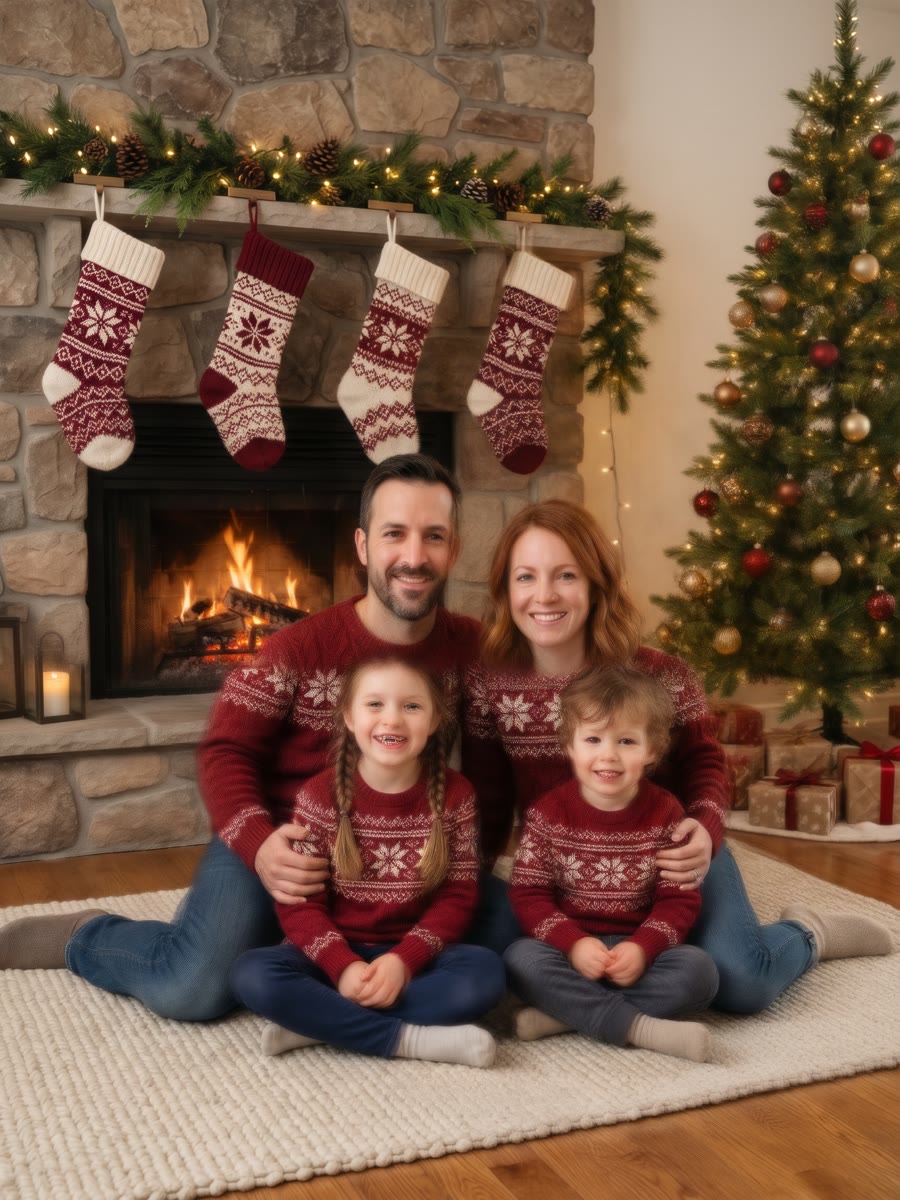
Family by the fireplace
One family photo becomes a cozy portrait with matching sweaters, stockings and the tree.
Family by the fireplace
EXAMPLE PROMPTTurn this photo into a cozy Christmas family portrait. Keep everyone in the photo recognizable: the same faces, hairstyles, ages and skin tones. Place them close together on a rug in front of a stone fireplace decorated with a pine garland, stockings and warm string lights, with a decorated Christmas tree beside them. Dress them in matching cream and deep red knit sweaters. Warm golden light, soft background blur, natural relaxed smiles, professional holiday photo, no text.
This AI Christmas photo generator turns a selfie, a family photo or a photo of your pet into a Christmas portrait, card or profile picture. Upload your photo, choose a holiday template and keep the faces that make it yours.
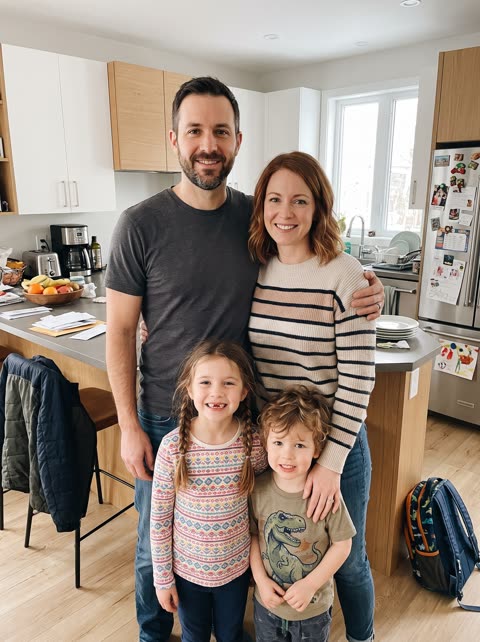
Every example below started from the photo in the corner and one of these templates. Pick one to load its prompt and model, then upload your own photo.
One family photo becomes a cozy portrait with matching sweaters, stockings and the tree.

Add “Merry Christmas” lettering and leave room for the photo to tell the story.
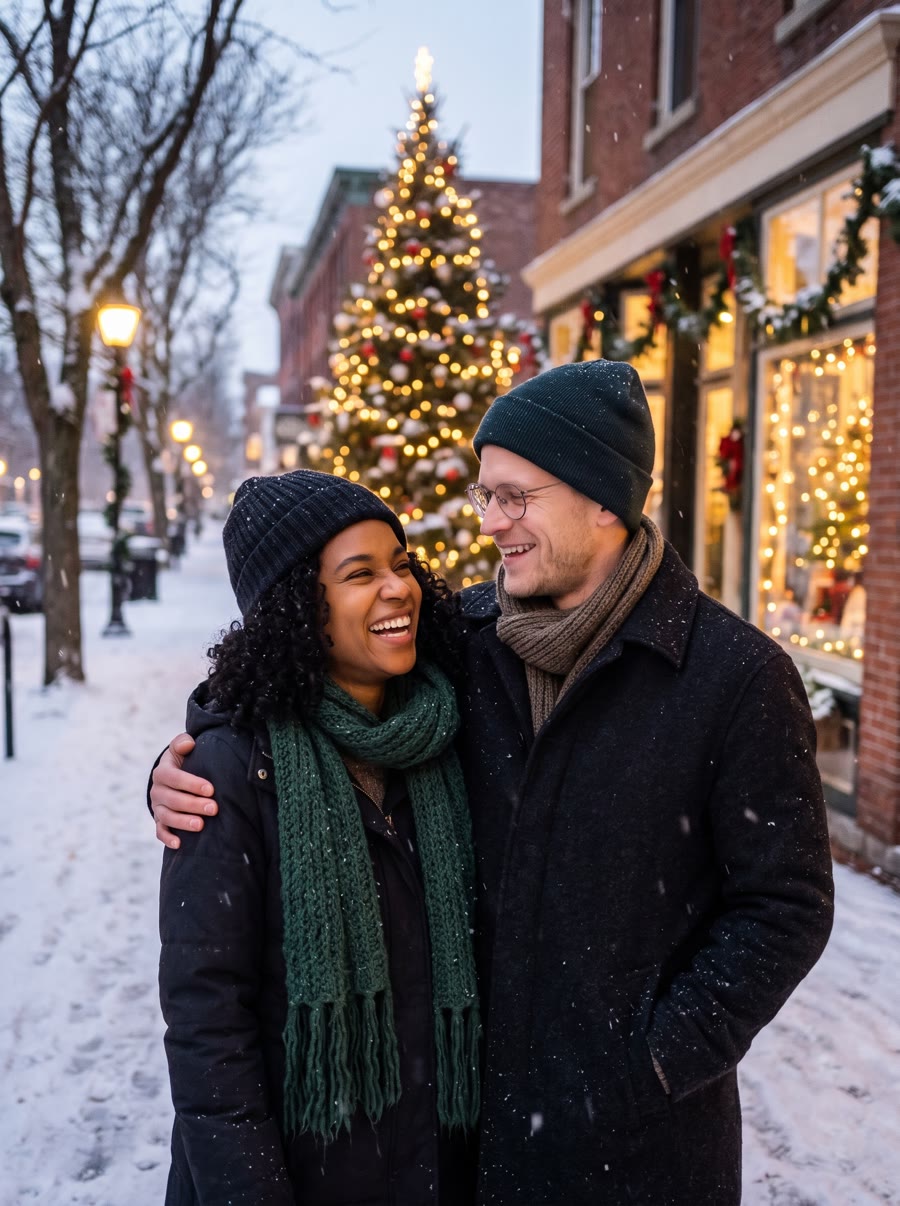
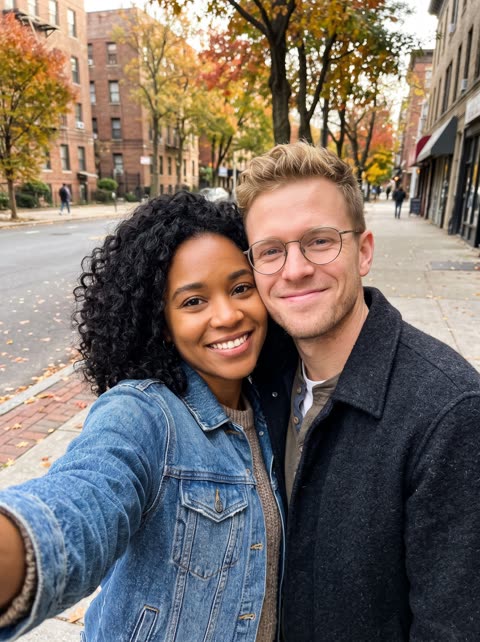
A selfie becomes an evening walk past a lit tree and glowing shop windows.
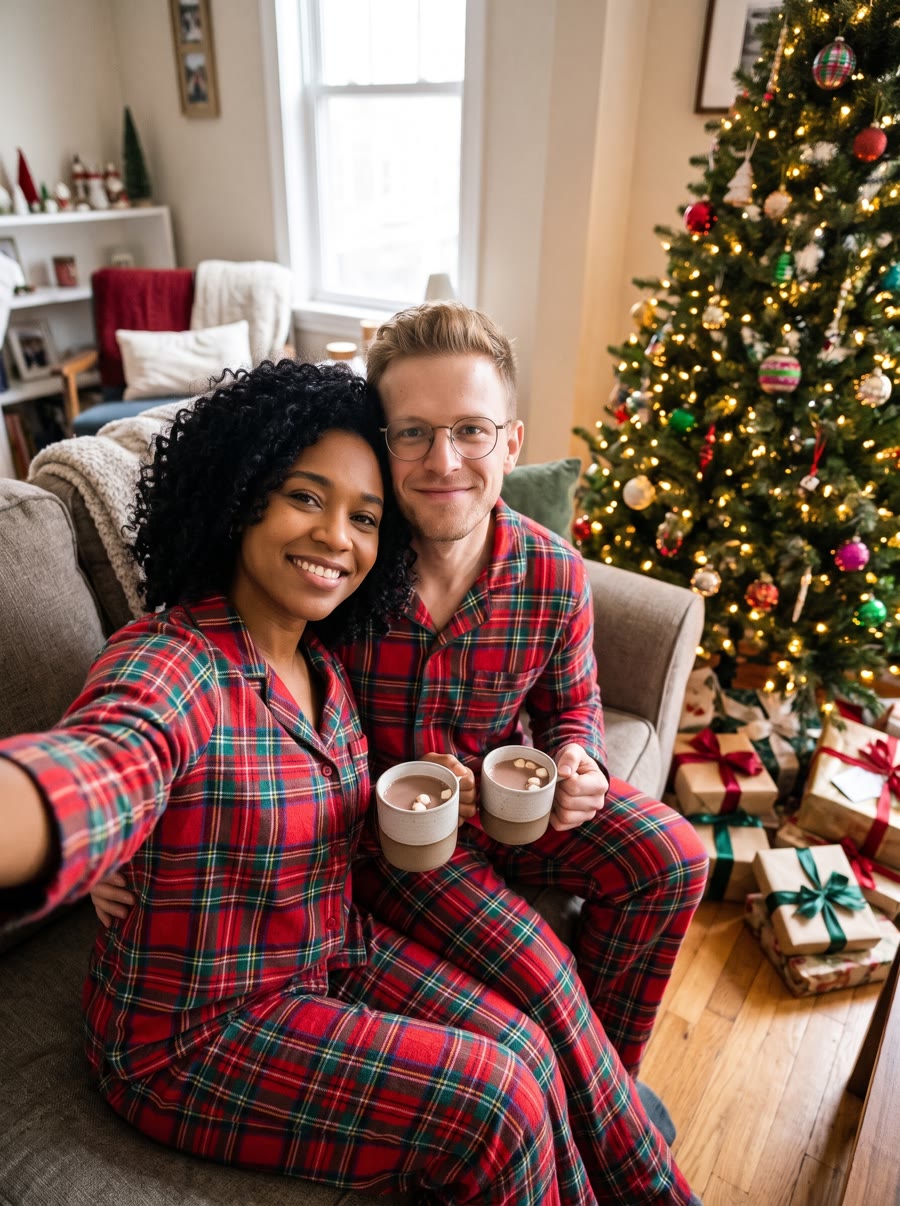
Matching plaid pajamas, hot cocoa and presents under the tree.


A square Christmas profile picture with a Santa hat and warm bokeh lights.
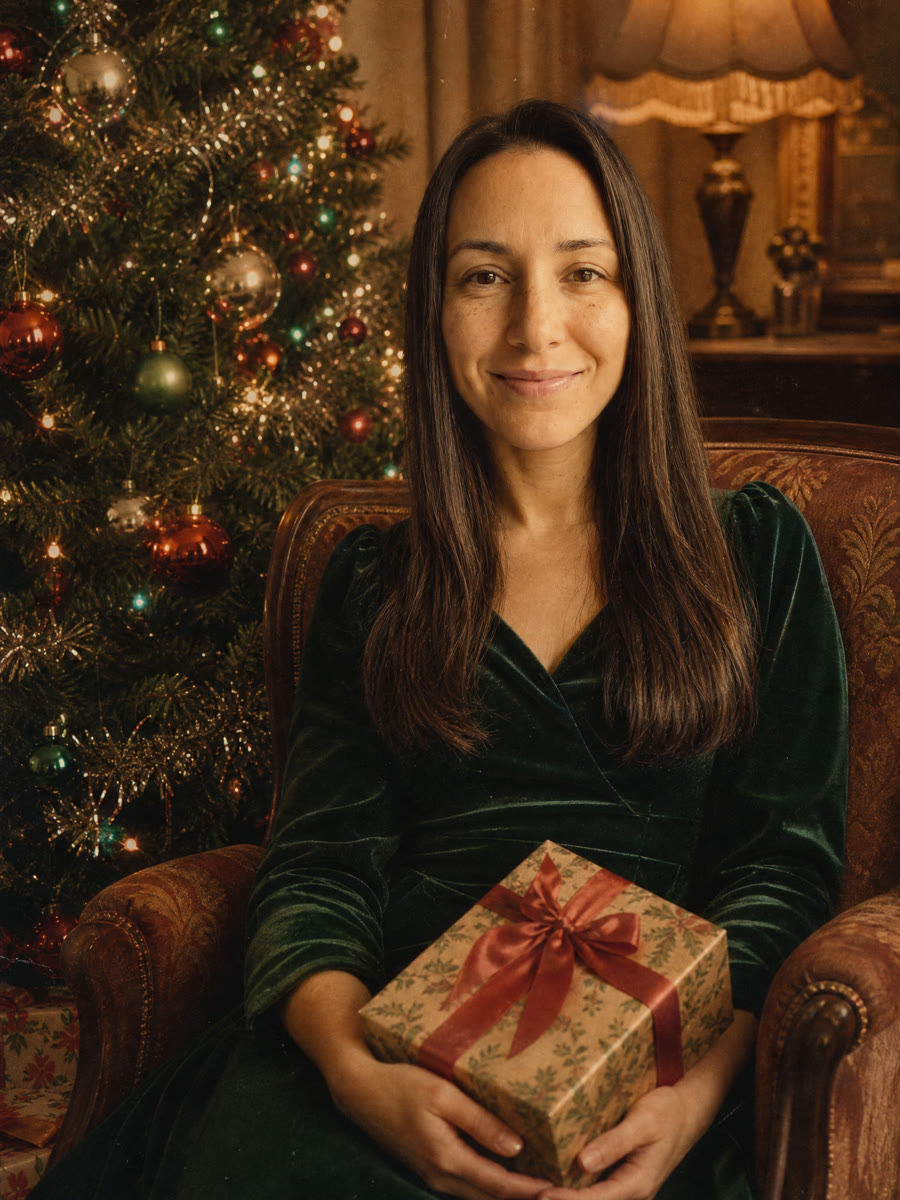

A 1950s-style holiday photograph with film grain, velvet and tinsel.

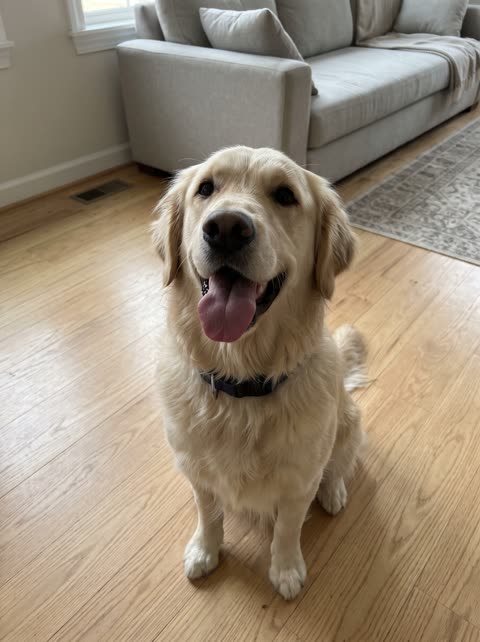
Your dog or cat in a tiny Santa hat, surrounded by presents.
The original photos are AI-generated portraits, not real people. All results were made with SuperVids; likeness can vary between generations.
Add a clear selfie, a family photo or a photo of your pet. For a group, you can add one photo per person.
Start from a Christmas template or a prompt below. Say who to keep and what to change: the outfits, the setting, the light.
Check faces, hands and any lettering. Adjust one part of the prompt and generate again if something drifted.
Save the image for a card, a profile picture or a holiday post.
Copy a prompt for your own image tool, or use it here with your photo. Each one names what to keep and what to change.
Turn this photo into a Christmas family photo. Keep everyone recognizable. Dress the whole family in matching red and white Nordic knit sweaters, standing in front of a decorated tree with wrapped presents. Warm light, everyone smiling, realistic photo, no text.
Turn this selfie into a Christmas photo of the same couple sharing a laugh under a sprig of mistletoe in a doorway decorated with garlands and fairy lights. Keep both faces recognizable. Cozy sweaters, warm evening light, realistic photo, no text.
Turn this photo into a Christmas photo with Santa Claus. Keep everyone from the photo recognizable. They sit beside a jolly Santa with a white beard and a red suit in a decorated living room with a lit tree. Warm, joyful, realistic holiday photo, no text, no logos.
Turn this photo into a Christmas photo of the same children decorating gingerbread cookies at a kitchen table dusted with flour, wearing small aprons and Christmas sweaters. Keep their faces recognizable. Warm kitchen light, candid moment, realistic photo, no text.
Place the same people from this photo at an outdoor Christmas market at night, holding cups of hot cider between wooden stalls with string lights and a large lit tree. Keep their faces recognizable. Winter coats, light snow, cinematic warm light, realistic photo, no text.
Turn this photo into a winter Christmas photo of the same people outside a snow-covered log cabin with a wreath on the door and warm light in the windows. Keep their faces recognizable. Knit hats and scarves, falling snow, blue hour, realistic photo, no text.
Turn this photo into a fun Christmas party photo of the same people wearing colorful, over-the-top ugly Christmas sweaters with reindeer and snowflakes, laughing in a living room full of decorations. Keep their faces recognizable. Bright flash photo look, realistic, no text.
Turn this photo into an elegant black and white Christmas portrait of the same people beside a tall decorated tree. Keep their faces recognizable. Formal holiday outfits, soft studio lighting, fine film grain, timeless portrait, no text.
Turn this photo into a Christmas card of the same people in front of a decorated tree. Keep their faces recognizable. Add clean hand-lettered text at the top that reads exactly "Season’s Greetings". Festive red and gold accents, polished card layout, realistic photo, no other text.
Turn this photo into a Christmas portrait of the same cat wearing a tiny red knit Christmas sweater, curled up next to ornaments and a softly lit tree. Keep the cat’s fur, markings and eyes the same. Cozy light, sharp details, realistic pet photo, no text.
The model works from your photo, so a better photo gives a better result.
Faces that are well lit, in focus and not covered by sunglasses or hats give the model more to keep.
For a family photo made from separate pictures, add one photo for each person and say how many people the result should show.
Write “keep the same faces, hair and skin tones”, then describe only what should change: outfits, setting and light.
Likeness is usually close but not guaranteed. Regenerate if a face drifts, and check lettering letter by letter before you print a card.
Both models take your photo as a reference. The templates above select the one that suits them; you can switch in the generator.
Strong at the polished holiday look and at lettering such as “Merry Christmas” on a card. Choose it for cards, profile pictures and vintage styles.
Takes up to 10 reference photos, so you can combine separate photos of each family member. Choose it for families, couples and pets.
Find your starting point and get more from your next image.
An AI Christmas photo generator turns an existing photo into a holiday image. You upload a selfie, a family photo or a pet photo and describe the Christmas scene, and an image model creates a new picture that keeps the people or pet from your photo.
Upload your photo in the generator at the top of this page, choose a Christmas template or paste a prompt, then select Generate. Review the result, adjust the prompt if needed and download the image you like.
The trend is people uploading their own photos to an AI image model and asking for festive scenes: family portraits by the fireplace, matching pajamas, snowy streets or vintage holiday looks. You can follow the same idea here with GPT Image 2 or Nano Banana 2.1 and the prompts on this page. SuperVids is not affiliated with OpenAI or ChatGPT.
Yes. Add one clear photo of each person, up to 10 with Nano Banana 2.1, and say in the prompt how many people should appear and how they should be arranged. Check every face in the result and regenerate if someone does not look right.
Yes. Put the exact words in quotation marks in your prompt, for example "Merry Christmas". GPT Image 2 usually renders short lettering well. Check the spelling before you print or send the card.
Usually close, but not guaranteed. Clear, well-lit, front-facing photos help, and so does asking the model to keep the same faces, hair and skin tones. If a face drifts, generate again or try a different photo.
Yes. Upload a clear photo of your dog or cat and use the pet template or one of the pet prompts. Ask the model to keep the same breed, fur color and markings.
Sign in to get free welcome credits. The generator shows the credit cost before each image, and see Pricing for plans and credit packs.
Upload only your own photos or photos you have permission to use, and take extra care with photos of children. Do not use the generator to make misleading images of real people.