Create image
0/20,000

Start with a visual brief

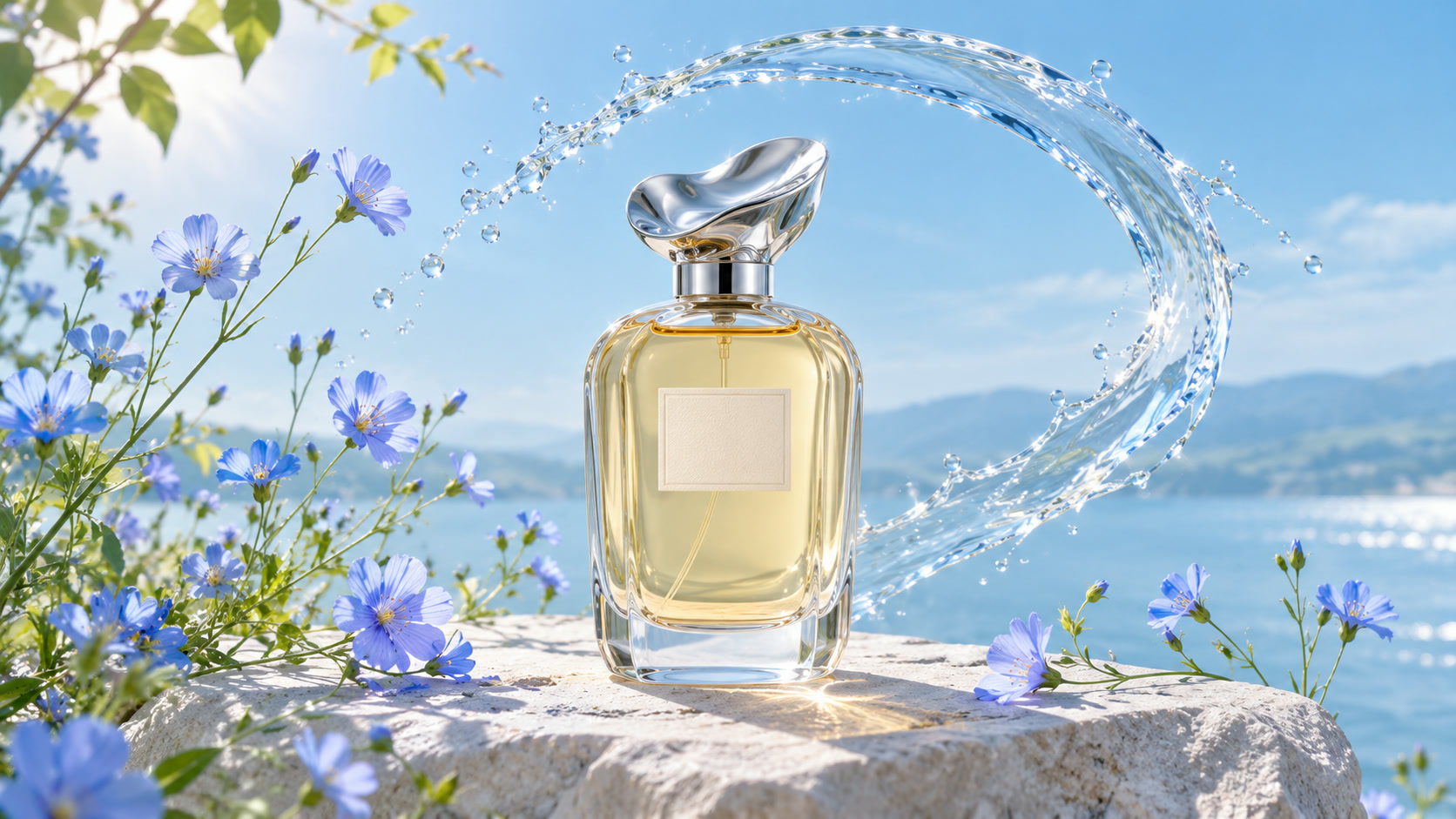
Perfume bottle among blue flowers and splashing water
VISUAL REFERENCE · PROMPT IDEAA clear perfume bottle surrounded by blue wildflowers and a splash of water, fresh botanical product photography, bright natural light, crisp glass details, no text.
Nano Banana 2 AI Image Generator

Explore a visual idea with Nano Banana 2 selected from the start. Describe your subject and a clear creative direction, then compare compositions before choosing an image.

Prompt Ideas for Nano Banana 2

Use these visual references to plan your own image. Select a prompt to edit it in the workbench. The reference images illustrate creative directions and are not verified outputs from this model.

Perfume bottle among blue flowers and splashing water

Fresh botanical photography

Use color and material details to guide a product shot.

View prompt

A clear perfume bottle surrounded by blue wildflowers and a splash of water, fresh botanical product photography, bright natural light, crisp glass details, no text.

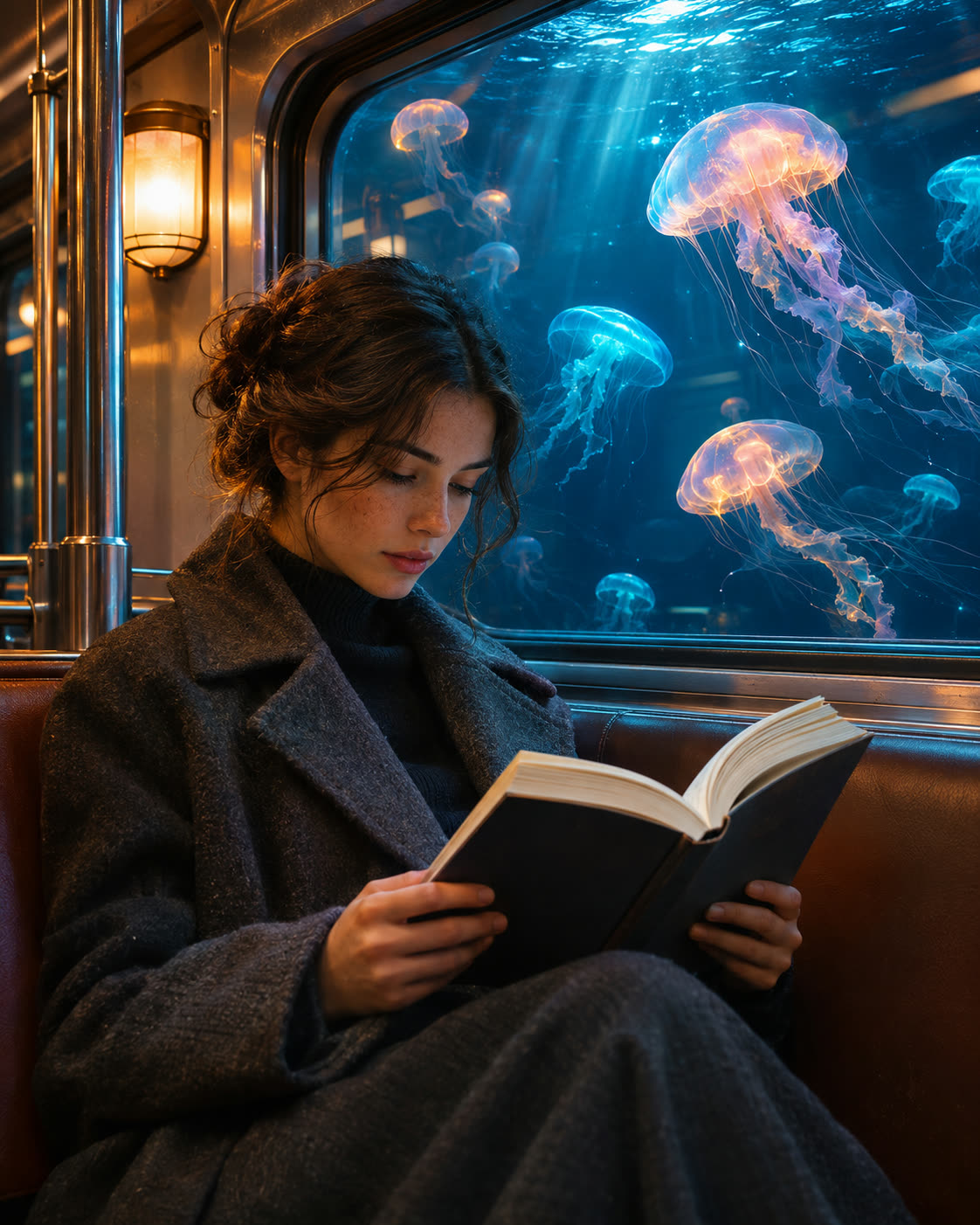
Subway passenger reading beside a window full of glowing jellyfish

An unexpected commute

Give an everyday environment a single surreal feature.

View prompt

Inside a quiet subway carriage, a passenger looks through a window at a sea of glowing jellyfish. Natural human proportions, atmospheric teal and amber lighting, cinematic composition.

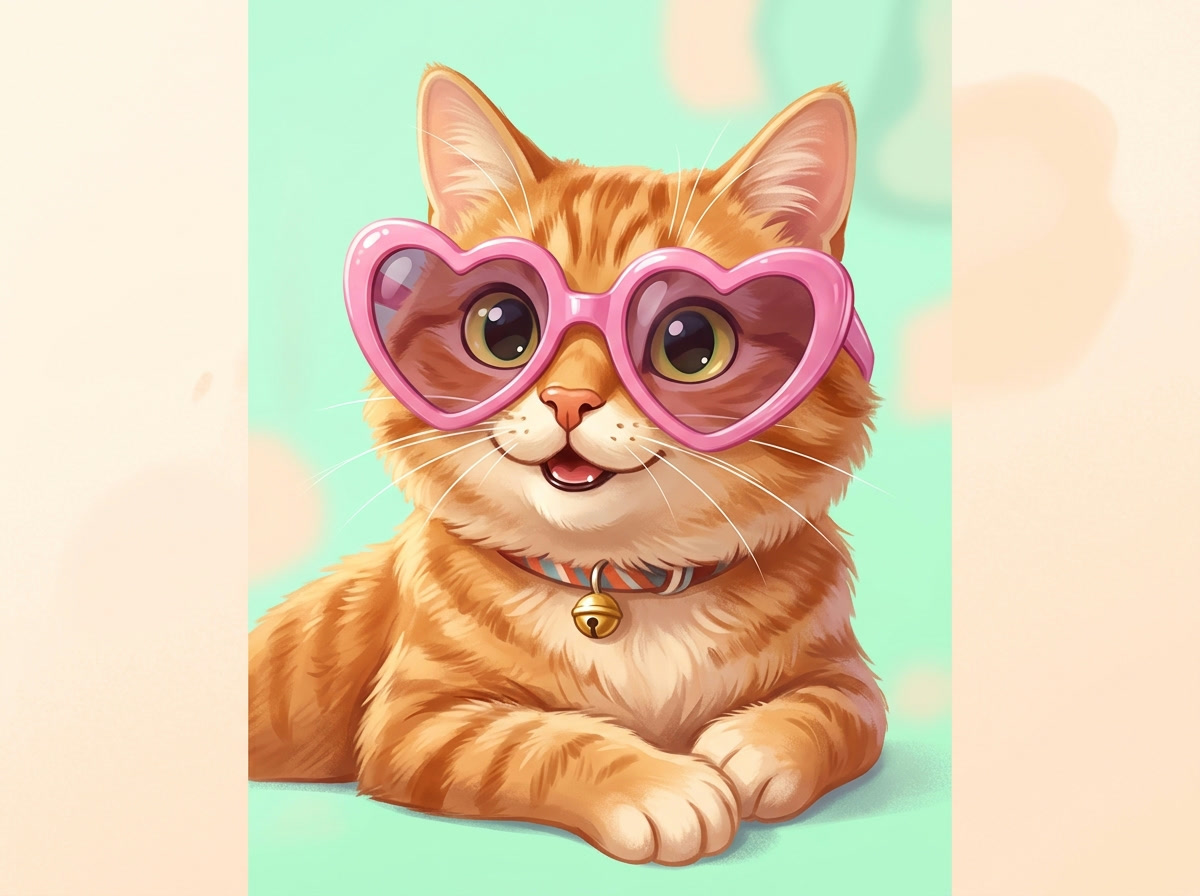
An illustrated orange cat wearing oversized pink sunglasses

A playful illustrated portrait

Keep the character readable with a simple background.

View prompt

A cheerful orange cat with oversized pink sunglasses, soft fluffy fur, bold pastel colors, playful illustrated portrait, centered composition, uncluttered background.

How to Create with Nano Banana 2

Nano Banana 2 is already selected. Start with your idea, then review the settings before generating.

  1. Write your visual brief

    Describe the subject, composition, materials and lighting. Put essential wording in quotation marks.

  2. Choose your frame

    Choose an aspect ratio for the intended composition. Refine the prompt around the details that matter.

  3. Generate and review

    Select Generate. Find the result in My Creations, inspect the details and download the completed file.

Nano Banana 2 Settings and Creative Direction

This page selects Nano Banana 2 and generates one image per request. The default is 1K JPG. You can also select 2K or 4K, choose JPG or PNG, and set the aspect ratio. Prompts can contain up to 20,000 characters. Nano Banana 2.1 is a separate model choice.

01

Start with a specific subject

Replace a broad phrase such as “beautiful image” with a concrete subject, environment and lighting choice. Add the mood after the main scene is clear.

02

Explore one visual contrast

Combine a familiar setting with one unexpected detail. Keeping the rest of the scene grounded makes the unusual element easier to read.

03

Compare versions deliberately

Nano Banana 2 and Nano Banana 2.1 are separate selections. Use the same prompt to compare results, and check the model name before generating.

View plans and credits ↗

Nano Banana 2 Questions

How do I use Nano Banana 2 on SuperVids?

This page opens Text to Image with Nano Banana 2 selected. Write your image prompt and choose an aspect ratio. Select Generate to create. Completed results appear in My Creations.

What settings are available for Nano Banana 2?

This page selects Nano Banana 2 and generates one image per request. The default is 1K JPG. You can also select 2K or 4K, choose JPG or PNG, and set the aspect ratio. Prompts can contain up to 20,000 characters. Nano Banana 2.1 is a separate model choice.

Is Nano Banana 2 the same selection as Nano Banana 2.1?

They are separate choices in the model selector. This page opens with Nano Banana 2 selected. Choose Nano Banana 2.1 to continue in Text to Image with your prompt.

Can I use the generated image as a video starting frame?

Once generation succeeds, an available saved image can be used as a starting image in Image to Video. Review the composition and details before animating it.

When are credits charged for Nano Banana 2 generations?

Credits are reserved while the request is processed and charged on success. Failed requests release their reserved credits.

Can I switch models without retyping my prompt?

Yes. Choose another model in the selector to keep working with your prompt. Check the available settings for the selected model before you generate.