AI Personalized Santa Video
Make a personalized Santa video message for your child. Type their name, choose what Santa praises them for and pick a scene. Santa says it on screen with his own voice, in an 8-second vertical video you can download and share.
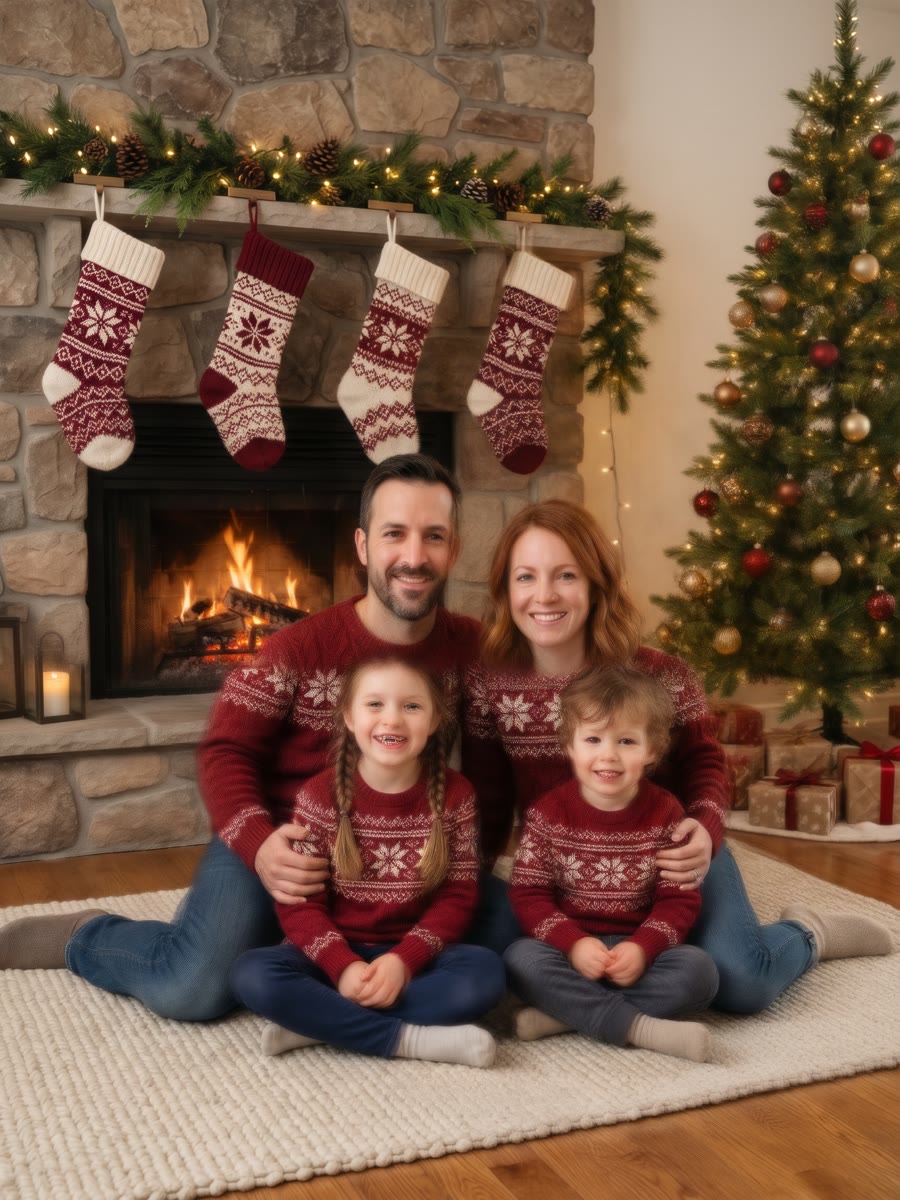
By the fireplace
Personalized Santa Video Examples
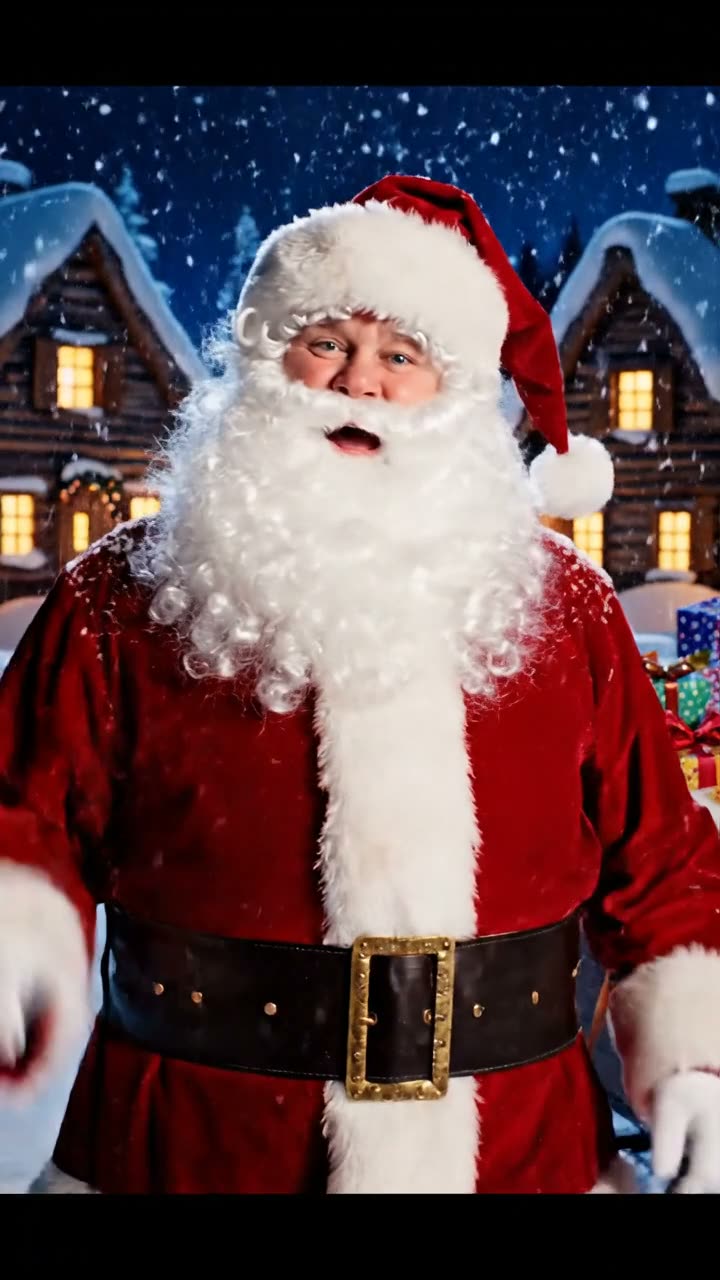
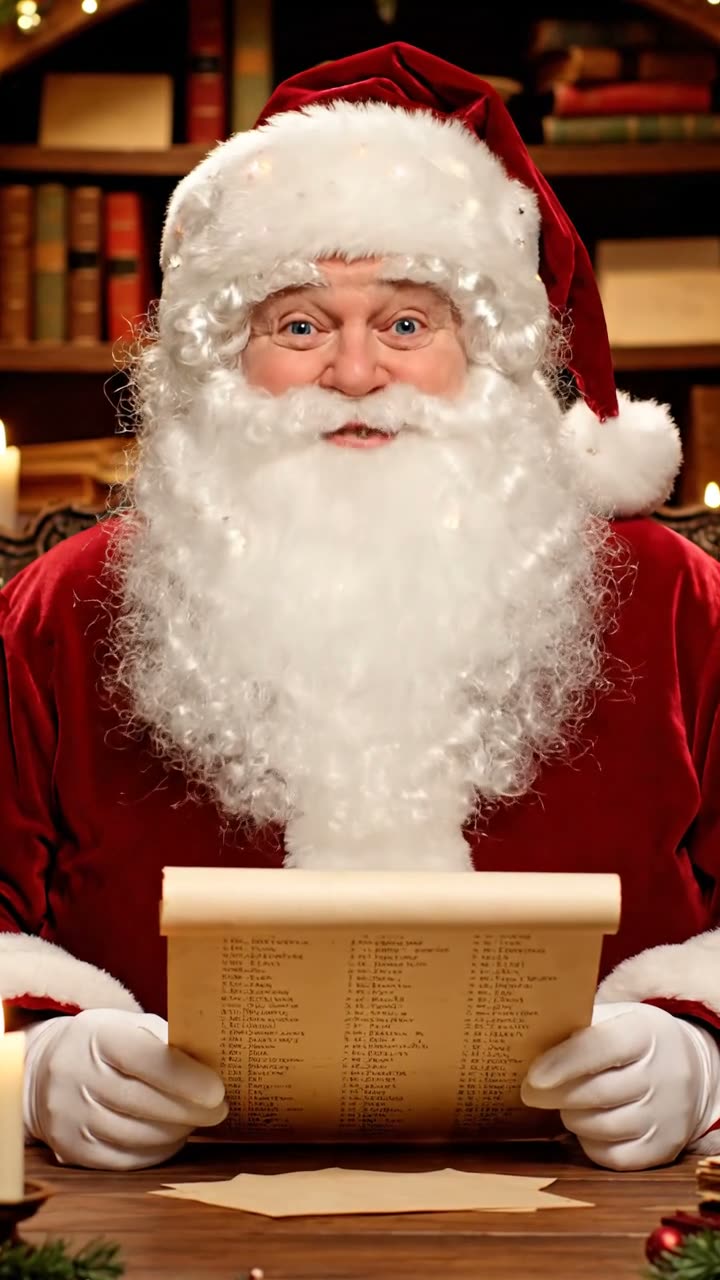
Each video was generated on SuperVids with Veo 3.1 Fast from one of the scenes above: 9:16, 8 seconds, with sound. Turn the sound on to hear Santa say each child’s name.
How to Make a Personalized Santa Video
Three steps from a name to a video message from Santa that you can share with the whole family.
- 01
Pick a scene
Choose where Santa is: by the fireplace, at his desk with the Nice List, or next to his sleigh.
- 02
Write the message
Type your child’s name and choose what Santa praises them for, or write your own words.
- 03
Generate and share
Generate the video, watch it, then download it and share it with your family.
Ideas for a Message from Santa
The best Santa video messages mention one thing your child really did. Pick one to load it into the message builder, then make it your own.
Tips for a Santa Video Message That Sounds Right
A short, specific message gives Santa time to say every word clearly.
Keep it to one or two sentences
The video is 8 seconds long. About 20 words fit comfortably; longer messages get cut off or rushed.
Spell the name the way it sounds
If Santa says a name wrong, spell it as it is pronounced, for example “Zoey” instead of “Zoë”, and generate again.
One child per video
Santa sounds most natural speaking to one child. Make a separate video for each brother or sister.
Watch it before you share it
Check the name, the words and Santa’s face. If anything is off, generate again before you show it to your child.
Personalized Santa Video Questions
What to know before you make a video message from Santa.
What is a personalized Santa video?
A personalized Santa video is a short video in which Santa Claus speaks to your child by name and mentions something they did this year. On SuperVids the video is generated by AI from the scene and the words you choose.
Can Santa say my child’s name?
Yes. Type the name in the message and Santa says it in the video, with his lips moving to the words. If a name is pronounced wrong, spell it the way it sounds and generate again.
How long is the Santa video?
Each video is 8 seconds long, vertical 9:16 for phones, with sound. That fits a greeting of about one or two sentences.
Is the personalized Santa video free?
Sign in to get free welcome credits. The generator shows the credit cost before you create each video. See Pricing for plans and credit packs.
Can I download and share the video?
Yes. Download the MP4 from your results and send it to family or play it for your child on any phone, tablet or TV.
Is this a live Santa video call?
No. It is a recorded video message. Santa does not answer questions or talk back.
Is it a real Santa?
No. The Santa in these videos is generated by AI. No actor records the message, and the video is made from the words you write.
Do I need to upload a photo of my child?
No. Only the name and the message are needed. Do not include private details such as an address or school in the message.