01Big feelings
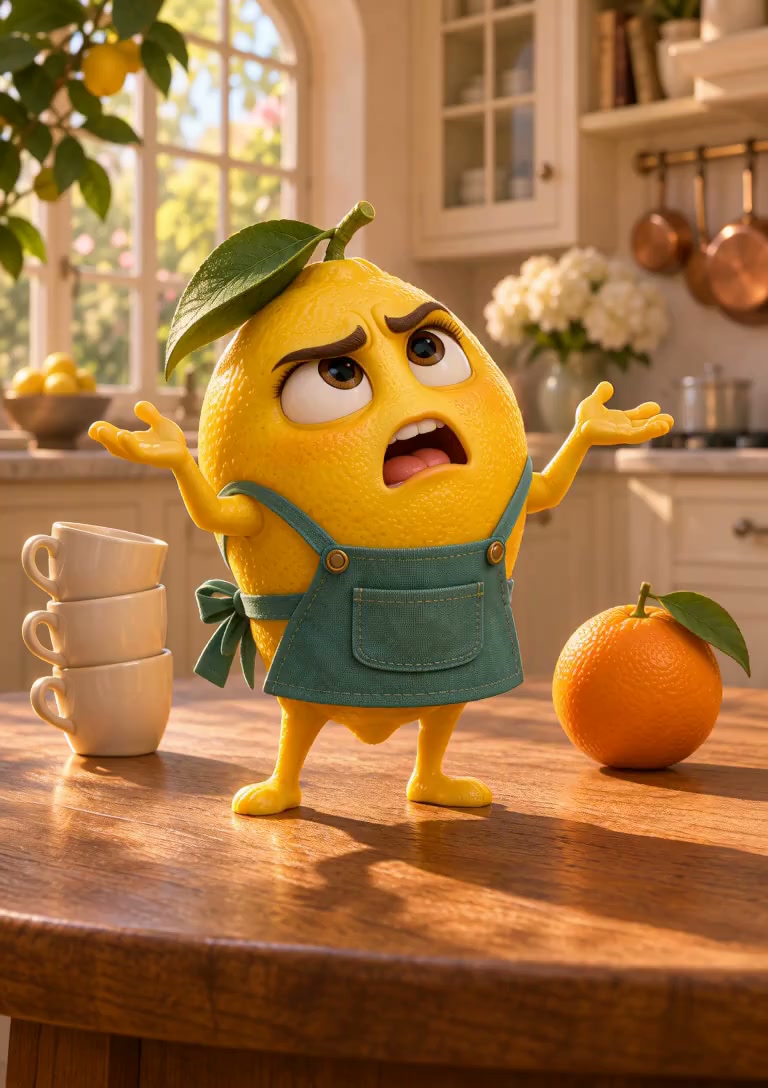
Kitchen drama
An expressive lemon turns an ordinary table into the scene of a very personal crisis.
Create an AI fruit video from a character and a story idea. Give everyday fruit a personality, set the scene, and make a playful short video.
The product reveal
Start with an emotion, a surprise, or a tiny hero. These AI fruit video examples give your character a part to play before you write the scene.
An expressive lemon turns an ordinary table into the scene of a very personal crisis.
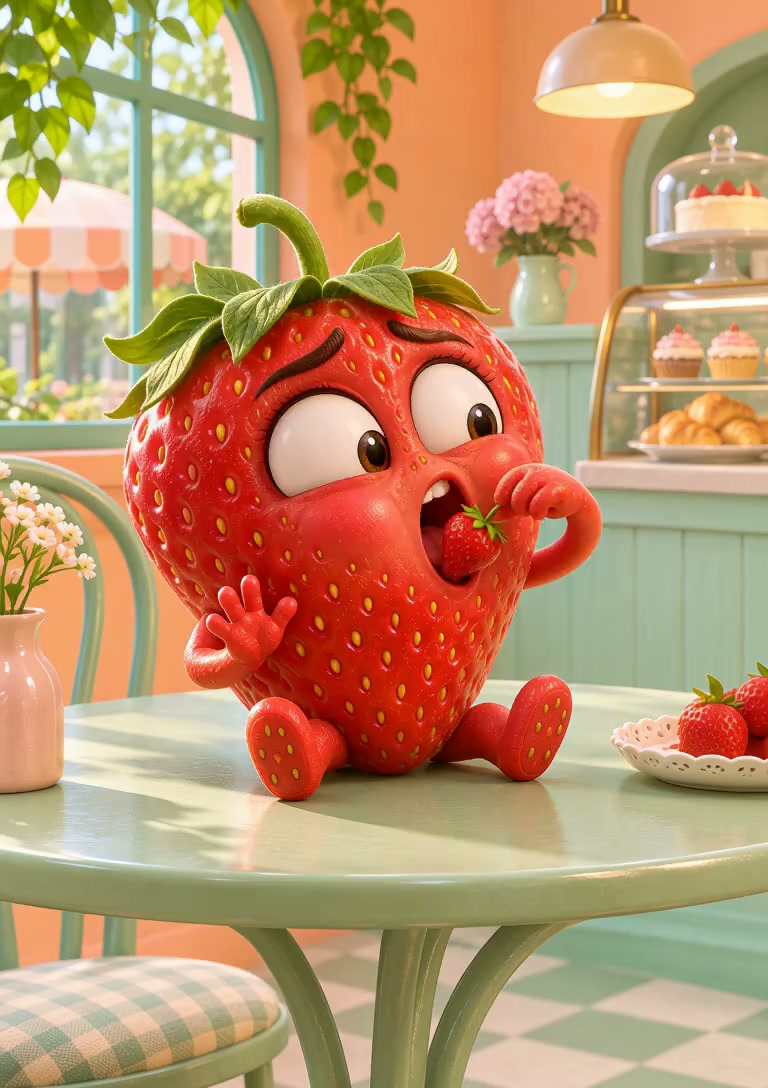
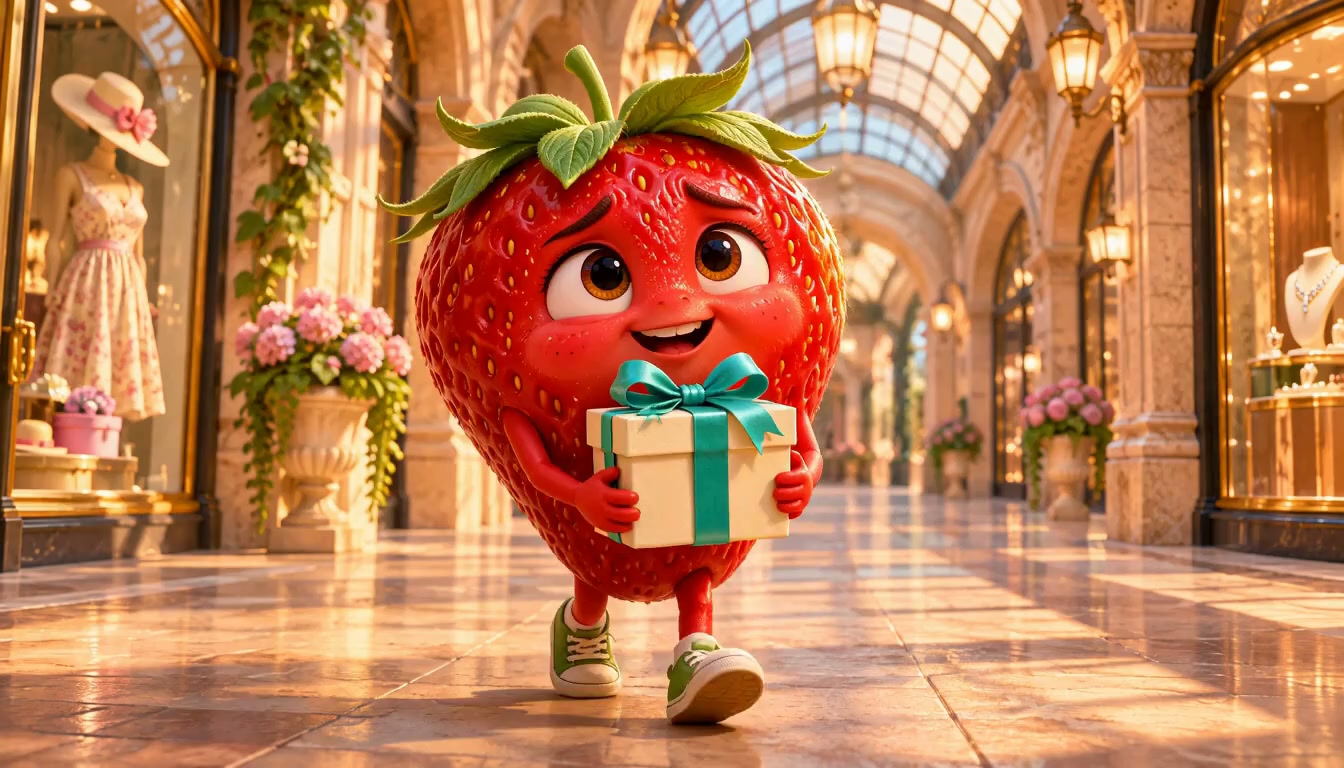
A strawberry, an unexpected snack, and a reaction that tells the whole story.
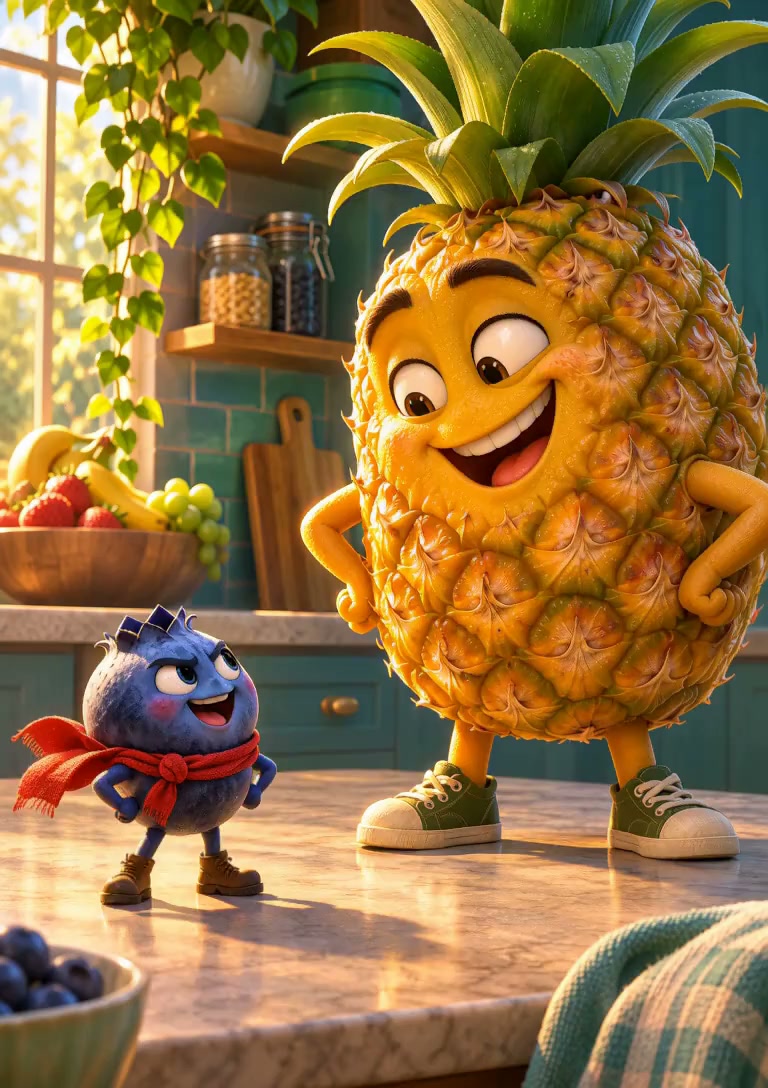
A small fruit faces a much bigger personality. Let the difference in scale set up the moment.
Turn a character idea into a focused short clip online. One readable action gives the story room to land.
Choose a fruit and give it an expression, an attitude, or a distinctive detail. Think of a hopeful strawberry, a skeptical banana, or a perfectionist lemon.
Choose a creative direction and describe the place and action. A small surprise is often enough for a funny fruit video.
Watch the expression, motion, and ending. Keep a clear take, or simplify the prompt if the story gets lost in the details.
A fruit story video does not need a complicated plot. Give one character something to want, then change the situation.
A nervous strawberry carries a carefully wrapped gift.
The box starts to shake just as the strawberry offers it.
A tiny lemon pops out. The strawberry’s eyes go wide.
For a talking fruit video or a silent visual joke, start with what the audience can see. A clear character and action matter more than a long list of details.
A little lemon in a neat apron.
A café counter, perfectly arranged.
An orange rolls into the cups.
One very slowly raised eyebrow.
Let the expression carry the clip, or add a voice, a caption, and a tighter ending. Editing Studio is the optional place to bring those pieces together.
Edit in Editing Studio An optional next step after reviewing your clip.Prepare a spoken line in Text to Speech, or create captions with AI Subtitle Generator. Voice and lip sync are separate from the visual template.
Characters, story ideas, and where to take the clip next.
An AI fruit video gives fruit humanlike expressions, actions, or personalities. A strawberry with a secret or a banana having a very bad morning can become the lead of a short visual story.
Describe your fruit character, its setting, and one thing that happens. Adapt the suggested prompt to shape the mood, then review the expression and movement. Refine the prompt if the central moment is hard to follow.
Yes. Describe the fruit, its personality, and a recognizable detail such as an apron or a tiny gift. Original characters give you room to tell your own story. An identical appearance across separate generations is not guaranteed.
Plan the character’s expression and visual action first. Prepare the spoken line separately with Text to Speech, then arrange the voice and clip in Editing Studio. The template does not promise dialogue, lip sync, or a cloned voice.
Start with one scene here: a character, a small problem, and a reaction. For AI fruit drama with several connected scenes, continue planning in AI Drama Generator. This effect focuses on the individual clip.
Short fruit stories and reaction clips can be starting points for social posts. Keep the action readable, review the full result, and finish the framing and captions for your chosen platform. A familiar format does not guarantee views or virality.
This page uses the Text to Video generator with a suggested prompt. Sign in with Google to generate. New accounts can use their welcome credits.
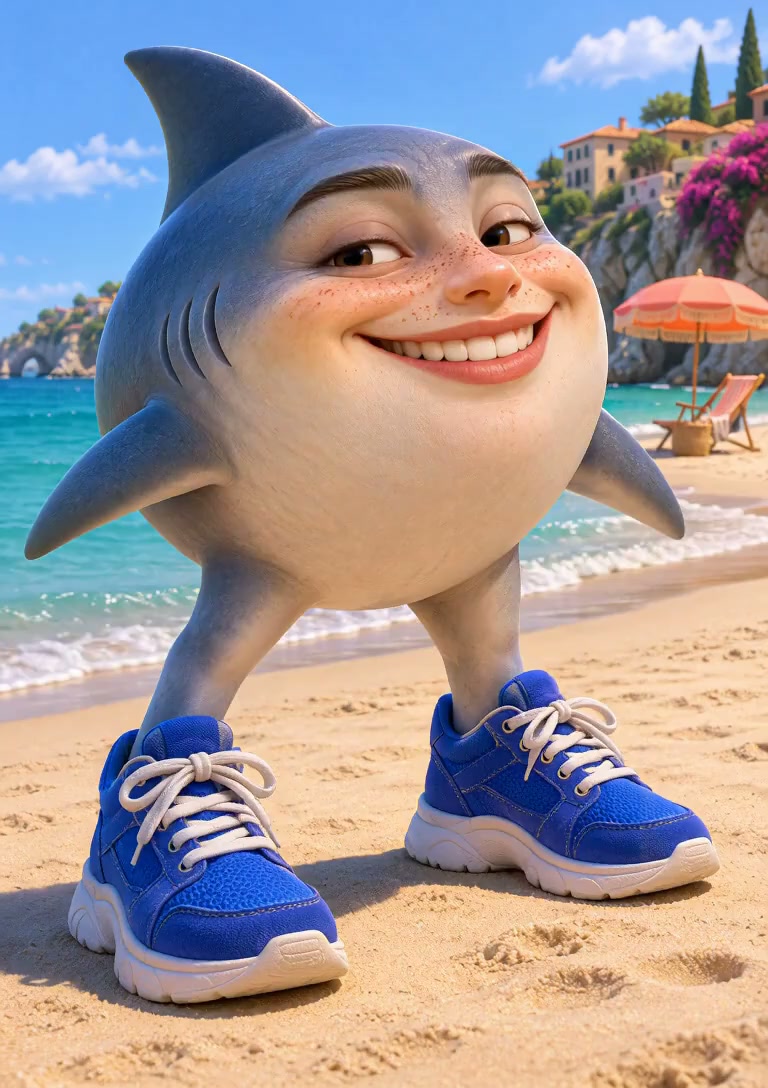
This effect focuses on expressive fruit characters and short stories. Choose Text to Video for a broader scene, or Image to Video to animate an existing food or product photo. Italian Brainrot is the separate option for surreal hybrid characters.