Nano Banana 2.1 · 3:4
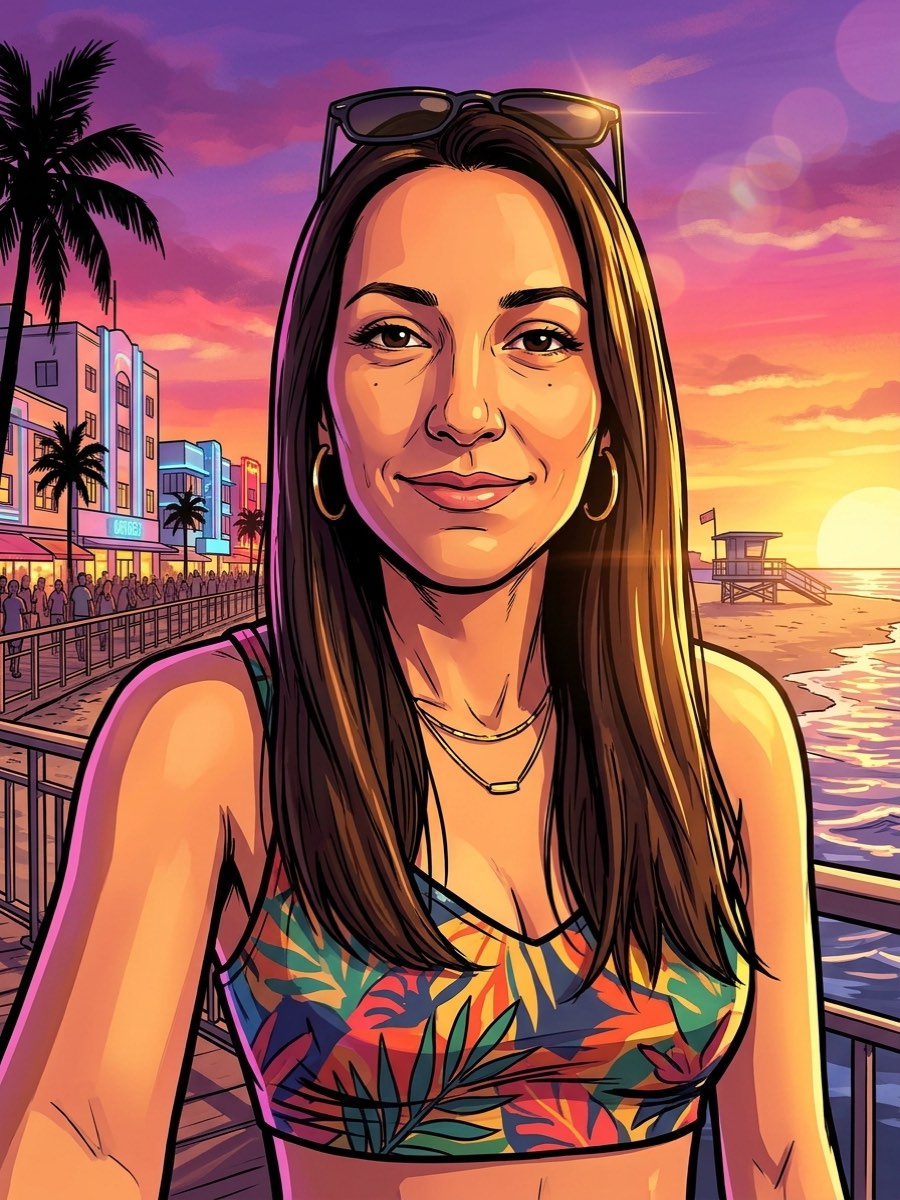
Sunset beach
An ocean boardwalk at sunset with a lifeguard tower and pastel art deco hotels.
Sunset beach
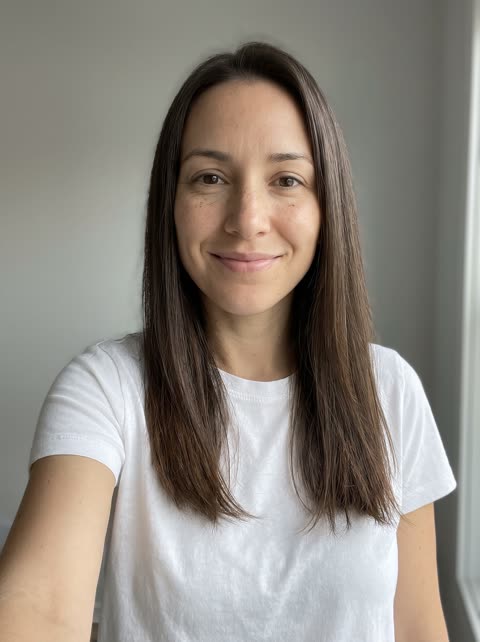
EXAMPLE PROMPTUse the woman in the photo. Redraw it as GTA 6 loading screen art: bold black ink outlines, flat cel-shaded color, slightly exaggerated proportions, a saturated sunset palette of purple, pink and orange, hard golden light. Keep the same face, hair, skin tone and build so the person is clearly recognizable. No text, no logos, no watermark. She stands on an ocean boardwalk at sunset in summer clothes, palm trees, lifeguard tower and pastel art deco hotels behind her.
This GTA 6 filter AI redraws your photo as GTA 6 style art: bold ink outlines, flat color and a purple-to-orange sunset. Upload a selfie or a photo with a friend, pick a template such as a loading screen portrait or a neon street, and keep the face that makes it you.
Every example below started from the photo in the corner and the template prompt. Pick one to load its prompt and model, then upload your own photo.
An ocean boardwalk at sunset with a lifeguard tower and pastel art deco hotels.
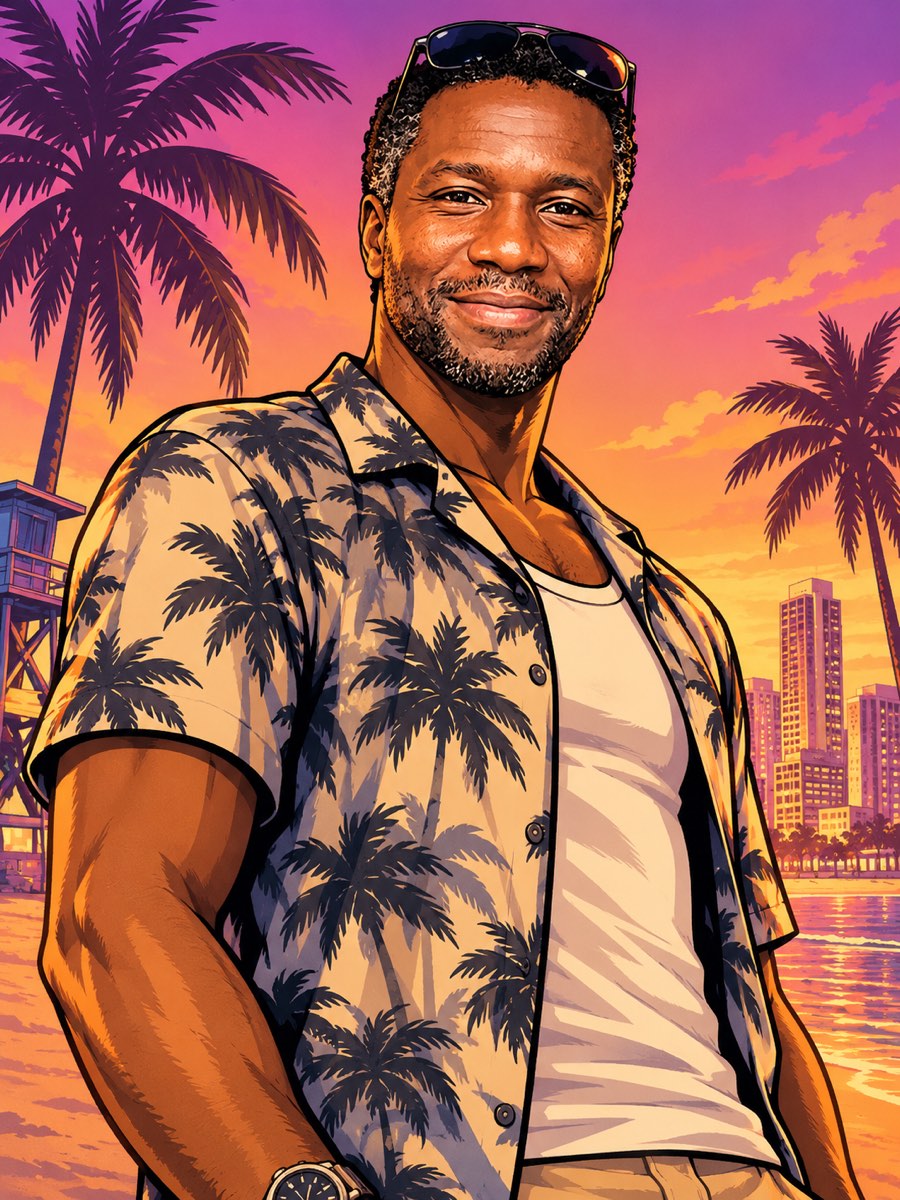
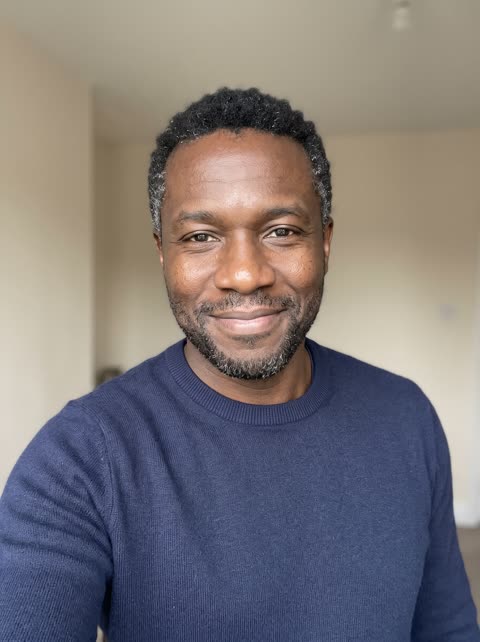
The classic look: inked outlines, flat color and a low camera angle against palm trees and a beach skyline.
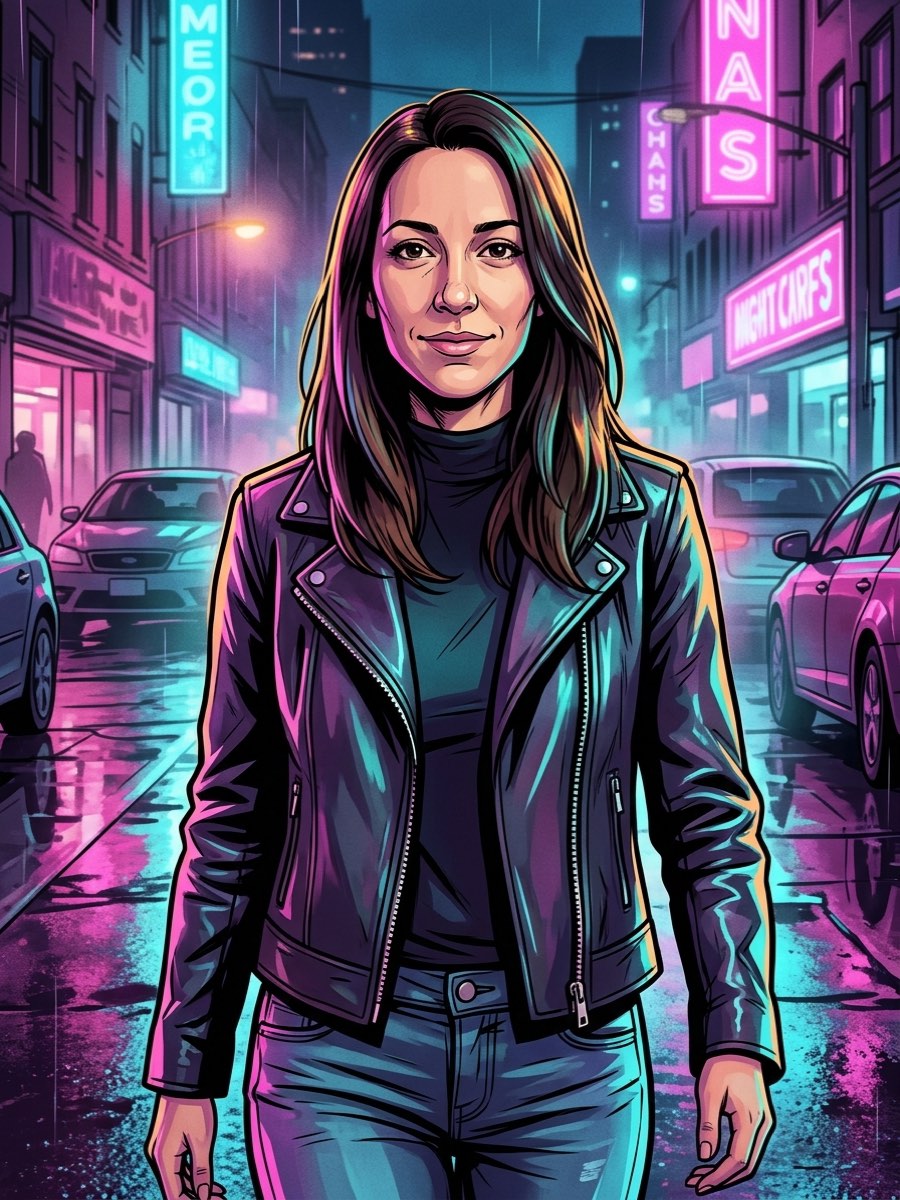
The night version: a wet street, pink and cyan neon and a leather jacket.
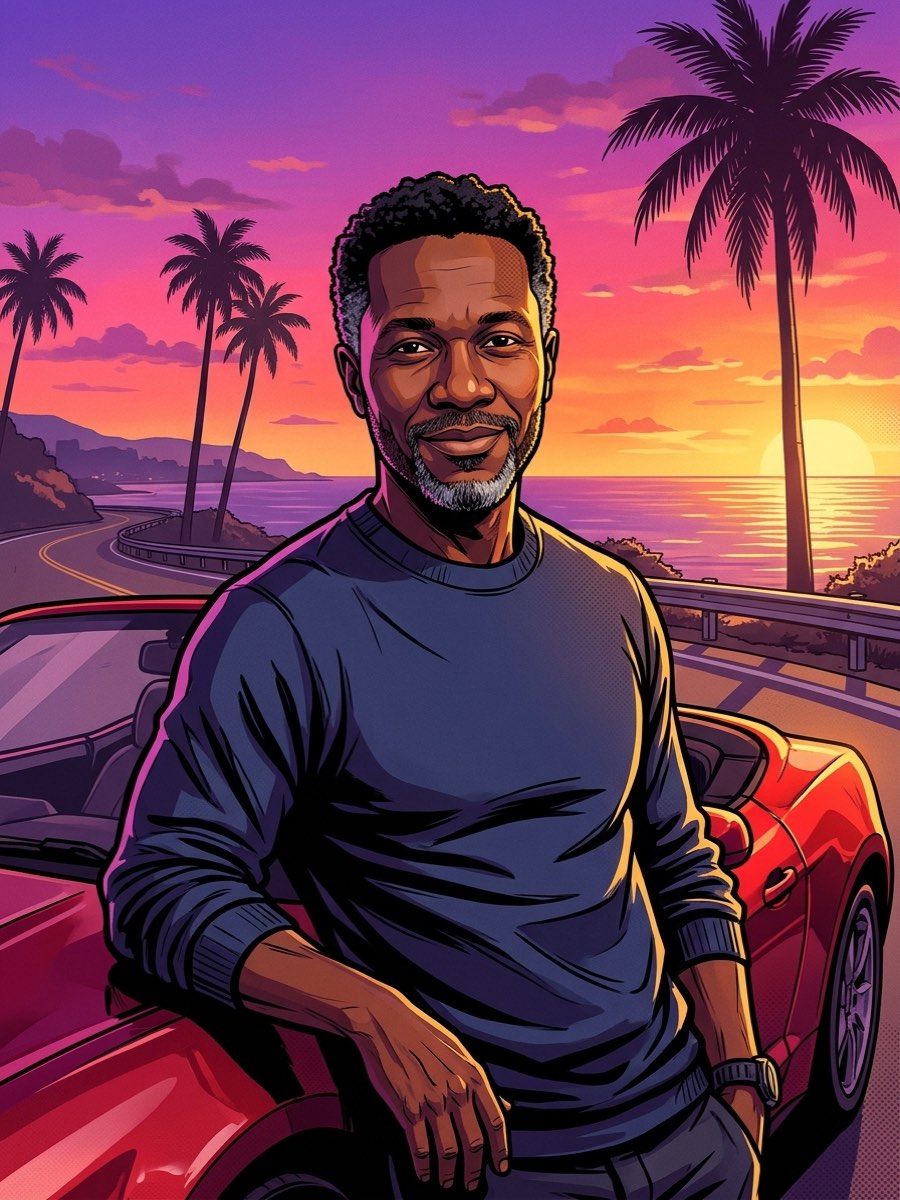
Leaning on a red convertible on a coastal highway at golden hour.
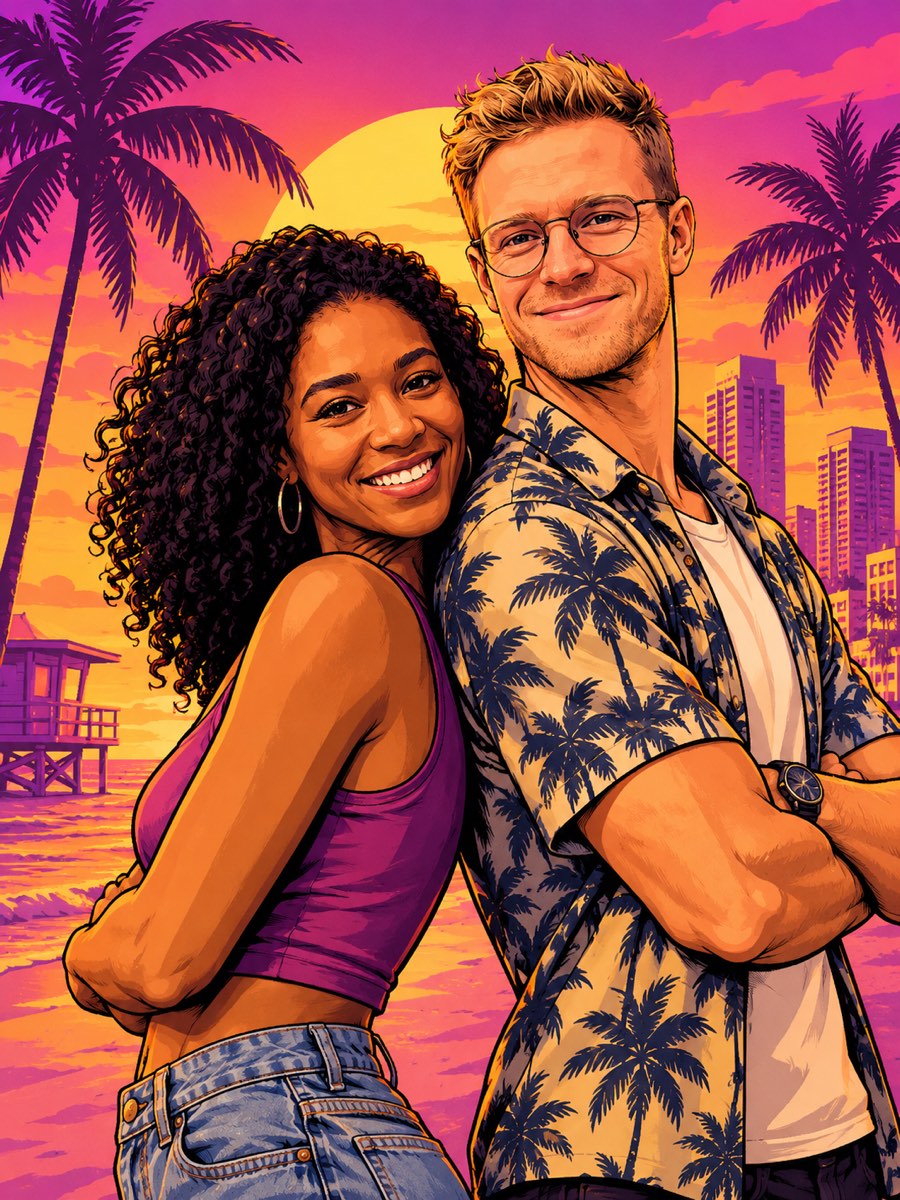
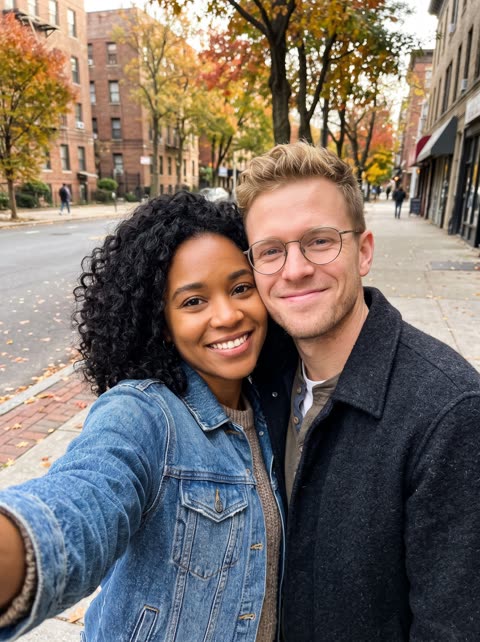
Two people back to back, like the two leads on a game poster. Works from one photo of both of you.
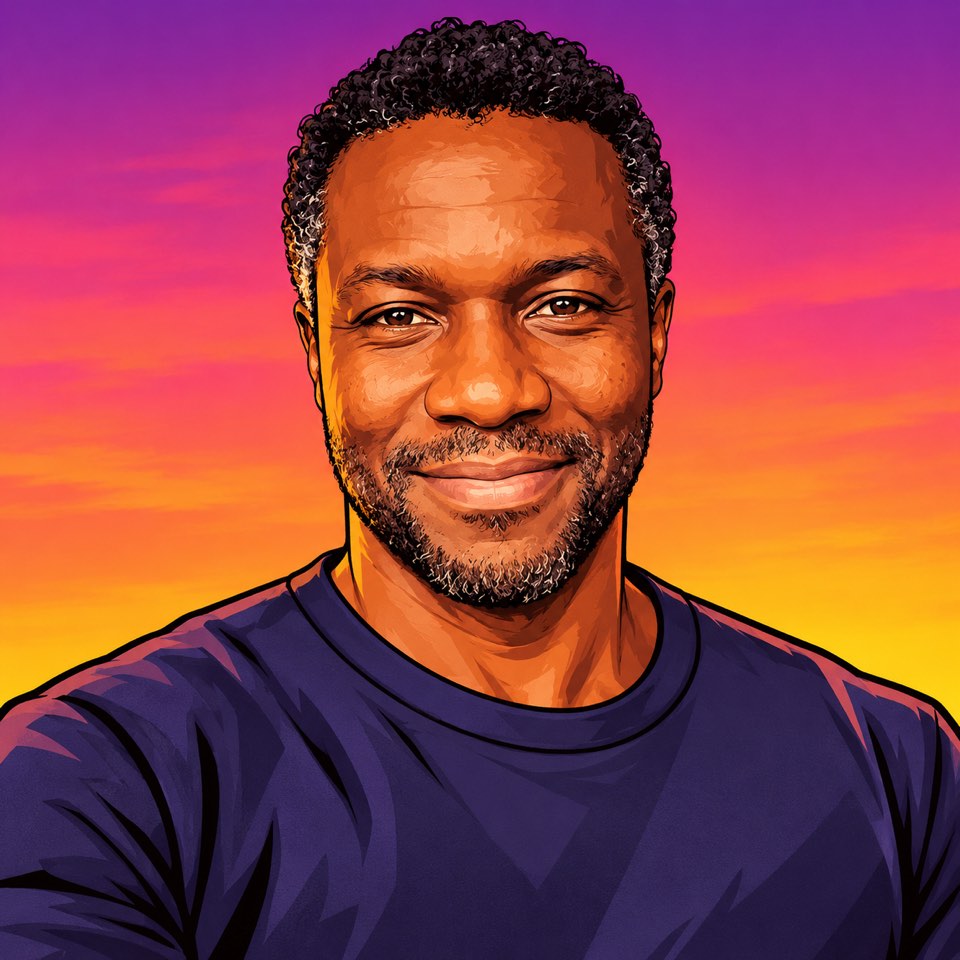
A square head-and-shoulders portrait on a sunset gradient, ready for a profile photo.
The original photos are AI-generated portraits, not real people. All results were made with SuperVids; likeness can vary between generations. SuperVids is not affiliated with Rockstar Games.
Add a clear selfie or a photo of you and a friend. One photo per person also works for a duo.
Start from a GTA 6 filter template or a prompt below. Keep the style words, then change the scene, the outfit and the pose.
Check the face, the hands and the background. If the likeness drifts, generate again or use a clearer photo.
Save the image for a profile picture, a post or a poster, or turn it into a short video.
Copy a prompt for your own image tool, or use it here with your photo. Each one keeps the GTA style words and changes the scene.
Turn the person in this photo into GTA 6 loading screen art. Bold black ink outlines, flat cel-shaded color, a saturated purple, pink and orange sunset, palm trees behind. Low camera angle and a confident pose. Keep the same face, hair and skin tone. No text, no logos.
Turn the person in this photo into a tall GTA style poster for a phone screen. Inked outlines, flat color, a beach city skyline at sunset and a big low sun. Full body, relaxed pose. Keep the same face, hair and skin tone. No text, no logos.
Redraw the person in this photo in GTA style, standing at the wheel of a white speedboat crossing a turquoise bay at sunset, spray behind the boat. Ink outlines, flat cel-shaded color, warm golden light. Keep the same face, hair and skin tone. No text, no logos.
Redraw the person in this photo in GTA style on a city rooftop at night, the skyline lit in pink and cyan behind them, wind in their hair. Ink outlines, flat color, cinematic framing. Keep the same face, hair and skin tone. No text, no logos.
Use everyone in this photo. Redraw them as a GTA style crew poster: standing in a row on a palm-lined street at sunset, each with their own pose and outfit. Ink outlines, flat cel-shaded color. Keep every face, hairstyle and skin tone recognizable. No text, no logos.
Redraw the pet in this photo in GTA loading screen style, sitting in the passenger seat of a red convertible with sunglasses on, palm trees and a sunset behind. Ink outlines, flat color. Keep the same breed, fur color and markings. No text, no logos.
The model works from your photo, so a better photo gives a better result.
A well-lit, front-facing photo in focus gives the model the most to keep. Avoid photos where sunglasses or a hat cover the face.
Ink outlines, flat cel-shaded color and a sunset palette are what make the GTA look. Change the scene and the outfit, not those words.
Write “keep the same face, hair and skin tone”. For two people, say “use both people” so nobody is dropped from the picture.
The same prompt gives a different picture each time. Try once or twice more before changing the words.
Both models take your photo as a reference. The templates above select the one that suits them; you can switch in the generator.
Gives the strongest poster look: heavy outlines, bold color and dramatic light. Used for the loading screen, duo poster and profile picture above.
Takes up to 10 reference photos, so you can add one photo per person for a duo or a crew. Used for the beach, neon street and sports car examples.
Some GTA 6 filter results online are short clips. Make the picture here first, then animate it.
Download your result and open it in Image to Video. Describe the motion you want, for example the camera slowly pushing in while the palm trees sway and the sunset light flickers on the water. The video is a separate generation with its own credit cost.
Find your starting point and get more from your next image.
A GTA 6 filter AI is an AI image tool that redraws your photo in the look of the GTA 6 loading screens: inked outlines, flat color and a sunset palette. Unlike a camera filter, it creates a new picture from your photo, so it can change the scene, the outfit and the pose while keeping your face. People also call it a GTA 6 AI filter, a GTA AI filter or a GTA 6 photo filter.
Upload your photo in the generator at the top of this page, choose a GTA 6 filter template or paste a prompt, then select Generate. Review the result, adjust the scene in the prompt if you like and download the image.
Sign in to get free welcome credits. The generator shows the credit cost before each image, and see Pricing for plans and credit packs.
Yes. Upload one photo of both of you and use the duo poster template, or add one photo per person with Nano Banana 2.1 and say how many people should appear. Check every face in the result.
Usually close, but not guaranteed. The style changes your features into a drawing, so a clear, front-facing photo and the words “keep the same face, hair and skin tone” help. If the likeness drifts, generate again.
Yes. Download the image, open Image to Video and describe the motion, for example the camera slowly pushing in while palm trees sway. The video is a separate generation with its own credit cost.
Name the look and what to keep: “Redraw the person in this photo as GTA 6 loading screen art with bold ink outlines, flat cel-shaded color and a purple, pink and orange sunset. Keep the same face, hair and skin tone. No text, no logos.” The prompts on this page work in any image tool that accepts a photo.
No. SuperVids is not affiliated with Rockstar Games. GTA and Grand Theft Auto are their trademarks. This page makes fan-style art from your own photos, and the templates ask for no logos or text.
Upload only your own photos or photos you have permission to use. Do not use the generator to make misleading images of real people.