Product walkthroughs
Try a different narrator character on an existing spoken demonstration. Review whether the voice helps viewers follow the explanation.
Use the video voice changer to give the speech in your video a different vocal character. Upload your recording, choose a voice direction, and review the voice with the footage it belongs to.
The starting point is a performance you already recorded. An AI video voice changer gives that speech a different sound, with the picture there to judge the result in context.
8s · Same picture and words · Speech-to-speech conversion
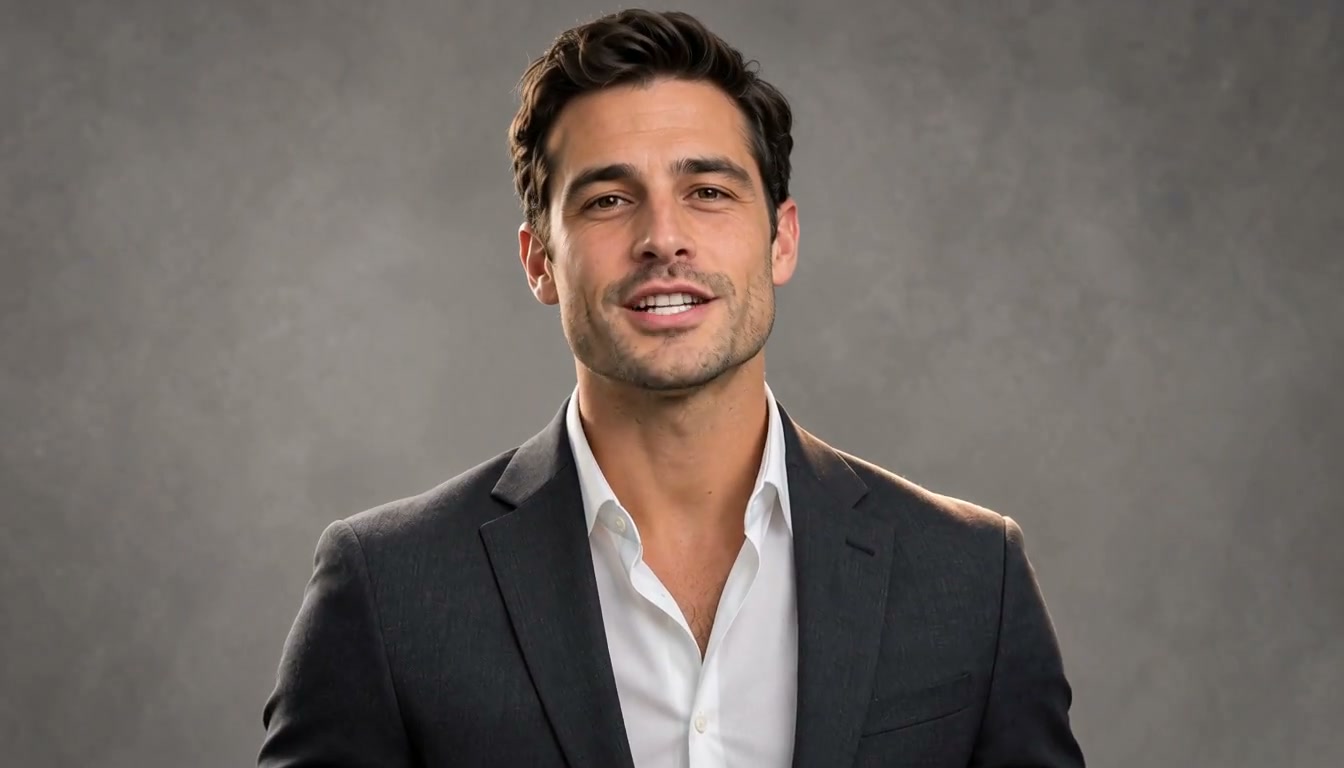 Original recording
“Here's what you need to know before you get started. Step two. Set up your workspace.”
The speech already in the videoNew voice direction“Here's what you need to know before you get started. Step two. Set up your workspace.”
Different timbre, existing wordsThink about the role of the speaker. A helpful guide, a friendly storyteller, and a fictional character each call for a different vocal character.
Let the instructions lead.
A straightforward vocal character keeps attention on the steps you are showing.
Make the story feel closer.
A softer character can suit a personal introduction or a relaxed product story.
Give the character a voice.
Explore a different vocal personality while working from the speech already recorded.
Change the voice in your video online using a recording you already have. Choose a voice style and review it with the picture. There is no new script to write.
Choose footage with clear speech. The spoken performance is the source for the new voice.
Pick a vocal character that suits the speaker and the purpose of the clip.
Review the changed voice against the full video, then keep the result that fits.
Use a different voice to explore a new feel for an existing recording. The footage and what the speaker says remain the starting point.

Try a different narrator character on an existing spoken demonstration. Review whether the voice helps viewers follow the explanation.
Change the sound of a recorded guide while keeping the instructions. For a completely new script, choose AI Voiceover for Video instead.
Explore a vocal personality for a fictional character. Listen to the original expression and the new delivery together before choosing a version.
The form handles the voice change. If the wider edit needs trims, music, or a different sequence, continue in Editing Studio. It is an optional step after you review the video.
Open Editing StudioChoose the right starting point for a new voice, a new script, or a new language.
It changes the vocal character of speech in an uploaded video. You start with a recording that already has a voice, choose a different voice direction, and review the result as a video.
AI Voice Changer is for an audio recording and an audio result. This page keeps the video in the workflow, so you can review the changed voice alongside the footage.
This tool works from speech already in the video. To create new narration from a script, use AI Voiceover for Video. If you only need a spoken audio file, use Text to Speech.
The task here is to change how the existing speech sounds, rather than rewrite it. For a version in another language, use AI Video Translator.
No. This is an uploaded-video workflow. Bring a recorded clip, choose a voice direction, and review the processed video; it is not a live microphone effect.
Listen to the words, pauses, and vocal delivery while watching the footage. Clear speech is a better starting point than several overlapping voices or loud music. Review the complete clip rather than assuming every moment will sound right.
See the current plans for available access and options.