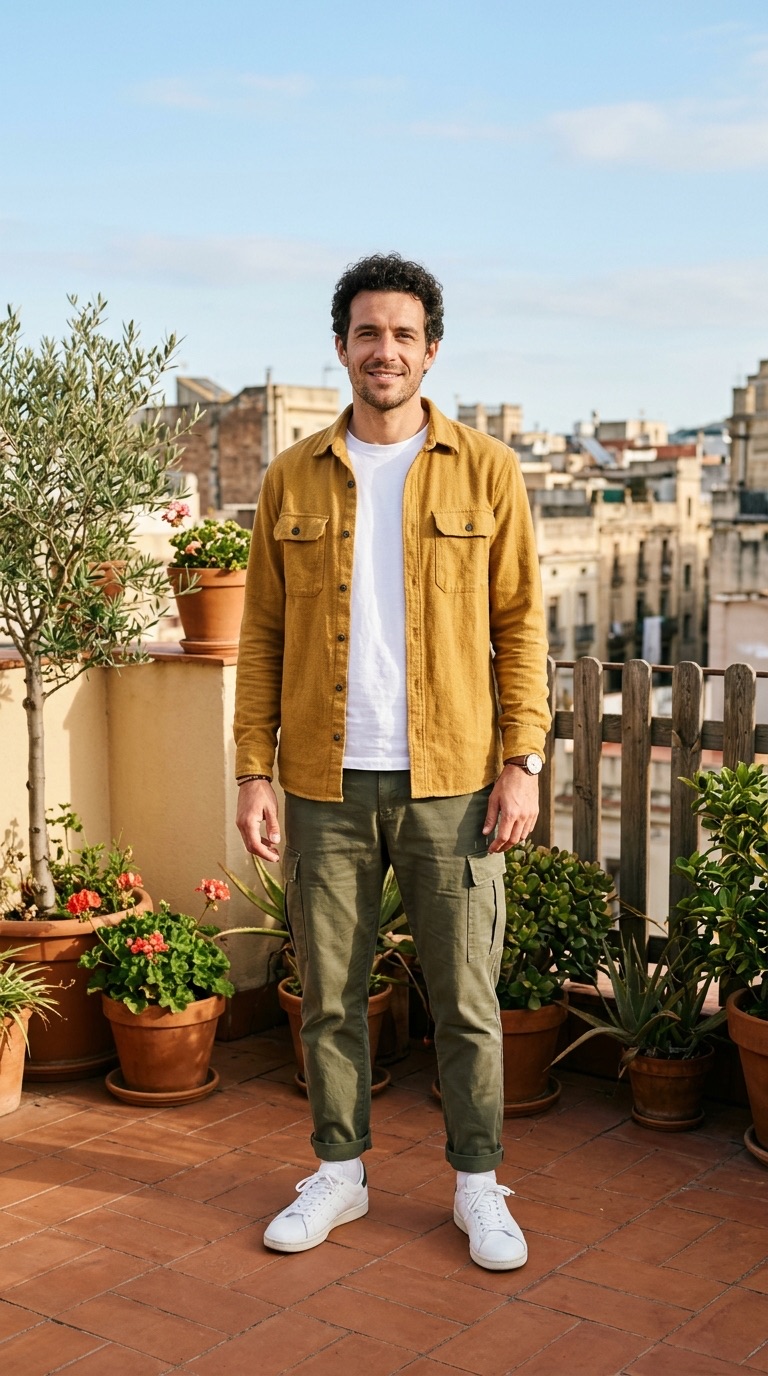
Studio steps on a rooftop, Kling 2.6
The rooftop photo takes the side steps, shoulder hits and open-arm finish from the studio take.
Kling motion control makes the person in your photo perform the moves from a reference video. Upload one photo and a 3–30 second clip of one person, choose Kling 2.6 or Kling 3.0, and get a 720p video priced per second.
Each example is a real generation: an original photo, one of our original reference takes, and the clip that came back.
The rooftop photo takes the side steps, shoulder hits and open-arm finish from the studio take.
Same inputs, newer model. Compare hands, feet and the face during the turn.
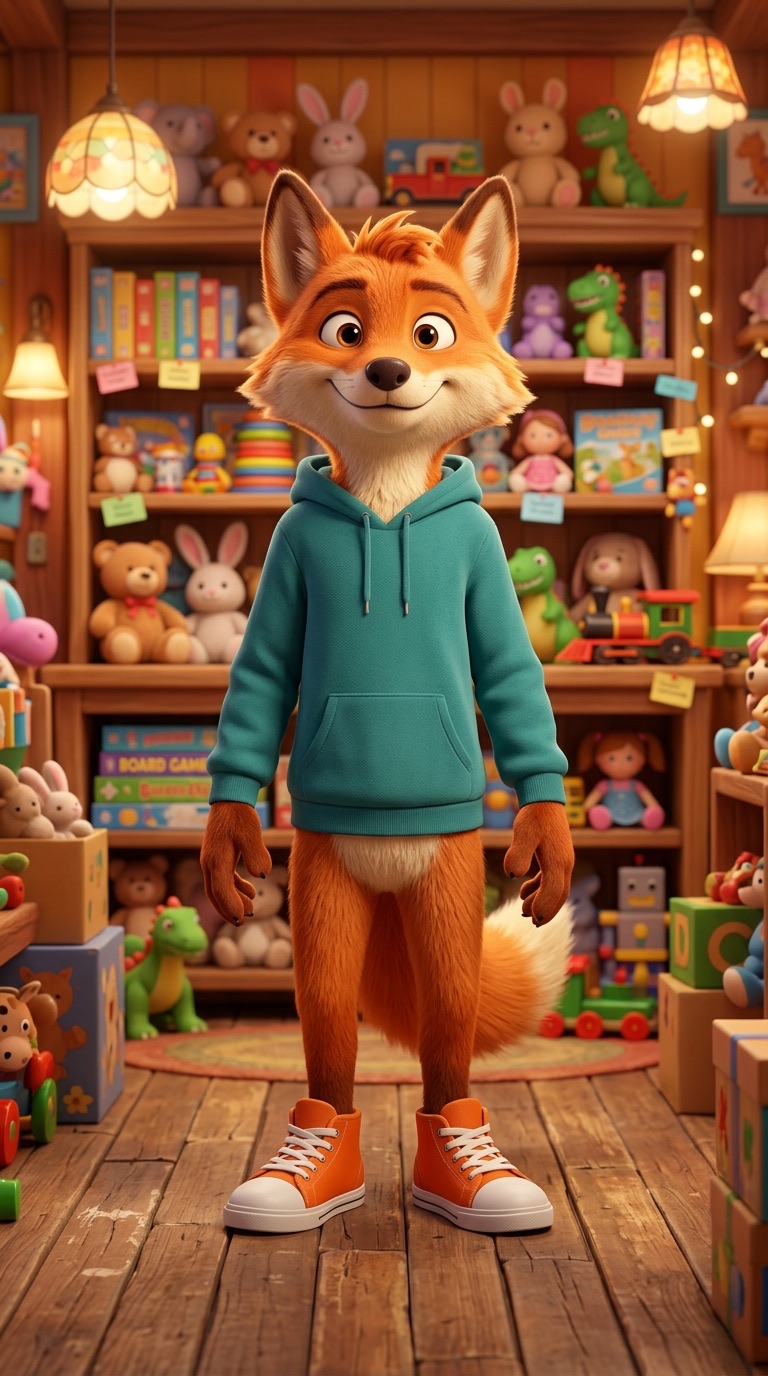
A 3D cartoon character can follow a human take when it stands upright with arms and legs in view.
Three inputs: a photo, a motion video and a version. The price is shown before you spend credits.
One person or character, standing, with the face, both hands and both feet in the frame. JPG or PNG up to 5 MiB, at least 340 px on each side.
A 3–30 second MP4 or MOV of one person doing the moves you want. Choose Kling 2.6 or 3.0 and check the price next to the button.
Kling motion control maps the moves onto your photo. Watch the hands, feet and face before you download the clip.
The reference take decides how clean the result is. Film or pick a clip with these in mind.
Both versions take the same photo and video. Pick 3.0 for the newer model, 2.6 for the lower price.
| Topic | Kling 2.6 motion control | Kling 3.0 motion control |
|---|---|---|
| Model on Kie | kling-2.6/motion-control | kling-3.0/motion-control |
| Motion video | MP4 or MOV, 3–30 seconds, up to 100 MiB | MP4 or MOV, 3–30 seconds, up to 100 MiB, at least 340 px, aspect ratio 2:5 to 5:2 |
| Character orientation | Follow the photo (clips up to 10 s) or the video (up to 30 s) | Follow the photo (clips up to 10 s) or the video (up to 30 s) |
| Output on SuperVids | 720p | 720p |
| Price on SuperVids | 18 credits per second of the motion video | 33 credits per second of the motion video |
You pay for each second of the motion video, rounded up. The form shows the exact price after your video is prepared.
| Motion video | Kling 2.6 | Kling 3.0 |
|---|---|---|
| 5 seconds | 90 credits | 165 credits |
| 10 seconds | 180 credits | 330 credits |
| 30 seconds | 540 credits | 990 credits |
Sign in to get free welcome credits: 120 credits cover a clip of up to 6 seconds on Kling 2.6 or 3 seconds on Kling 3.0. See plans and credit packs for more.
Kling motion control is a Kling video mode that takes one image and one reference video and makes the character in the image perform the movement from the video: body, hands and facial expression. On SuperVids you run it with Kling 2.6 or Kling 3.0.
Image to video animates a photo from a written prompt, so the moves change every time. Motion control copies the moves of a real take, which is better for a specific dance, gesture or performance.
Upload a full-body photo, add a 3–30 second video of one person doing the moves, choose a version and generate. The price is shown next to the button before you spend credits.
From 3 to 30 seconds. Clips longer than 10 seconds follow the orientation of the person in the video instead of the photo, because Kling keeps the photo’s orientation only for shorter clips.
Both take the same inputs. Kling 3.0 is the newer model and also needs a video at least 340 px on each side with an aspect ratio between 2:5 and 5:2. On SuperVids, 2.6 costs 18 credits per second and 3.0 costs 33.
Sign in to get free welcome credits. The 120 welcome credits cover a clip of up to 6 seconds on Kling 2.6 or 3 seconds on Kling 3.0. Longer clips use paid credits.
Often, but not always. Kling may keep the audio track of the motion video; all three examples on this page kept it. If the sound matters, check the result or add it afterwards in an editor.
Characters that stand upright like a person, such as the cartoon fox above, can follow a human take. Four-legged animals and objects without arms and legs usually do not map well.