Nano Banana 2.1 · 4:3 · 1K
Two people in one photo
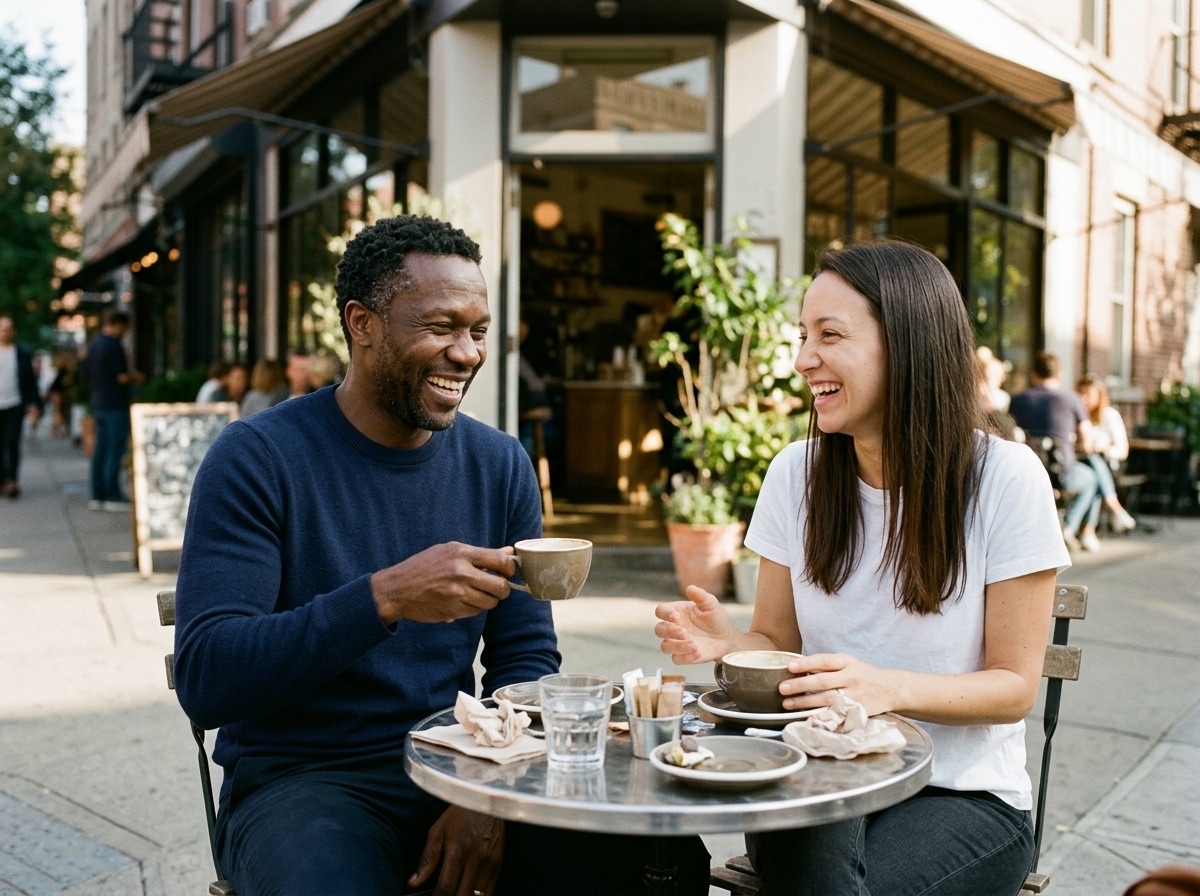
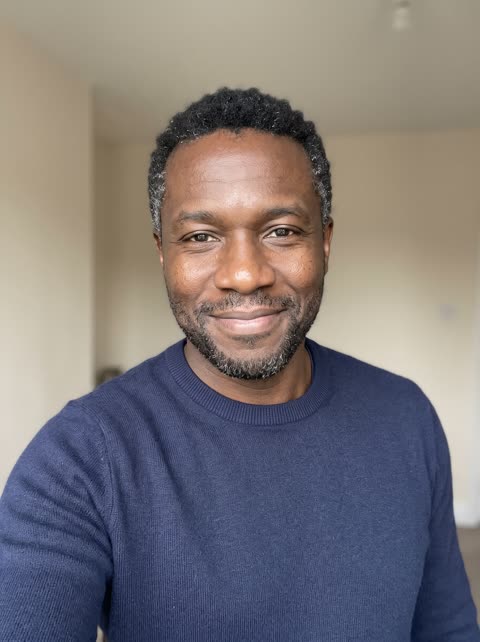
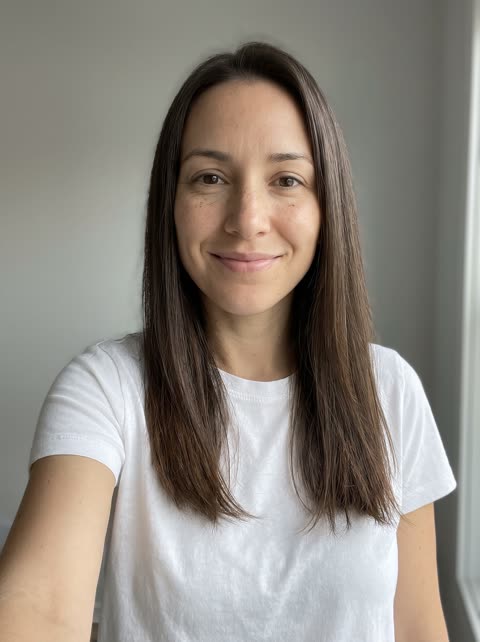
Two separate selfies become friends sharing a coffee at the same café table.
Two people in one photo
EXAMPLE PROMPTCombine the two people into one photo. The man from the first image and the woman from the second image sit together at a small table outside a sunny corner café, laughing as if friends sharing a story, each holding a cup of coffee. Keep both of them recognizable: the same faces, hair, skin tones and clothes as in their photos. Natural afternoon light, shallow depth of field, realistic candid photo, no text.
Use this combine two images AI tool to merge two photos into one new picture. Upload the first and second photo, say how they should meet, such as two friends at one table or a product in a new room, and the AI photo merger creates a single image that keeps what you asked it to keep.
Every example below was made with this combine two images AI tool andNano Banana 2.1, from the two photos in the corner and the template prompt. Pick a template to load its prompt, then upload your own two photos.
Two separate selfies become friends sharing a coffee at the same café table.
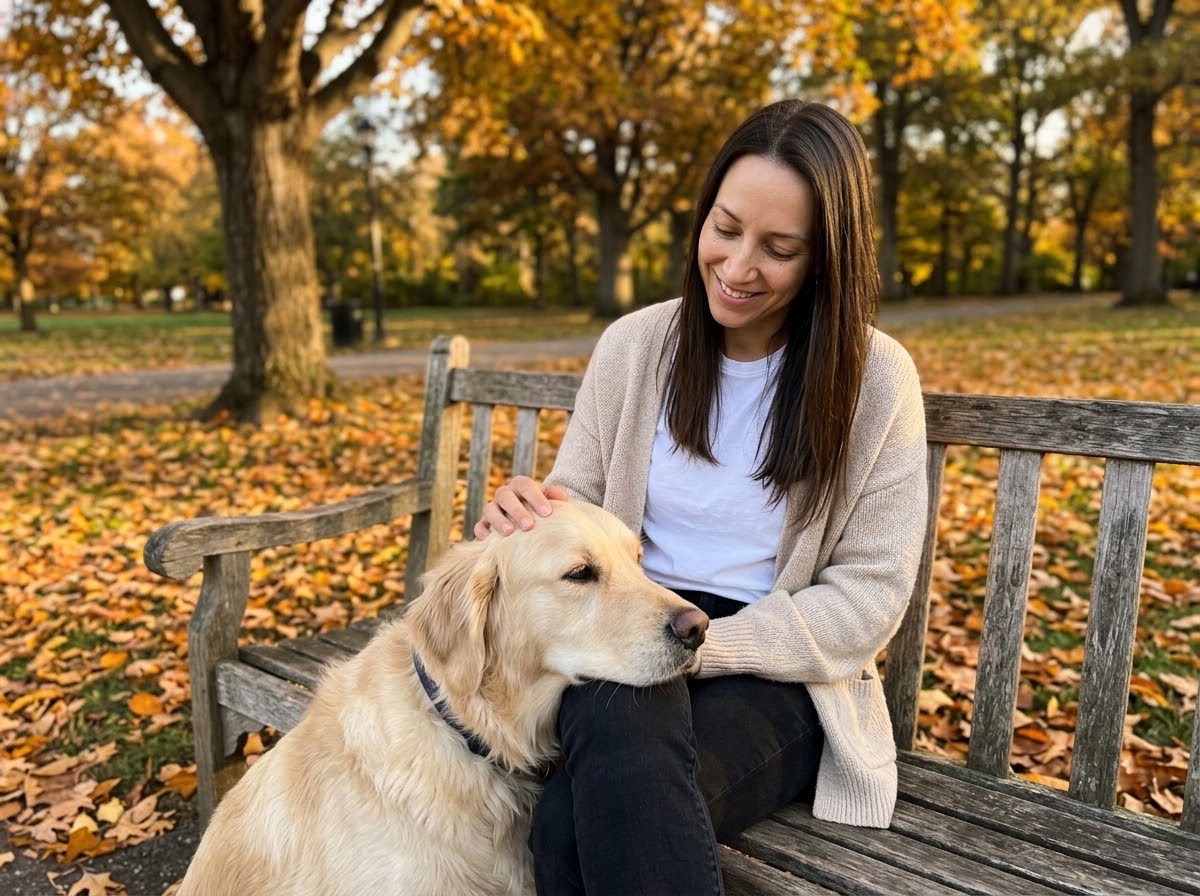
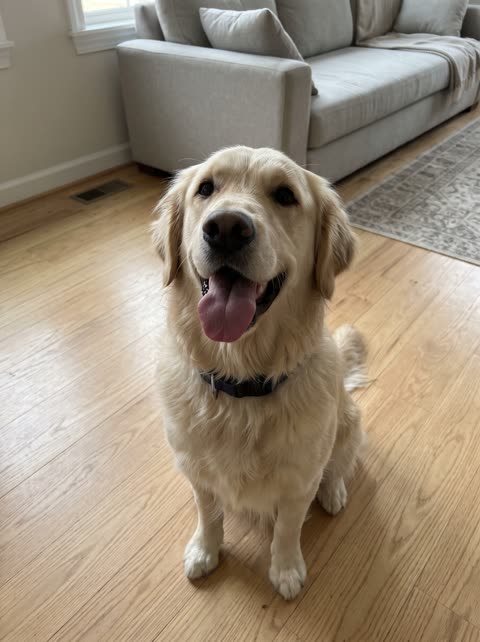
A selfie and a photo of the dog at home become one autumn afternoon in the park.
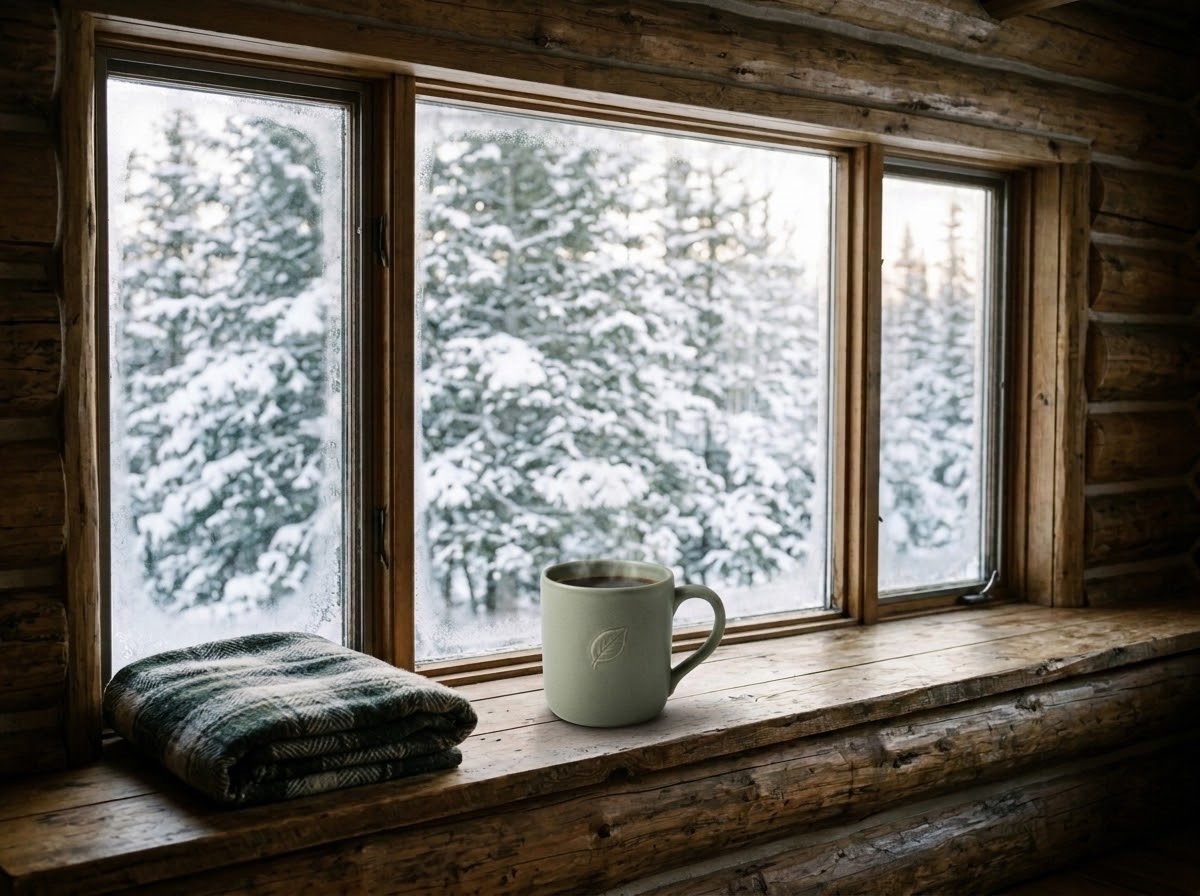
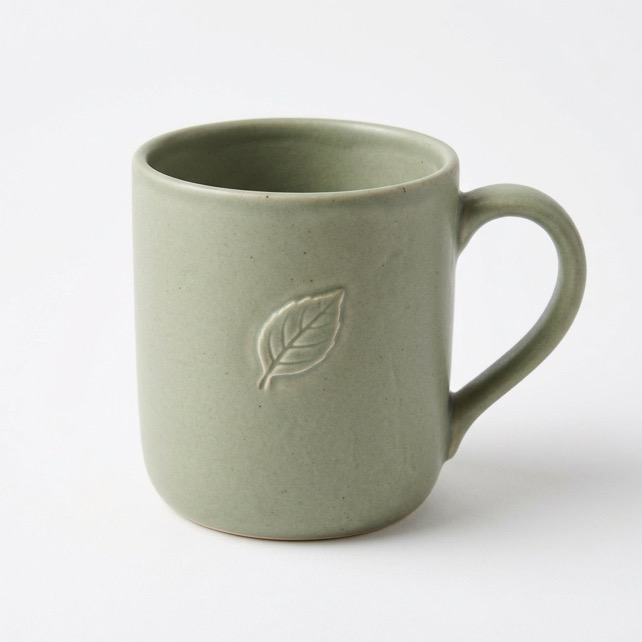
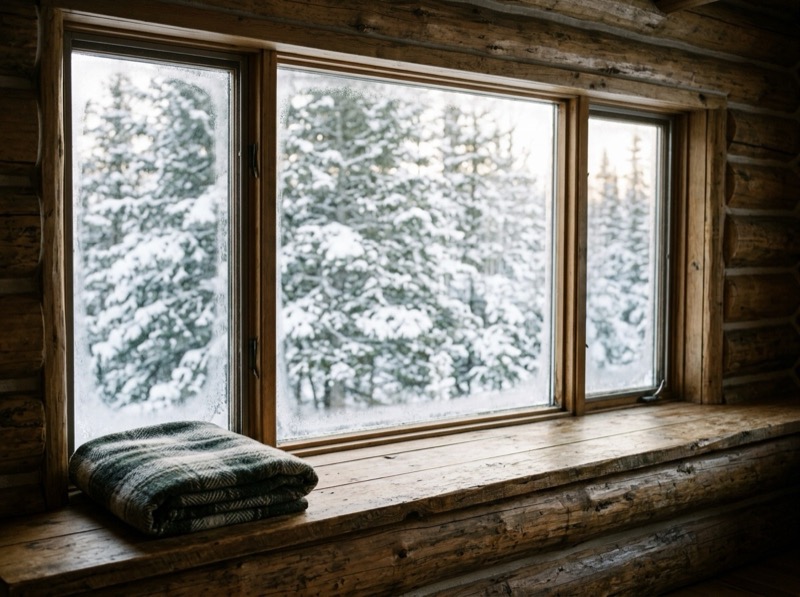
A studio product shot and an empty room become one lifestyle photo. The mug came out a paler green than in its own photo, so check colours.
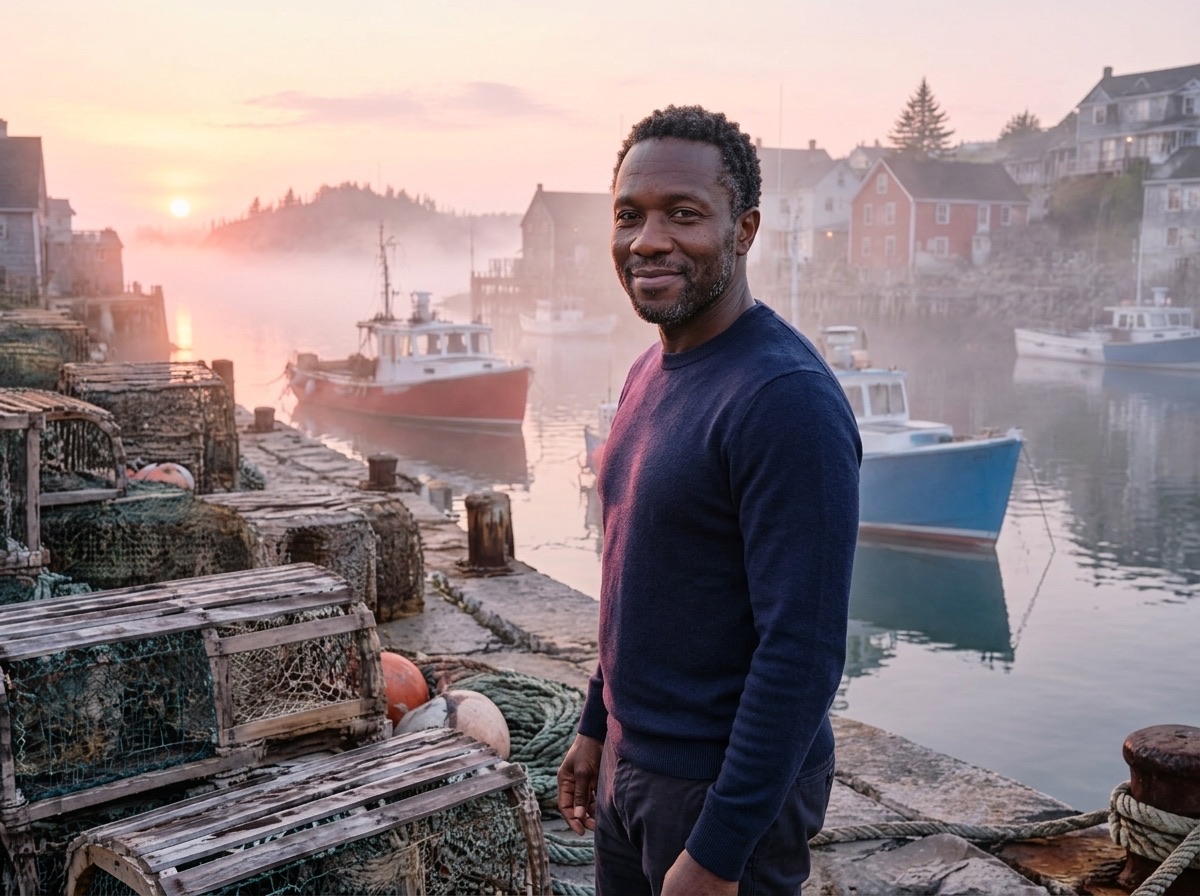
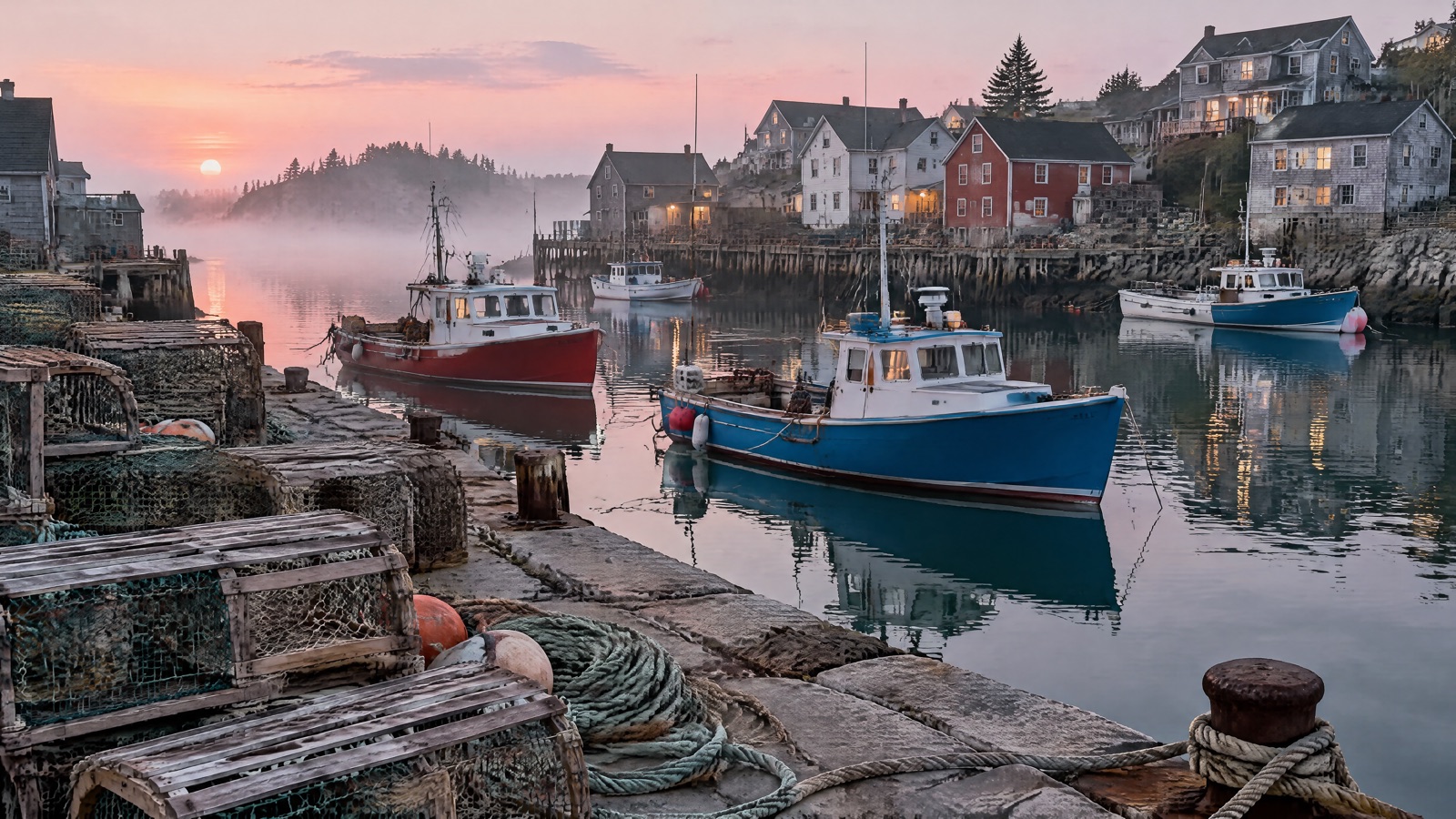
A selfie at home and a photo of a harbor become one portrait at dawn.
The portraits are AI-generated, not real people. The harbor photo was made with GPT Image 2.5 and the mug and cabin photos with Nano Banana 2.1; likeness and colours can vary between generations.
Add the first photo, then the second. Each image must be under 5 MB. You can add more than two when the model allows it.
Pick a template or write a prompt. Name who or what comes from the first image and the second image, and describe the scene they share.
Nano Banana 2.1 is selected by default. Switch models, or pick a resolution and aspect ratio; the credit cost shows on the Generate button.
Check faces, colours and hands. If something drifted, change one part of the prompt and generate again.
Copy a prompt, or use it here with your own photos. Each one says what comes from the first image and what comes from the second.
Combine the two people into one photo. The person from the first image and the person from the second image stand side by side at a rooftop party at sunset, smiling at the camera. Keep both faces, hair and skin tones the same as in their photos. Realistic photo, no text.
Make one couple photo from the two selfies. The person from the first image and the person from the second image walk hand in hand along a beach at golden hour. Keep both of them recognizable. Natural light, realistic photo, no text.
Add the person from the second image to the group photo in the first image, standing at the right end of the group. Match their size, the light and the camera angle to the rest of the group. Keep everyone else exactly as they are. Realistic photo, no text.
Place the product from the first image on the table in the second image. Keep the product exactly the same: shape, colour, label and material. Match the light and add a soft shadow under it. Realistic product photo, no other text.
Combine the two photos into one portrait: the person from the first image holds the pet from the second image in their arms in a sunny garden. Keep the person’s face and the pet’s fur, markings and eyes the same. Realistic photo, no text.
Put the person from the first image into the travel photo from the second image, standing in the foreground and looking at the view. Keep their face, hair and clothes the same. Match the light, colours and perspective of the travel photo. Realistic photo, no text.
Show the person from the first image wearing the jacket from the second image. Keep their face, hair and pose the same, and keep the jacket’s colour, fabric and details. Plain light studio background, realistic fashion photo, no text.
Redraw the scene from the first image in the art style of the second image: its colours, brushwork and texture. Keep the layout and subjects of the first image. No text.
The model reads your photos and your words together. Clear photos and a prompt that names each one give the most reliable result.
The model sees your photos in the order you added them. Naming them by order tells it which person, product or place comes from which photo.
List the details that must not change, such as faces, hair, a product’s colour or a label. Everything you do not name is free to change.
Give the place, the light and what the subjects are doing together. One clear scene blends two photos better than a list of objects.
Likeness and colours are usually close but not guaranteed: the mug example came out paler than its photo. Regenerate or name the detail more precisely.
Both put two photos into one picture, but they do different jobs.
Creates a new image in which the people, pets or products from your photos share one scene, with one light and one camera angle. Use it when the photos were taken apart but should look as if they were taken together.
Places the original photos next to each other without changing them. Use a collage or editing app for that; this tool always draws a new image, so details can change.
Every model below can combine images in this generator. Credits are per image at each resolution, shown before you generate.
| Model | Images per request | Resolution | Credits per image |
|---|---|---|---|
| Nano Banana 2.1 (default) | Up to 10 | 1K, 2K, 4K | 1K 5 · 2K 7 · 4K 11 |
| Nano Banana 2 | Up to 10 | 1K, 2K, 4K | 1K 10 · 2K 14 · 4K 21 |
| GPT Image 2 | Up to 16 | 1K, 2K, 4K | 1K 7 · 2K 12 · 4K 18 |
| GPT Image 2.5 | Up to 16 | 1K, 2K, 4K | 1K 7 · 2K 12 · 4K 18 |
| Seedream 5 | Up to 10 | 1K, 1.5K, 2K | 1K 4 · 1.5K 4 · 2K 4 |
| Kling Image 4.0 | Up to 10 | 2K, 4K | 2K 8 · 4K 16 |
Find your starting point and get more from your next image.
It is an image generator that takes two photos and a short instruction and creates one new picture that uses both, for example two people at the same table or a product in a new room. It does not paste the photos next to each other; it draws a new image.
Upload your first and second photo in the generator at the top of this page, choose a template or write how they should appear together, then select Generate. The merged image appears in My Creations.
Sign in to get free welcome credits. New accounts receive 120 credits once, and a merged image with Nano Banana 2.1 at 1K costs 5 credits. After that, see Pricing for plans and credit packs.
Up to 10 with Nano Banana 2.1 and up to 16 with GPT Image 2 or GPT Image 2.5. Each image must be under 5 MB. With more images, say in the prompt what to take from each one.
Yes. Upload one clear photo of each person and describe where they are and what they are doing together. Use only photos you have the right to use, and do not make misleading images of real people. Prompts and uploads are checked against the content rules.
Usually close, but not guaranteed. Clear, well-lit, front-facing photos help, and so does writing “keep the same faces, hair and skin tones”. If a face drifts, generate again.
Not with this tool. It creates a new image, so the two photos will not stay pixel for pixel as they were. For a side-by-side collage or two photos in one frame without changes, use a photo collage or editing app.
Nano Banana 2.1 creates one image at 1K, 2K or 4K (5, 7, 11 credits) as JPG or PNG. Other models offer different sizes and formats; the generator shows what the selected model supports.
Start with Nano Banana 2.1: it is the default and costs the least. Try GPT Image 2.5 when the merged image needs readable text, such as a poster or a label, or when you want to add more than 10 images.