Create with your voice
Reference recording · 10 seconds–5 minutes

WAV, 24 kHz, mono, 16-bit PCM, up to 20 MB. Clear speech with no music or other voices.

Your recording is sent to MiniMax. The cloned voice is reused for the same recording in your account.

0/1000

Start with your own recordings

MiniMax Voice Clone · Speech 2.8 HD

Upload a clear recording of a voice you are authorized to clone, then enter the words you want it to say.

Every story starts with a small idea. Today, I want to share one of mine with you.

AI Voice Cloning

Use AI voice cloning to create a voice clone from your own recording, then turn new scripts into speech in your voice. Use SuperVids’ online AI voice cloner for video narration, tutorials, and stories.

Hear the original. Compare the clone.

The words can change. The voice should still feel familiar. Compare tone, pronunciation, and pacing with the original recording.

Reference · German

Original recording

“Wenn ich etwas erkläre, achte ich darauf, meine Worte so zu wählen, dass sie auch ohne weitere Hinweise gut verständlich bleiben. Sobald ich meine Gedanken sortiert habe, formuliere ich sie in einem ruhigen Ton, der meinen natürlichen Rhythmus widerspiegelt.”
New speech · English

Cloned voice

“Every story starts with a small idea. Today, I want to share one of mine with you.”

Reference voice: Thorsten Müller · CC0. German source recording, English speech generated with MiniMax Voice Clone and Speech 2.8 HD. Illustrations show fictional presenters.

How to clone your voice with AI

Start with a voice you know. Give it a new script. Leave room for a listening pass before the final edit.

  1. 01

    Start with your voice

    Choose a clear audio sample of yourself speaking naturally. Voice cloning from an audio file starts with a recording that captures your voice on its own.

  2. 02

    Give it something new to say

    Write the lines for your next video, lesson, or story. Use punctuation and short sentences to make the script easy to follow aloud.

  3. 03

    Listen. Refine. Make it yours.

    Review the delivery against your original recording. Check names, pauses, and emphasis before bringing the narration into your content.

Your voice. New words.

A preset voice reads the script. A voice clone starts with you. Bring the character of your own recording to a fresh intro, an updated lesson, or the next chapter.

Voice cloning software pairs your reference recording with a new script for text to speech with your own voice. Write for the way you actually speak, then listen for the details that make the delivery feel like you.

Explore text to speech
One reference voiceThree new things to say
01
The introduction

“Welcome back. Here’s what we’re making today.”

02
The update

“A small change makes this next step much easier.”

03
The sign-off

“Thanks for being here. I’ll see you in the next one.”

Script examples · no audio generated

A better sample makes a better voice clone.

Your recording is the reference. Give the model your voice clearly, without the room, music, or another speaker competing for attention.

A moment at the microphone

Voice clone sample text

“Every story starts with a small idea. Today, I want to share one of mine with you.”

A starting point to read aloud, not a required sample length. Keep your delivery relaxed and natural.

  • One voice at a time

    Keep other speakers, music, and background dialogue out of the recording.

  • Find a quiet space

    Reduce room echo and steady noise, such as fans or traffic.

  • Sound like yourself

    Speak at your normal pace, with the expression you want in your narration.

  • Keep the recording steady

    Maintain a consistent distance from the microphone and avoid clipping or heavy effects.

One familiar voice across your content.

Keep the connection with your audience as your ideas grow. Here are three ways to plan narration around your own voice.

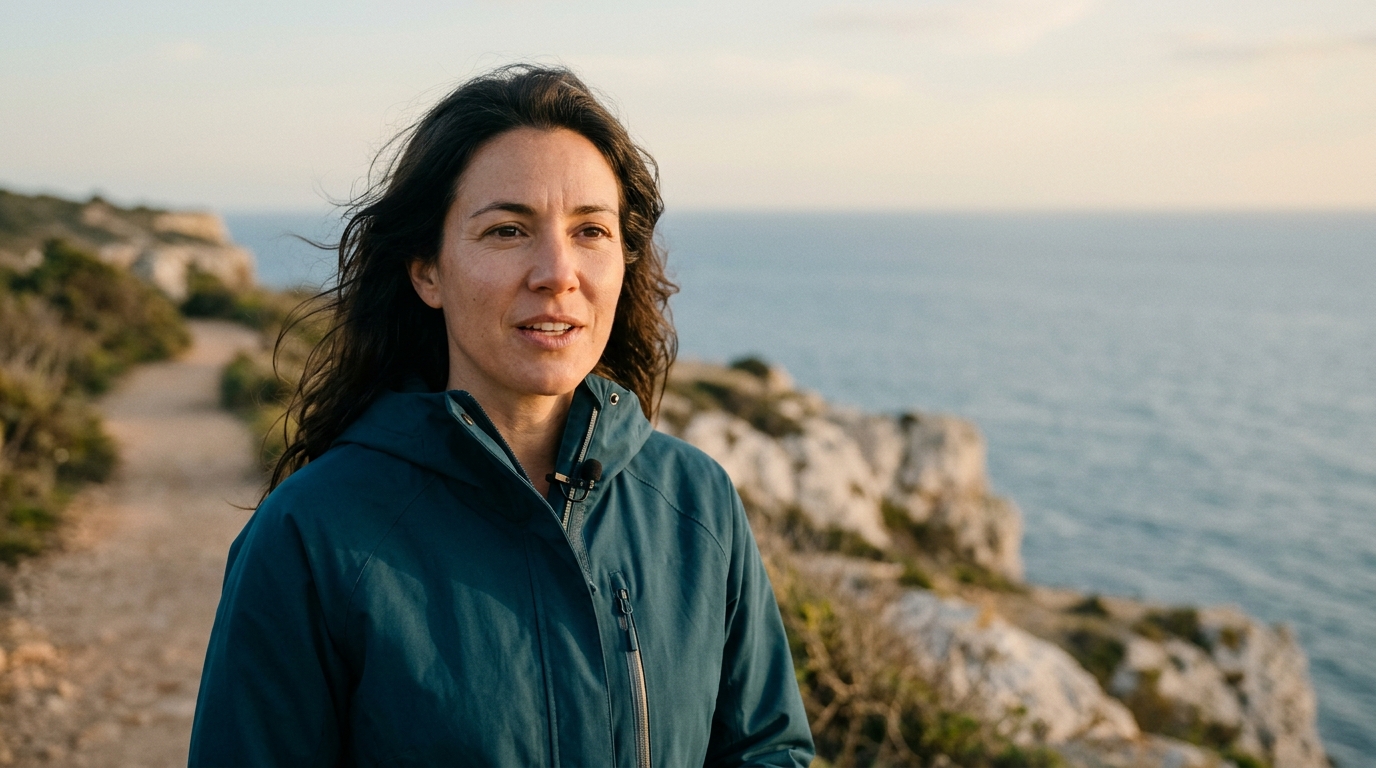
Fictional travel creator at a coastal overlookKeep your channel familiar

YouTube & creator series

Intros, recaps, and new episodes can share a recognizable voice as the story changes.

“Come with me. Today, we’re taking the road less traveled.”
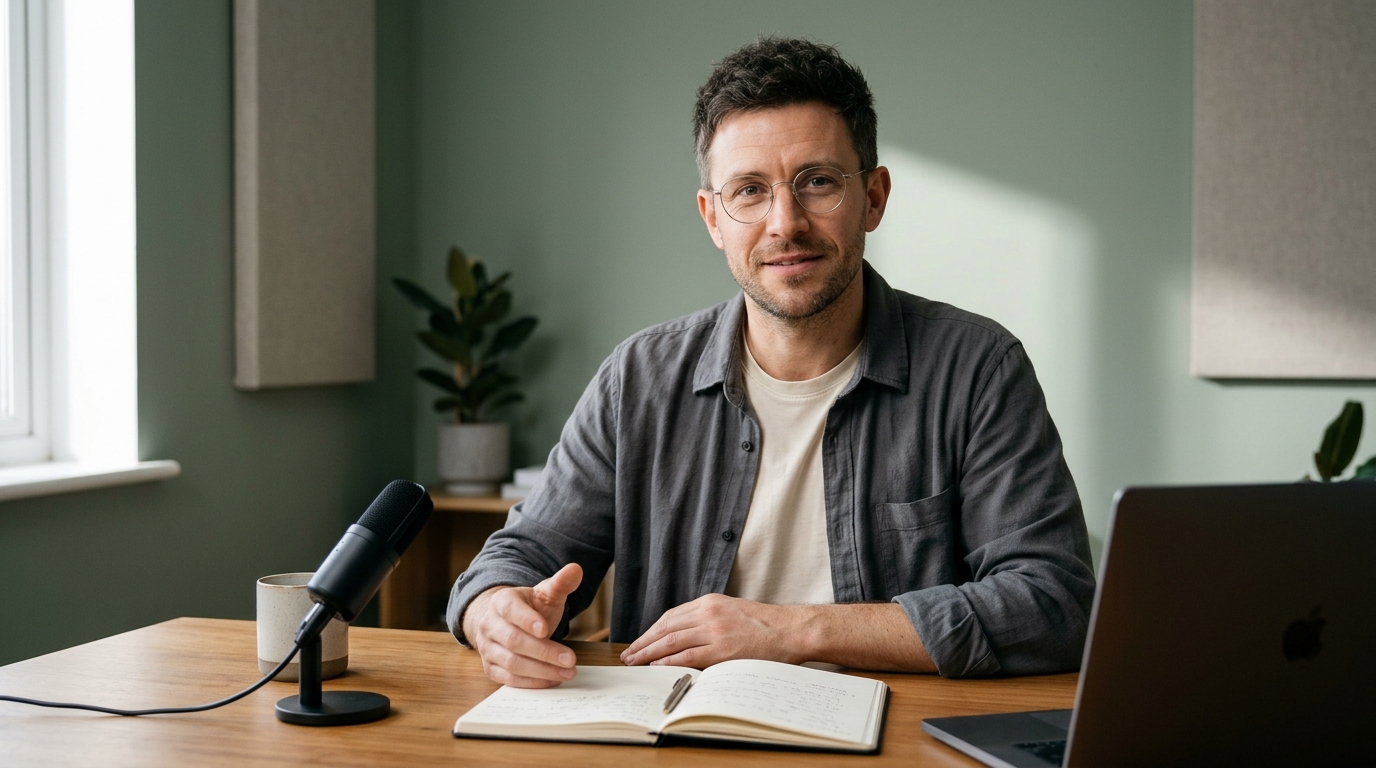
Fictional instructor recording a lesson at a deskExplain it in your own voice

Tutorials & online courses

Plan new lessons and revised explanations with the same voice your audience knows.

“Let’s slow down and walk through this step together.”
Warm lantern illuminating a quiet stone laneGive each chapter a connection

Podcasts & storytelling

Carry your narration style through a series of stories, chapter introductions, and updates.

“By the time the lanterns came on, the town had a story to tell.”

Bring your voice into your next video.

A voiceover is one part of the story. Pair the narration with your footage, shape the pacing, and give the final edit a voice that feels connected to you.

  • Build the scene around your narration
  • Refine timing and captions in the edit
  • Bring the whole story together in SuperVids
Explore the Editing Studio
A story in your voiceEditor preview
Sunlight revealing the veins of a green forest leafEvery story starts with a small idea.

AI voice cloning FAQ

From your first recording to the final narration, here’s where to start.

What is AI voice cloning?

AI voice cloning uses a recording as a reference to generate new speech that resembles the speaker’s voice. An AI voice clone can read new words; it is not simply a replay of the original audio. The resemblance and delivery depend on the source recording and the model.

Can AI clone my voice from a recording?

Your recording provides the voice reference for new speech. Choose a clear sample of yourself speaking, without background music, overlapping voices, or strong echo. Speak naturally and keep your microphone position consistent. Check the file requirements and sample length shown in the form before uploading.

How can I make a voice clone sound more natural?

Start with a clean, expressive sample and write a script that sounds natural when read aloud. Punctuation helps communicate pauses. Listen for unusual pronunciation and changes in tone, and revise the wording where needed. A voice cloner may not reproduce every detail of the original voice.

Can I use text to speech with my own voice?

That is the workflow voice cloning is designed for: use your own recording as the voice reference, then supply a new script. Standard text to speech usually starts with a preset voice; text to speech with your own voice starts with your recording. Upload a recording you have permission to clone, enter your script and confirm consent before generating.

Do I need to install voice cloning software?

No. Use the online voice cloner in your browser: sign in with a verified account, upload an authorized recording and enter your script. Generation runs on the server; you can listen to and download the result when it is ready.

How is voice cloning different from a voice changer?

Voice cloning uses a reference voice to speak a new text script. A voice changer starts with an existing spoken recording and transforms how that recording sounds. Choose cloning for new lines in a familiar voice, and a voice changer when your starting point is an existing performance.

How can I use a cloned voice in a video?

A voice clone can provide narration for a tutorial, creator video, or story. The editing stage is where you place the narration beside your footage, adjust the timing, and add captions. The editor illustration on this page shows that workflow; it does not generate or transfer audio.

Whose voice can I clone?

Use your own voice or a voice you have explicit permission to clone and use. Do not impersonate another person or present generated speech as something they actually said. Permission to use a recording and permission to clone the speaker’s voice are not necessarily the same.